Microsoft Defender False Positives: Permission Forensics for Security Alerts
Validating Microsoft Defender alerts is like checking a car alarm that goes off every time the wind blows. Over time, you stop looking—and that’s when the real break-in happens. Defender is great at detecting suspicious logins, unusual access, or malware—but it only tells you the alarm fired. 1Security adds the missing context, showing which alerts matter and how to act before real damage happens.
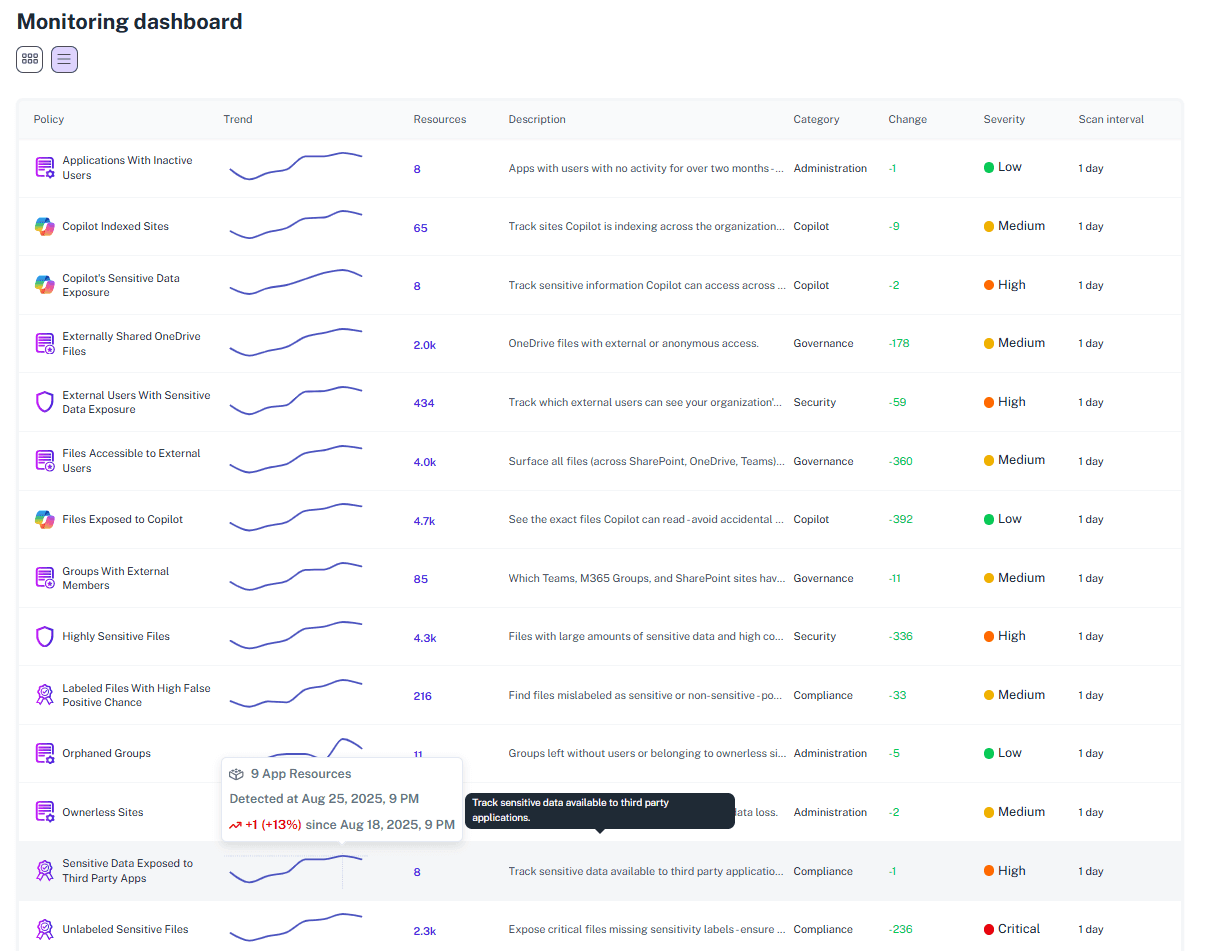
What is the challenge?
Doing It with 1Security
When Defender fires, you do not have the time to guess. 1Security gives you the complete story—so you know instantly which alerts need action and exactly how to act now.
Permission Forensics for Defender Alerts
When Defender fires, you shouldn't have to guess. 1Security gives you the complete story—so you know instantly which alerts need action and exactly how to act now.

Contextual Validation
Cross-reference sensitive data alerts with actual user access rights to see if the exposure is real.
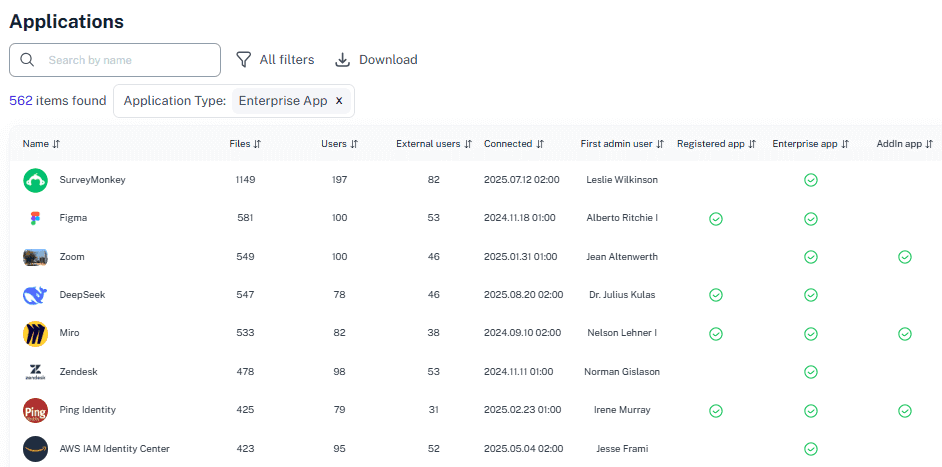
Know Which Alerts Demand Action
outine activity (traveling executive, international contractor) is automatically contextualized. Real threats (unauthorized access to PII, external data sharing, privilege escalation) are escalated.
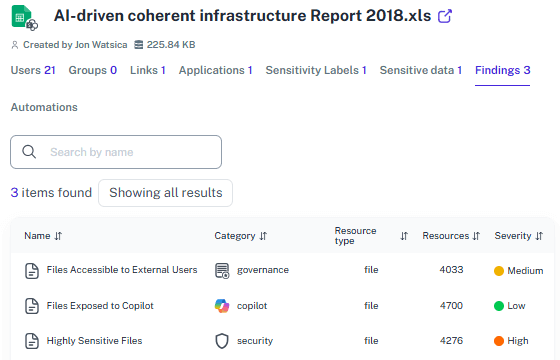
Precise Location
See exactly where the flagged data lives and who owns it, saving hours of hunting through SharePoint sites.
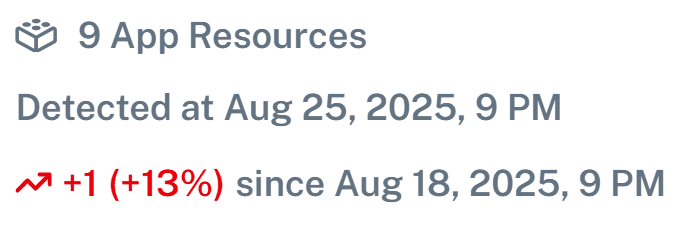
Attack Chain Correlation
See exactly where the flagged data lives and who owns it, saving hours of hunting through scattered data locations.
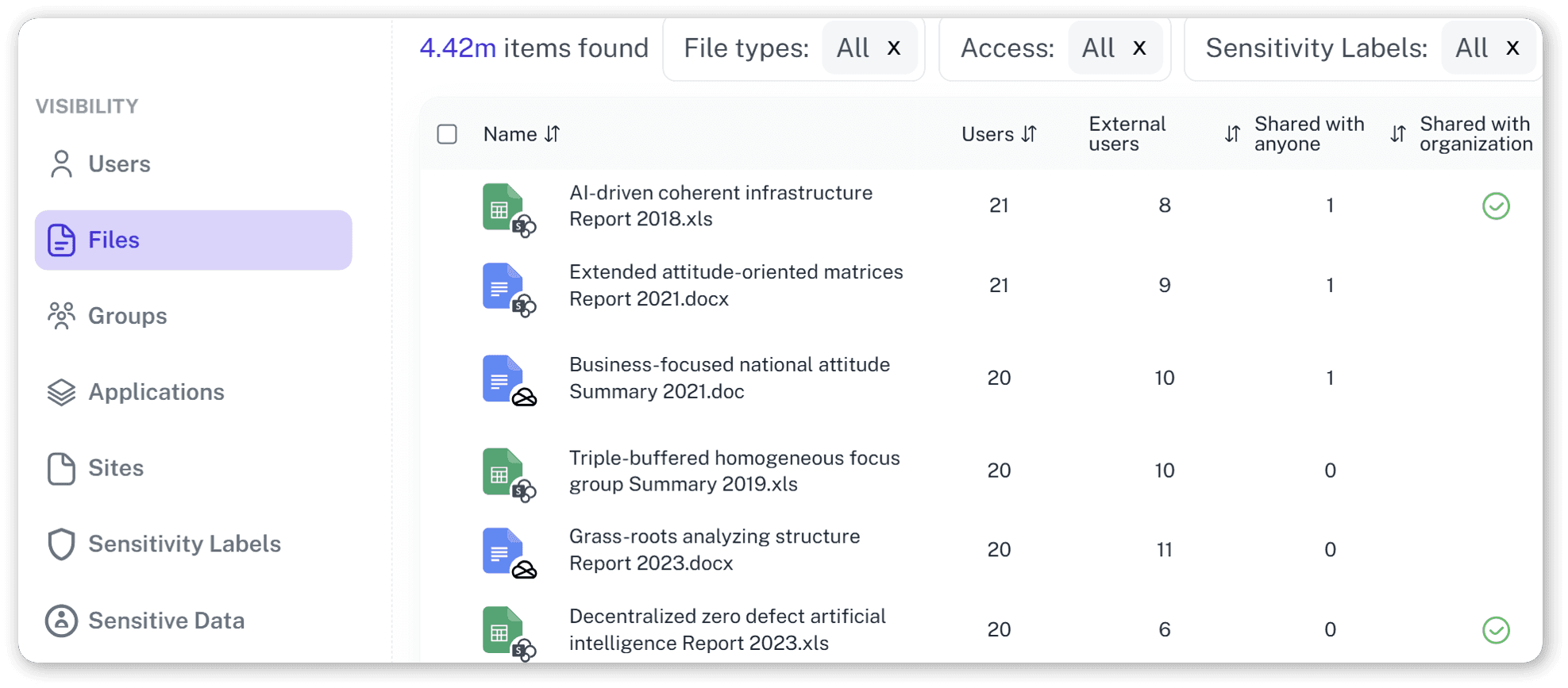
The Full Forensic Timeline
Every alert includes what happened, who did it, what was affected, why it matters, and related events across all M365 services.
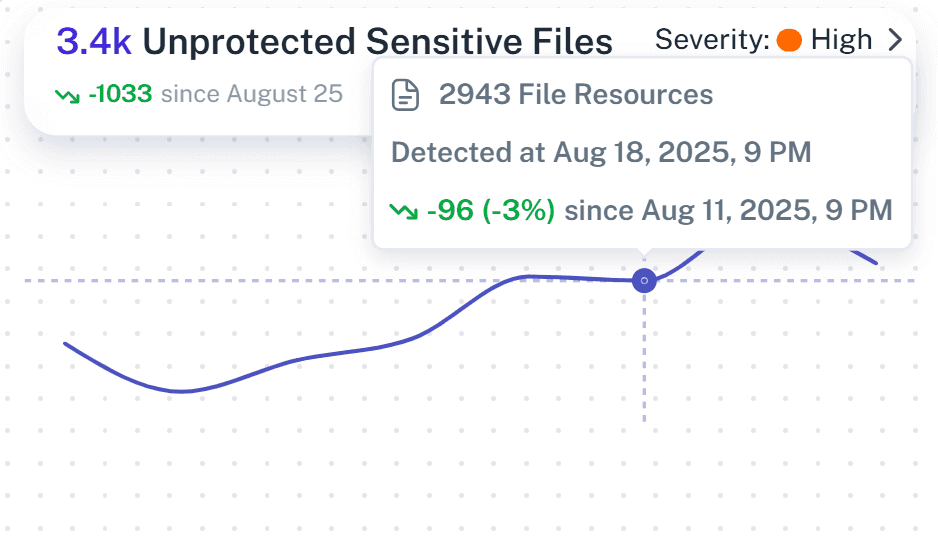
Safe AI and SaaS Adoption
Ensure Copilot, AIs, SaaS apps do not surface sensitive data that was incorrectly labeled or ignored due to alert fatigue.
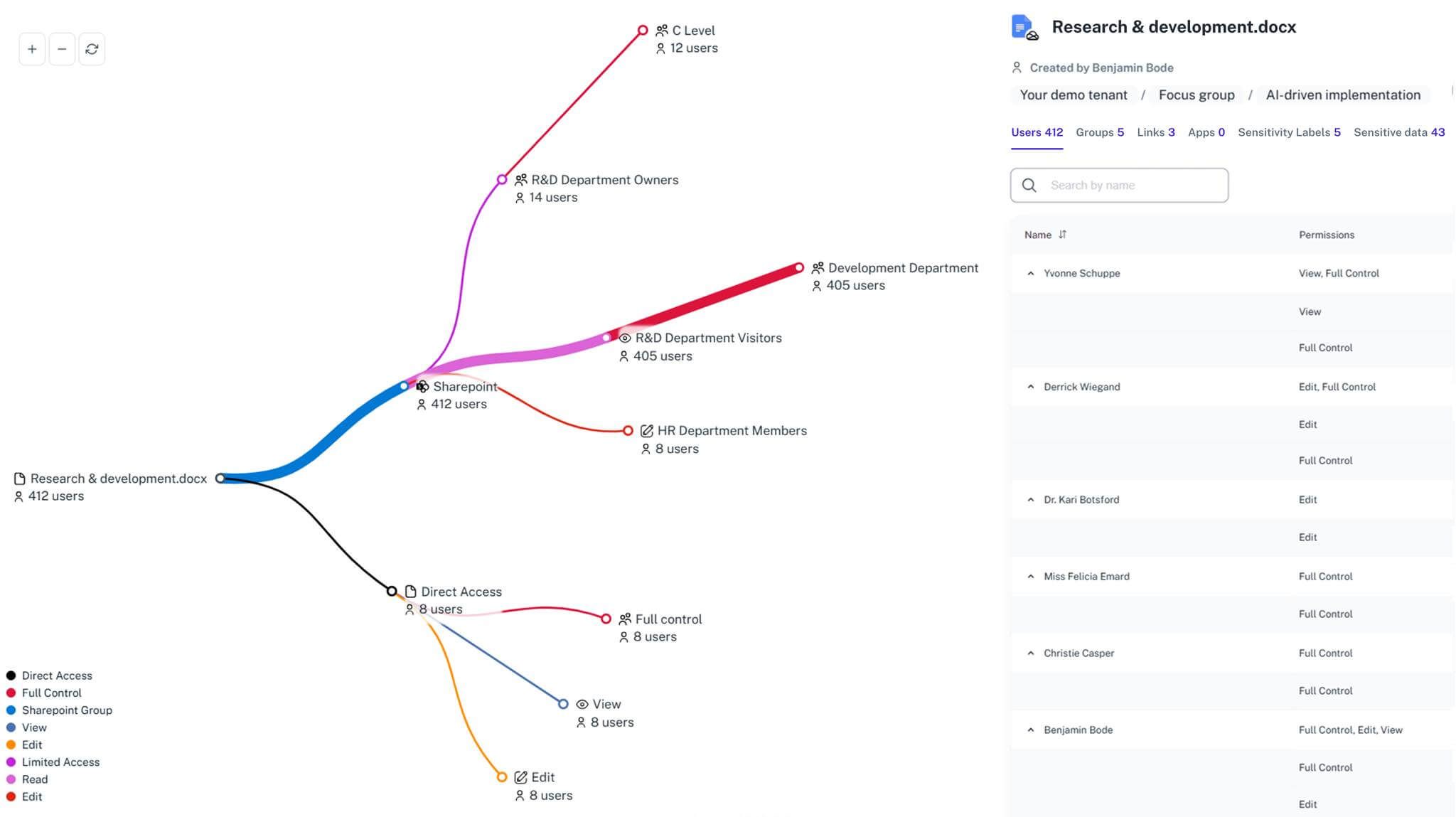
Clear Visibility
Gain a complete map of permissions to understand why a file was flagged and who can see it.
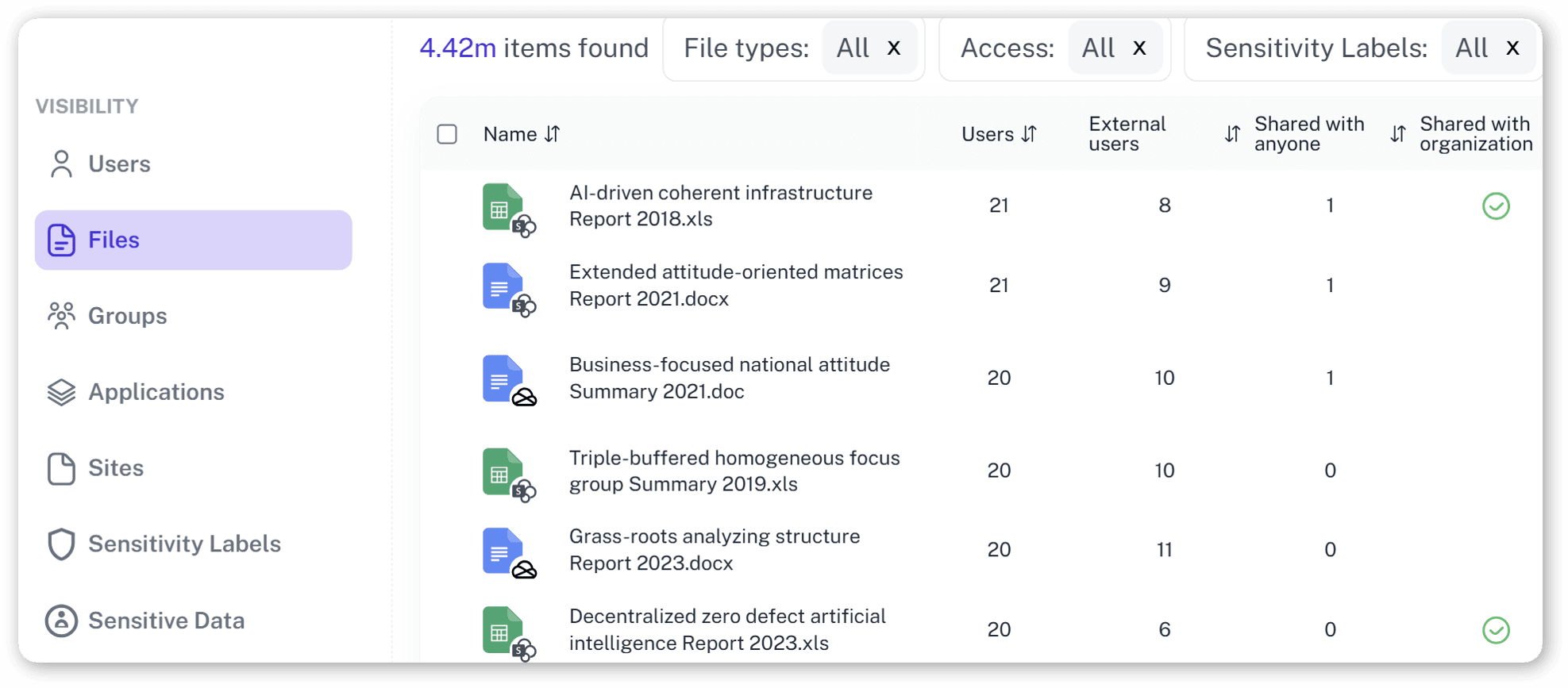
Solving It with Other Methods
Native tools and manual reviews jump at every little jump scare — the kind that turns out to be a spreadsheet minding its own business. With rules that overreact to everything, they pile up more busywork than real protection.
Why Microsoft Defender False Positive Report Accuracy Matters?
Security teams drown in thousands of Defender alerts every month. Most are routine work that looks suspicious. Some are real breaches. Without forensic context—permission levels, file sensitivity, activity correlation—you can't tell the difference. That's not alert management. That's security paralysis.
"We had thousands of 'risks' in our logs. 1Security helped us see that most were safe, letting us focus on the real external threats."
CISO, Mid-sized Insurance Firm"Native tools flagged everything. 1Security showed us exactly who had access, cutting our investigation time by 90%."
IT Admin, Public University"Finally, a Microsoft Defender false positive report we can trust. It creates clarity where we used to have only noise and confusion."
Security Director, Financial ServicesWho Benefits Most?
1Security supports organizations of all sizes — from highly regulated industries to fast-growing mid-size firms.
Works seamlessly with your ecosystem
1Security connects natively with the tools you already use — giving you full visibility and control without adding complexity.











Frequently asked questions
Everything you need to know about the product.
Does this replace Microsoft Defender?
No. 1Security complements Defender. It adds the missing context, like who has access and where data lives, so you can decide if an alert is real.
How does 1Security help with false alarms?
We show you the full picture. You see the file, the permissions, and the user activity, allowing you to dismiss false flags instantly.
Can it see external sharing risks?
Yes. We highlight if a file flagged in your Microsoft Defender false positive report is actually shared with guests, which native tools might miss.
Is it hard to set up?
No. We focus on being intuitive and simpler than complex native options. You can see value in a very short time.
Why are there so many false positives?
Native tools use "regex" (pattern matching) to find sensitive data. This is often too broad and flags harmless numbers or text as risks up to 80% of the time.
Is this only for large enterprises?
No. While designed for complex environments, 1Security is equally valuable for mid-sized organizations running Microsoft 365 or Office 365 that need strong visibility into access, activity, and compliance.
Do you support ISO 27001, SOC 2, HIPAA, and GDPR work?
Yes. 1Security maps findings and evidence to common control frameworks, helping organizations demonstrate compliance more efficiently.
Can non-technical stakeholders use it?
Yes. Plain-language reports and read-only views make it easy for compliance, legal, and business stakeholders to see the evidence behind findings without needing admin rights.
Gain visibility. Ensure compliance. Boost productivity.
Stop guessing who has access to your sensitive data. With 1Security, you gain the visibility, automation, and confidence needed to protect your Microsoft 365 environment.