Microsoft 365 Audit and Investigation
Auditing Microsoft 365 can feel like watching a wall of security cameras with no labels and no timeline. The footage is there, but you don’t know which screen matters, who’s in the frame, or when the real incident started. You’re forced to scrub through recordings and guess. 1Security tags every action, stitches events together, and gives you a single, searchable narrative instead of hours of silent footage.
What is the challenge?
Doing It with 1Security
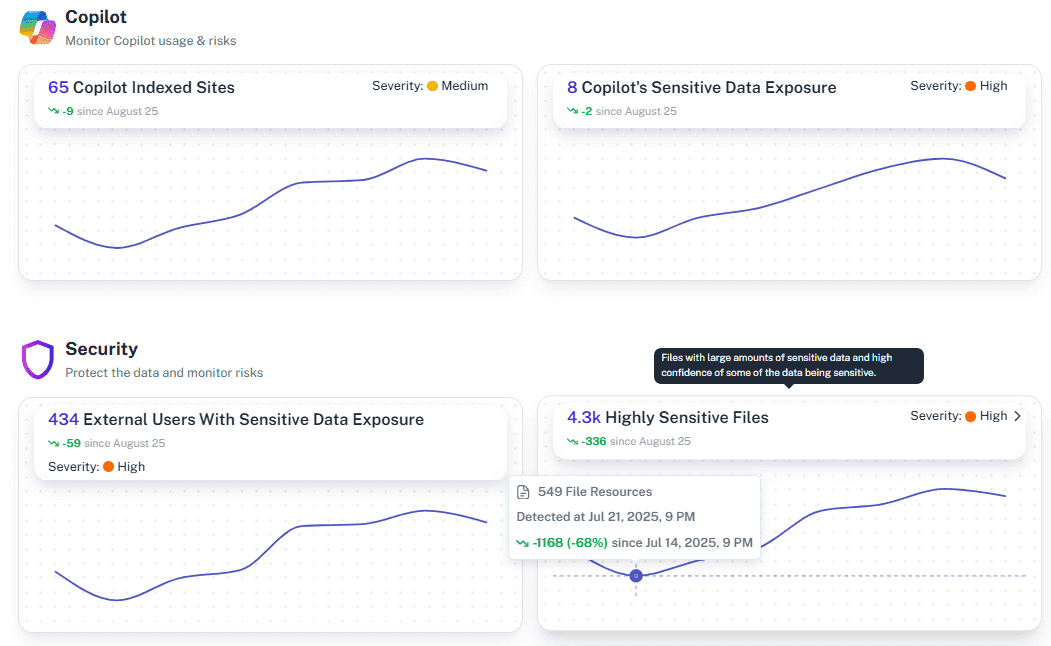
Fragmented logs are like a 10,000-piece, all-white puzzle. 1Security paints in the details, giving you full M365 audit visibility for every single app.
Unified Audit Timeline
Get a single chronological view of all activity from SharePoint, Teams, and Exchange Online with complete user and permission context.
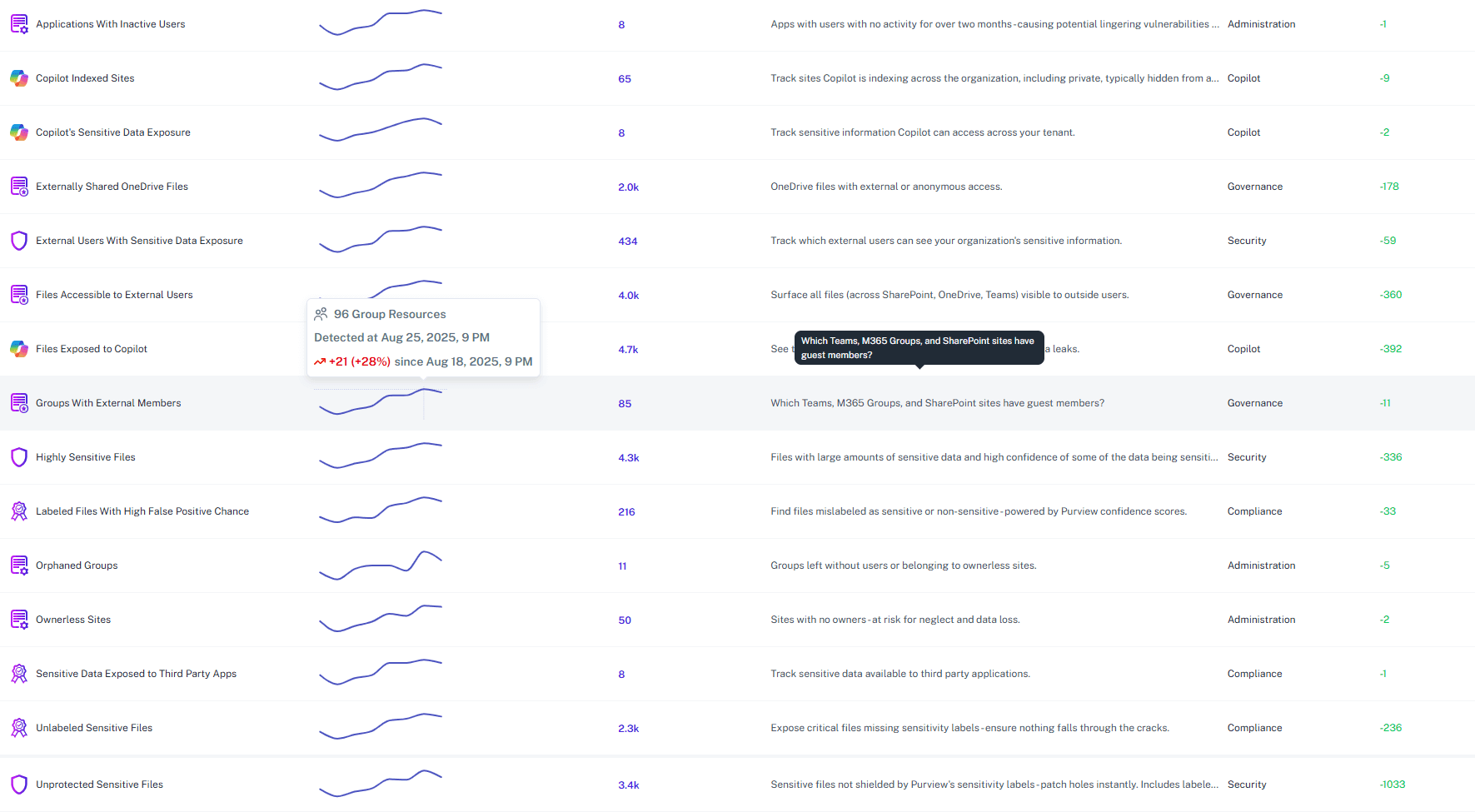
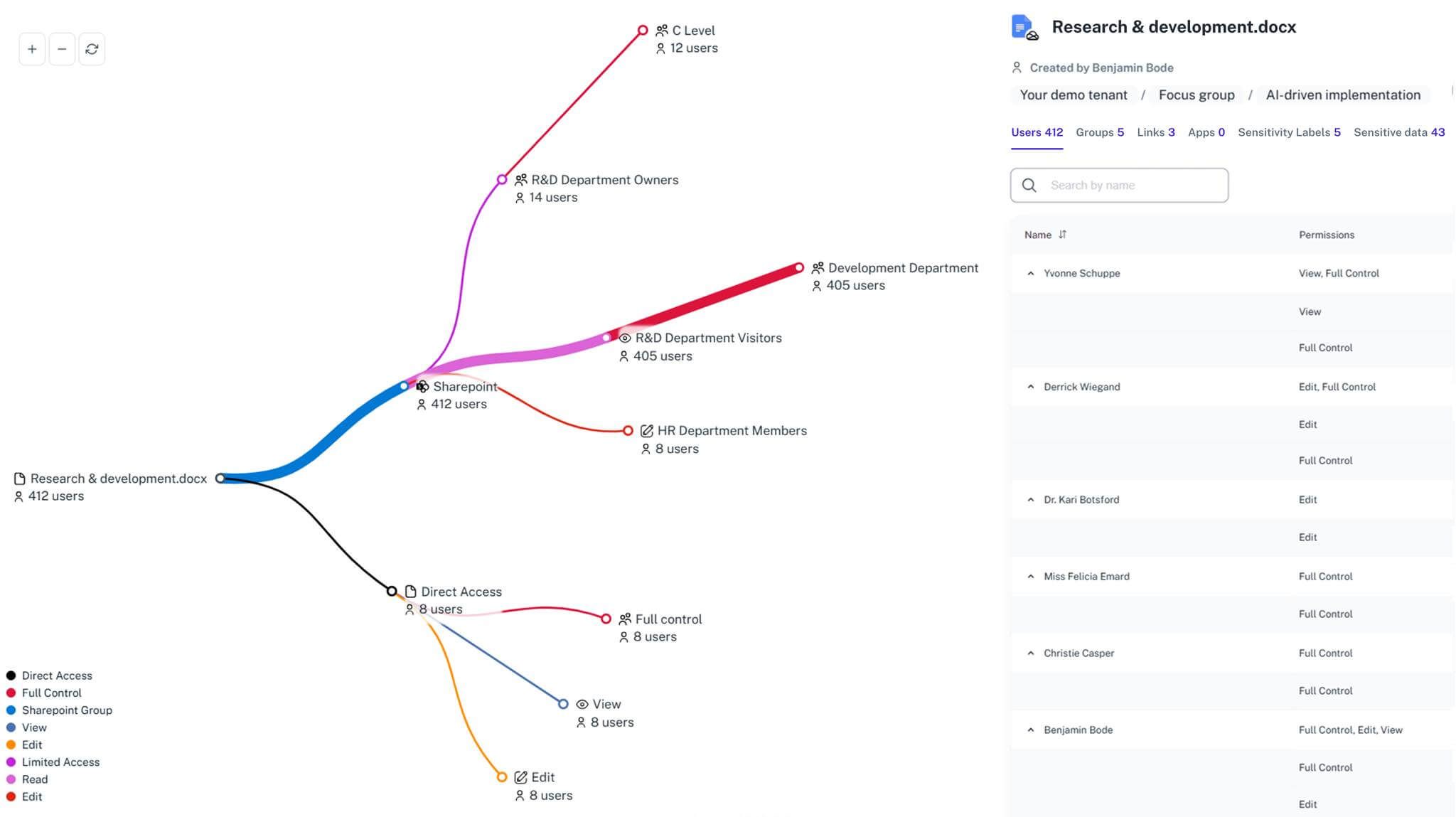
Detailed Permission Auditing
Instantly see who can access any file and how they got that permission.

Automated Evidence Reports
Generate audit-ready summaries aligned with ISO 27001, GDPR, and other compliance reporting frameworks.
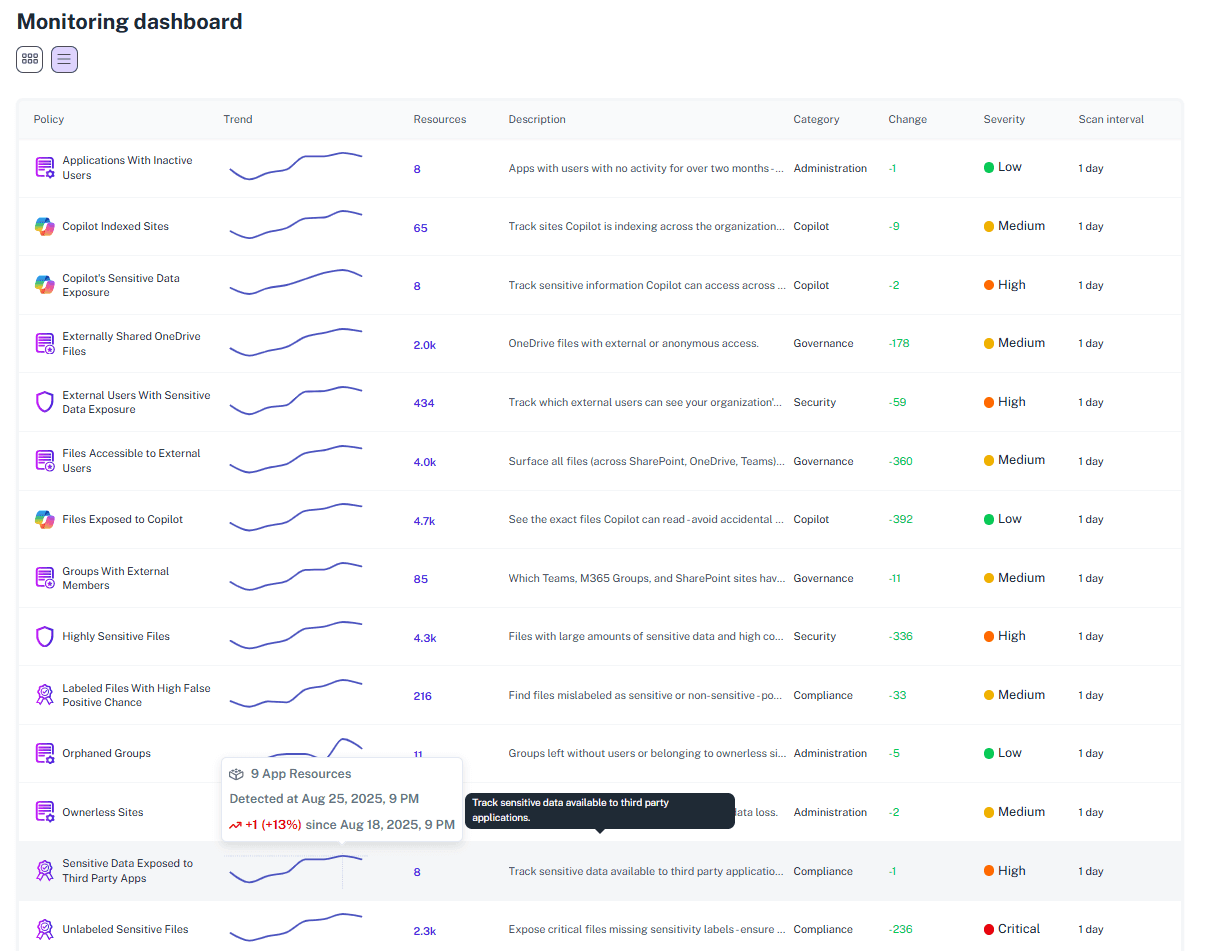
Sensitive Data Link Mapping
Pinpoint where confidential files were exposed or shared externally, providing clear evidence for investigations.
Continuous Monitoring
Detect abnormal user activities, link creation, or permission changes as they happen.
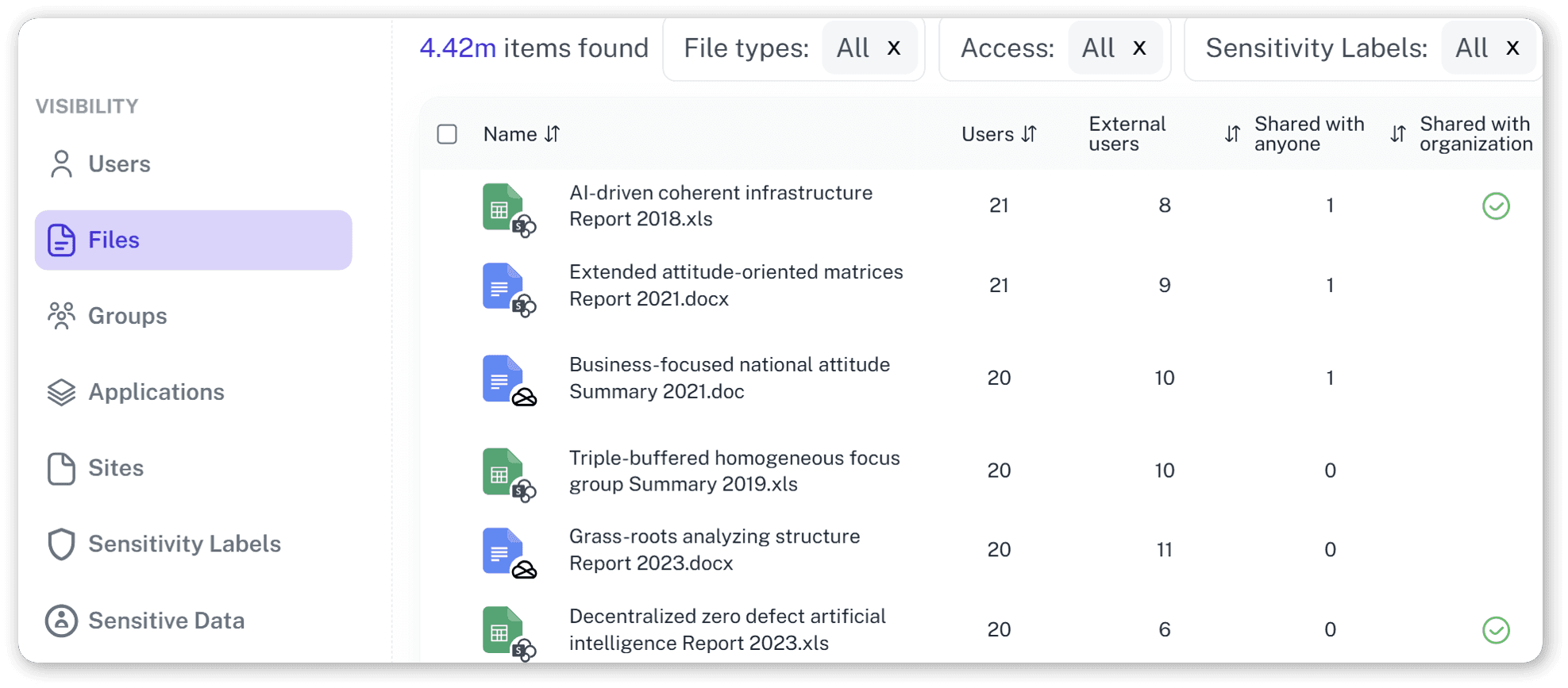
AI-Ready Investigations
See exactly what data Microsoft Copilot can access and expose.
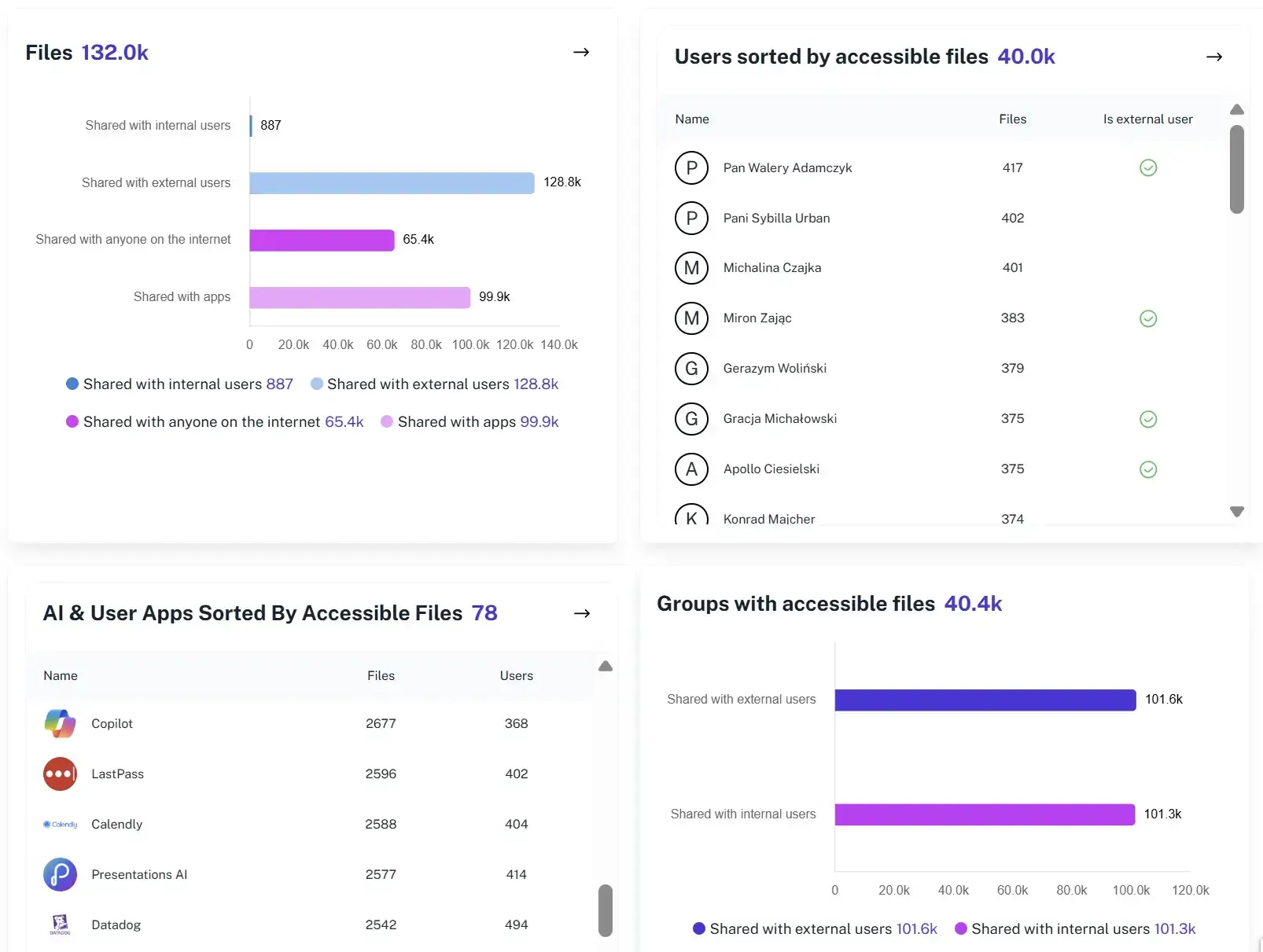
Risk Prioritization
Identify where sensitive data is exposed before an incident, allowing teams to fix high-risk access issues proactively.
Solving It with Other Methods
Many organizations use native Microsoft 365 audit tools or manual exports. It’s like auditing by fax: the report arrives slow, it’s grainy, and already outdated.
Why Microsoft 365 Audit and Investigation Matters?
1Security takes your M365 audit data jungle and hacks a clear path through it. With full context and retention, you can prove compliance, spot the hidden dangers, and map out your governance.
"We used to spend days correlating audit logs after incidents. With 1Security, we had the full timeline in minutes."
IT Security Manager, European Insurance Group"1Security helped us explain exactly how a sensitive SharePoint link was exposed—our compliance team was amazed."
Data Protection Officer, Healthcare Network"When Copilot pilots started, 1Security showed us every file the AI could reach. That insight was priceless."
CIO, Research UniversityWho Benefits Most?
1Security supports organizations of all sizes — from highly regulated industries to fast-growing mid-size firms.
Works seamlessly with your ecosystem
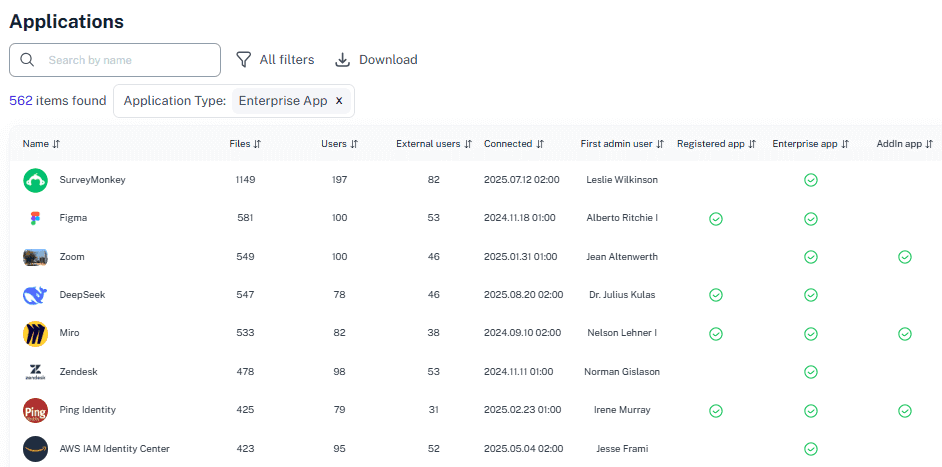
1Security connects natively with the tools you already use — giving you full visibility and control without adding complexity.










Frequently asked questions
Everything you need to know about the product.
How does 1Security simplify Microsoft 365 audits?
It unifies audit logs, permissions, and activity signals from Microsoft 365 apps into one searchable timeline.
Can I restore permission states after an incident?
1Security provides the detailed access reports you need to investigate the incident. This evidence helps your team quickly understand the exposure and fix the incorrect permissions.
Does it cover Microsoft Copilot data exposure?
Absolutely. 1Security identifies which files and folders Copilot could access or reveal during responses.
How does it help during compliance audits?
It provides ISO 27001, SOC 2, HIPAA, and GDPR-aligned reports with audit data mapped to every user and admin activity.
Can it alert on suspicious access or oversharing?
Yes. Real-time alerts notify teams of unusual activity and guest sharing related to sensitive data access.
Do you support ISO 27001, SOC 2, HIPAA, and GDPR work?
Yes. 1Security maps findings and evidence to common control frameworks, helping organizations demonstrate compliance more efficiently.
Can non-technical stakeholders use it?
Yes. Plain-language reports and read-only views make it easy for compliance, legal, and business stakeholders to see the evidence behind findings without needing admin rights.
Is this only for large enterprises?
No. While designed for complex environments, 1Security is equally valuable for mid-sized organizations running Microsoft 365 or Office 365 that need strong visibility into access, activity, and compliance.
Gain visibility. Ensure compliance. Boost productivity.
Stop guessing who has access to your sensitive data. With 1Security, you gain the visibility, automation, and confidence needed to protect your Microsoft 365 environment.