Microsoft 365 Safe Links
Anonymous links age like evidence in the rain. Quick collaboration becomes permanent exposure that auditors find and attackers scan. 1Security makes Microsoft 365 link governance forensically accountable. We surface every link and connect it to sensitivity context. You get investigations in minutes, ensuring sharing stays productive without compliance disasters.
What is the challenge?
Doing It with 1Security
Microsoft 365 links love to multiply when no one is watching. One quick share turns into ten open doors, and suddenly those safe links aren’t so safe. 1Security stops the link whack-a-mole by revealing intent, context, and risk, so sharing stays useful without becoming a security comedy.
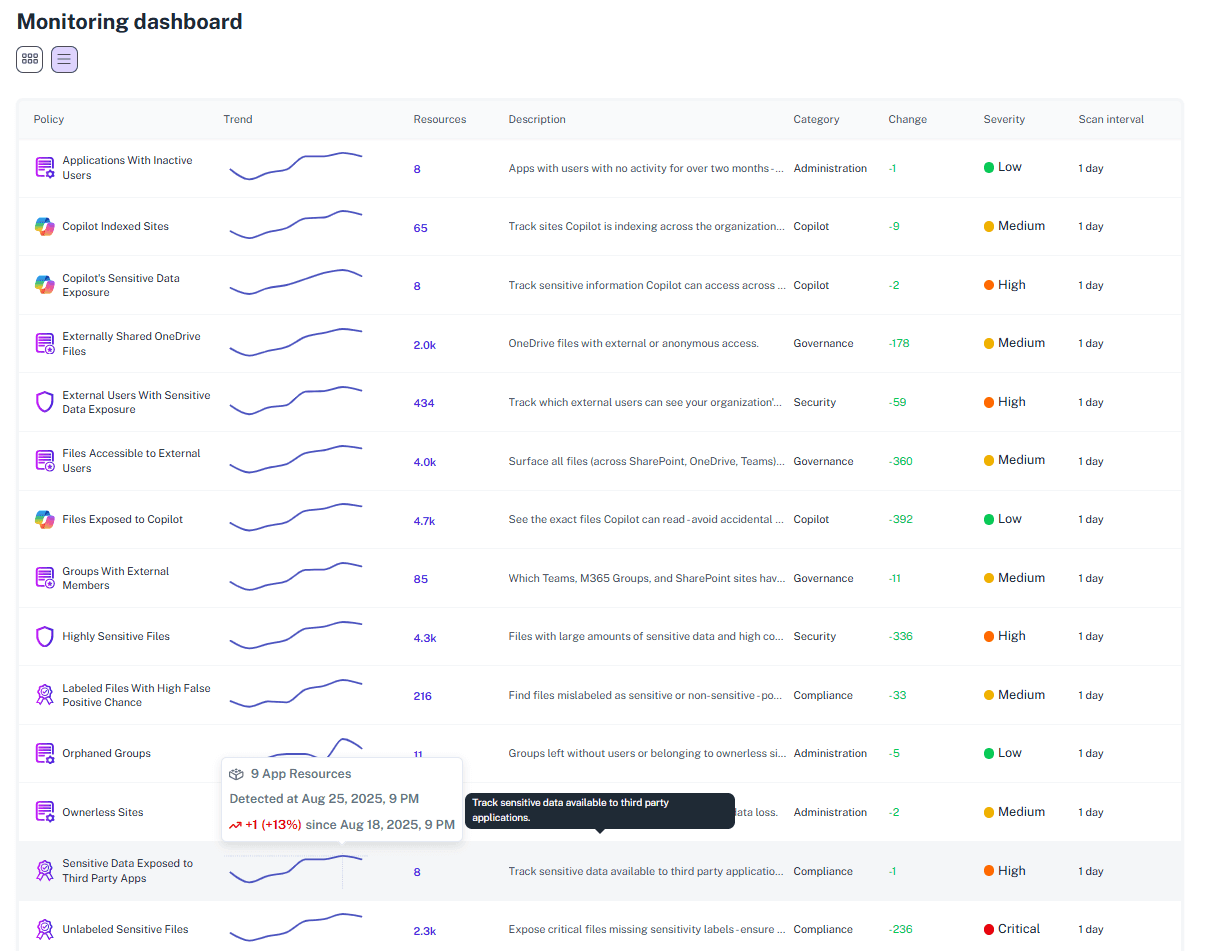
Centralized Link Inventory
See every active external link across OneDrive and SharePoint Online in one searchable dashboard. No more hunting through sites, libraries, or admin panels to understand where data is exposed.
Automated Expiration
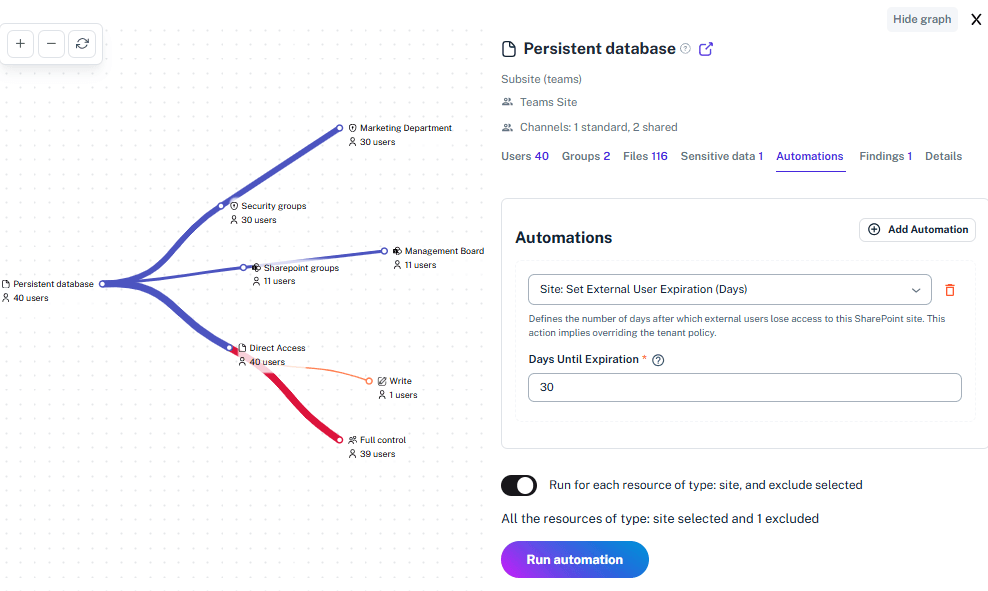
Identify old links that have quietly outlived their purpose so teams can remove unnecessary access paths.1Security cleans up forgotten access paths so expired projects and past collaborations do not become long-term security risks.
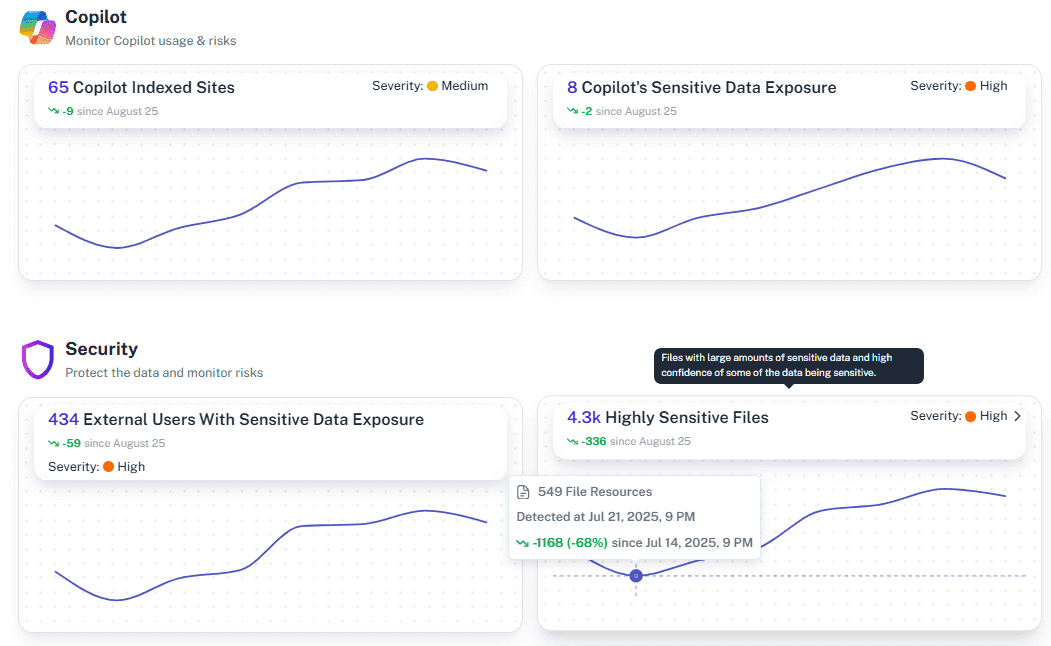
Sensitivity Context
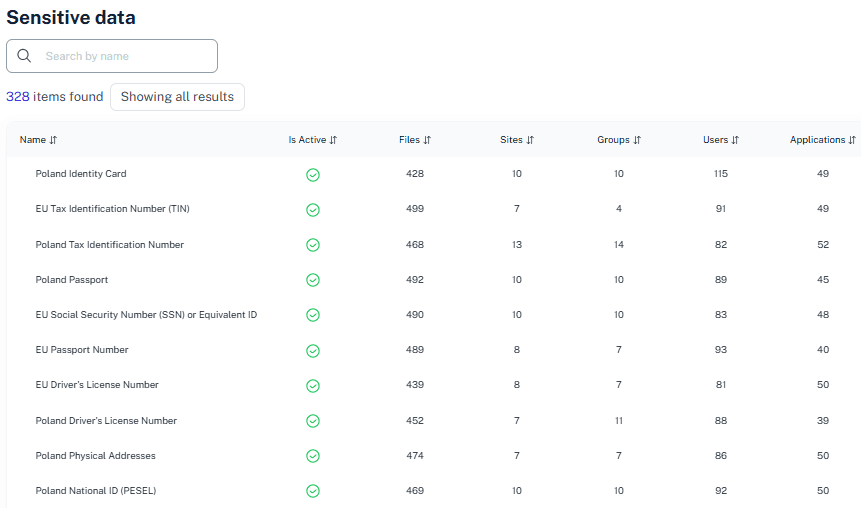
Connect sharing links with sensitive data signals and Microsoft Purview context. Instantly understand whether a link exposes harmless content or confidential data that demands immediate attention.
User Behavior Tracking
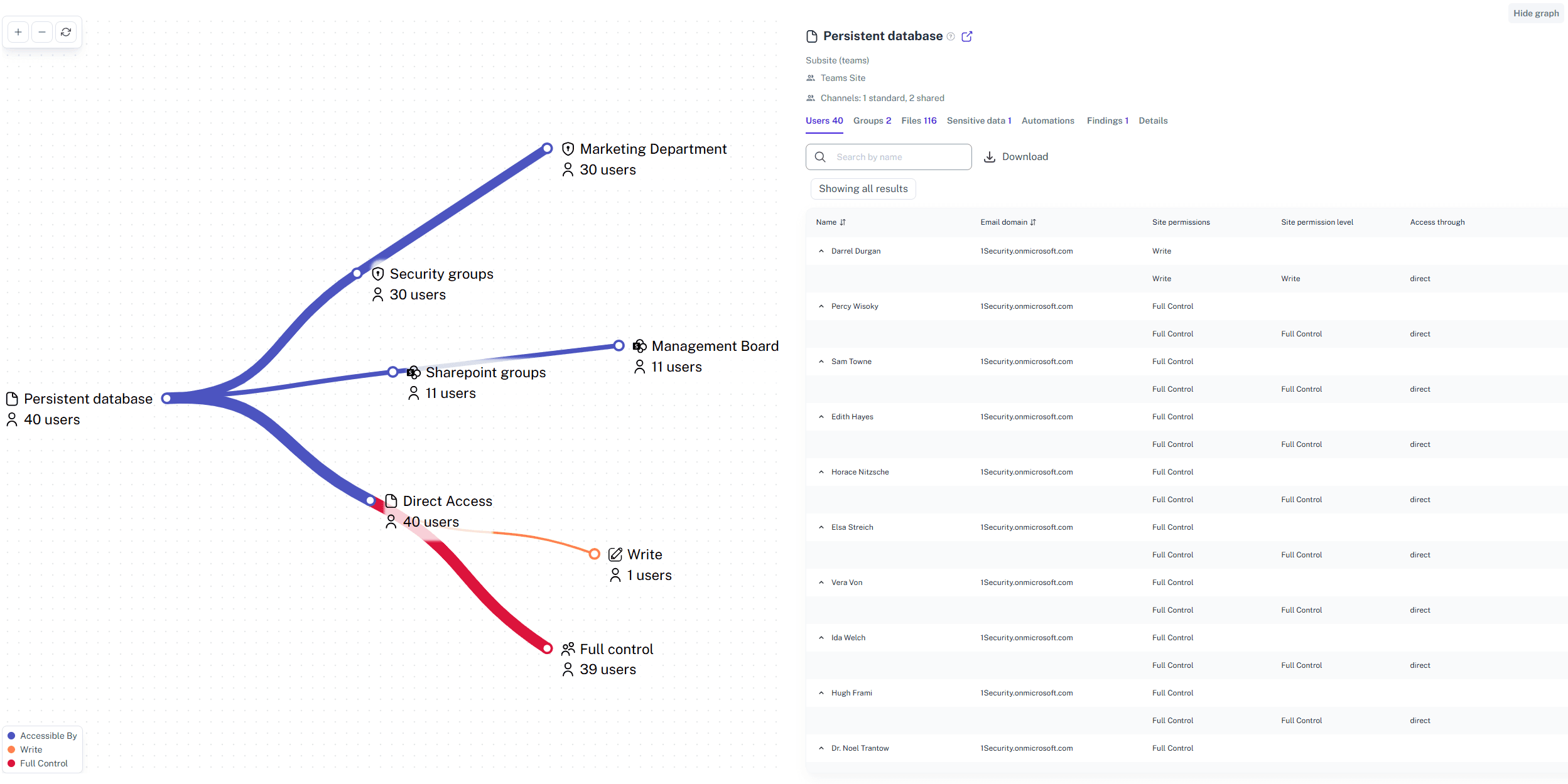
Track who creates links, who accesses them, and how sharing behavior changes over time. Audit-ready reports replace guesswork with clear evidence for security reviews and investigations.
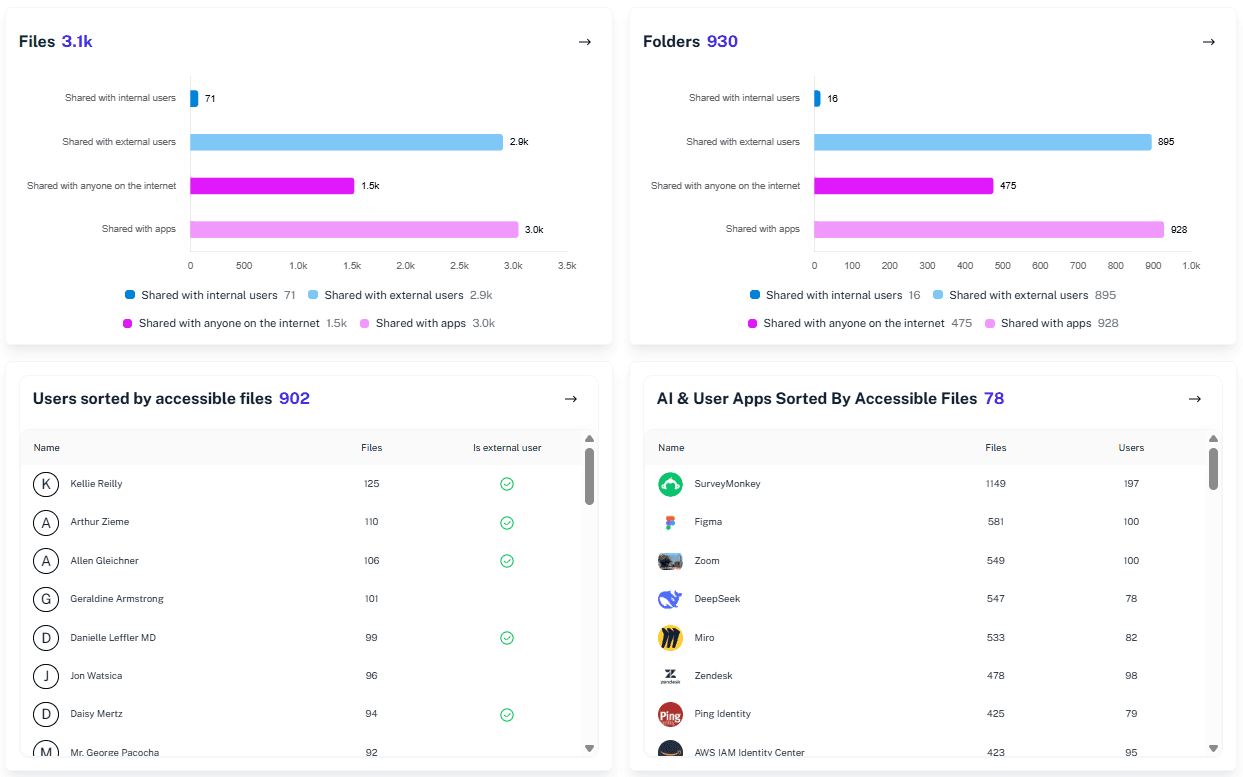
Real-Time Risk Alerts
Get immediate alerts when high-risk links are created or accessed. Security teams can respond before data spreads further, instead of discovering exposure weeks later during an audit.
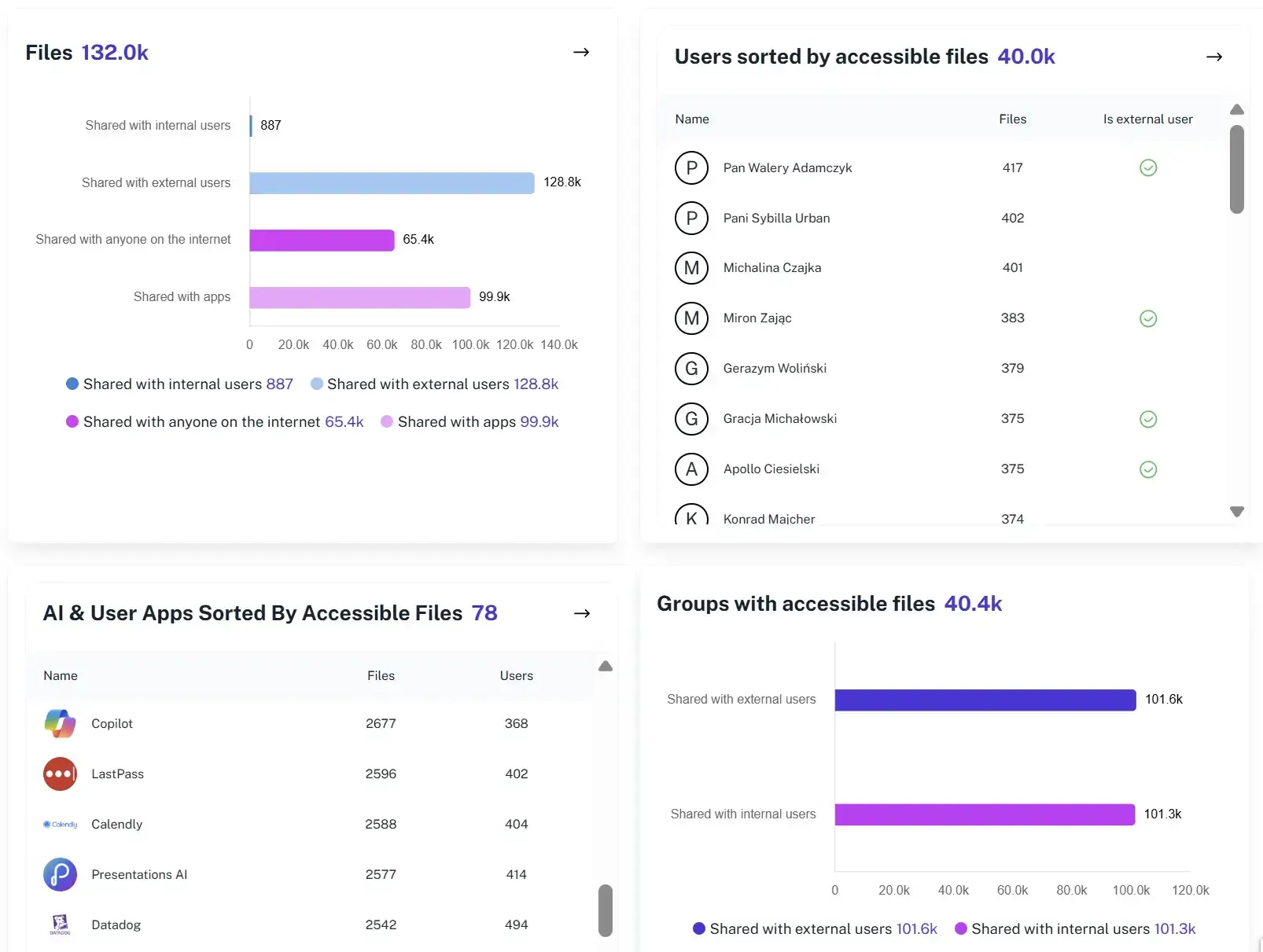
Validation of External Exposure
Clearly distinguish trusted partner sharing from links exposed to the open web. Prioritize real risks first by knowing exactly which links are controlled and which ones invite unintended access.
Solving It with Other Methods
Microsoft 365 makes sharing incredibly easy. Unfortunately, it also makes forgetting about shared links just as easy. 1Security ensures convenience does not turn into long-term exposure by adding context, control, and visibility to every link.
Why Microsoft 365 Safe Links Matter?
Microsoft 365 links age like milk, not wine. A quick share for today’s task quietly becomes tomorrow’s audit surprise. 1Security tracks every link, adds context, and keeps sharing useful.
"We discovered thousands of ‘Anyone’ links created over several years. 1Security showed us exactly where they were and helped us clean them up in days instead of months."
CISO, Financial Services"Our users value speed, but we couldn’t accept the risk. 1Security gave us visibility into outgoing links without blocking productivity."
IT Director, Manufacturing"During an audit, we proved that no sensitive data was exposed via anonymous links. What could have been a failure turned into a quick win."
Compliance Officer, Healthcare ProviderWho Benefits Most?
1Security supports organizations of all sizes — from highly regulated industries to fast-growing mid-size firms.
Works seamlessly with your ecosystem
1Security connects natively with the tools you already use — giving you full visibility and control without adding complexity.










Frequently asked questions
Everything you need to know about the product.
Do you support ISO 27001, SOC 2, HIPAA, and GDPR work?
Yes. 1Security maps findings and evidence to common control frameworks, helping organizations demonstrate compliance more efficiently.
Can non-technical stakeholders use it?
Yes. Plain-language reports and read-only views make it easy for compliance, legal, and business stakeholders to see the evidence behind findings without needing admin rights.
Is this only for large enterprises?
No. While designed for complex environments, 1Security is equally valuable for mid-sized organizations running Microsoft 365 or Office 365 that need strong visibility into access, activity, and compliance.
How do I see all public sharing links in Microsoft 365?
1Security provides a unified inventory of all external links across SharePoint and OneDrive, including anonymous links.
How can I tell which links expose sensitive data?
1Security correlates links with data sensitivity labels so risky exposure is visible immediately.
Can old sharing links be cleaned up automatically?
Yes. 1Security helps enforce expiration policies to remove links that outlived their business purpose.
Does monitoring support investigations and audits?
Yes. 1Security builds an evidence trail of monitored activity and permissions changes over time, with audit-ready reporting.
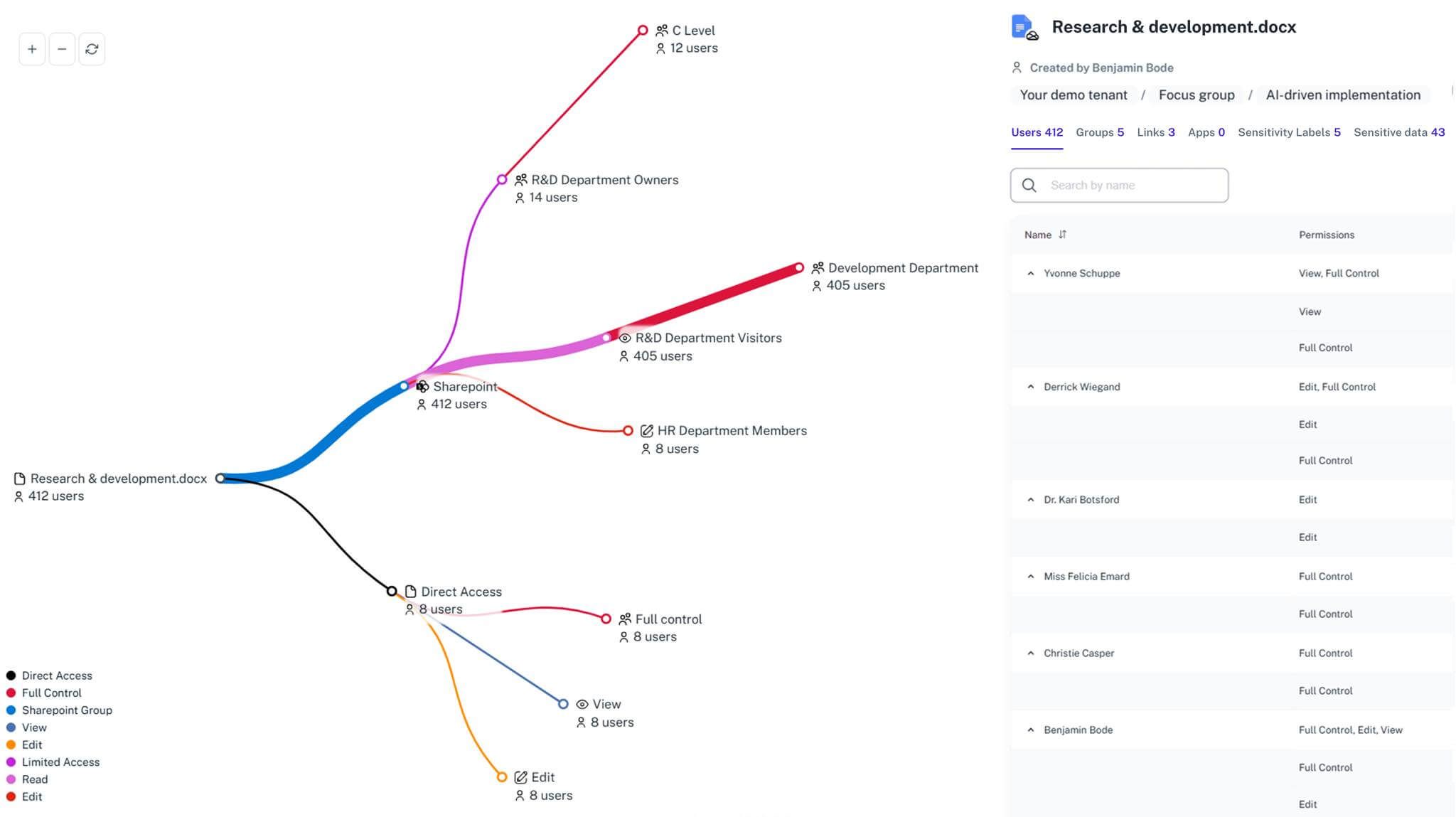
Gain visibility. Ensure compliance. Boost productivity.
Stop guessing who has access to your sensitive data. With 1Security, you gain the visibility, automation, and confidence needed to protect your Microsoft 365 environment.