Microsoft 365 Security Log
Investigating Microsoft 365 activity with native logs is like building IKEA furniture with mixed-up manuals and screws that vanish after 90 days. You end up with a pile of events that tells you nothing about the data theft. 1Security clears the floor. We filter the noise and deliver Permission Forensics that answer hard questions in minutes.
What is the challenge?
Doing It with 1Security
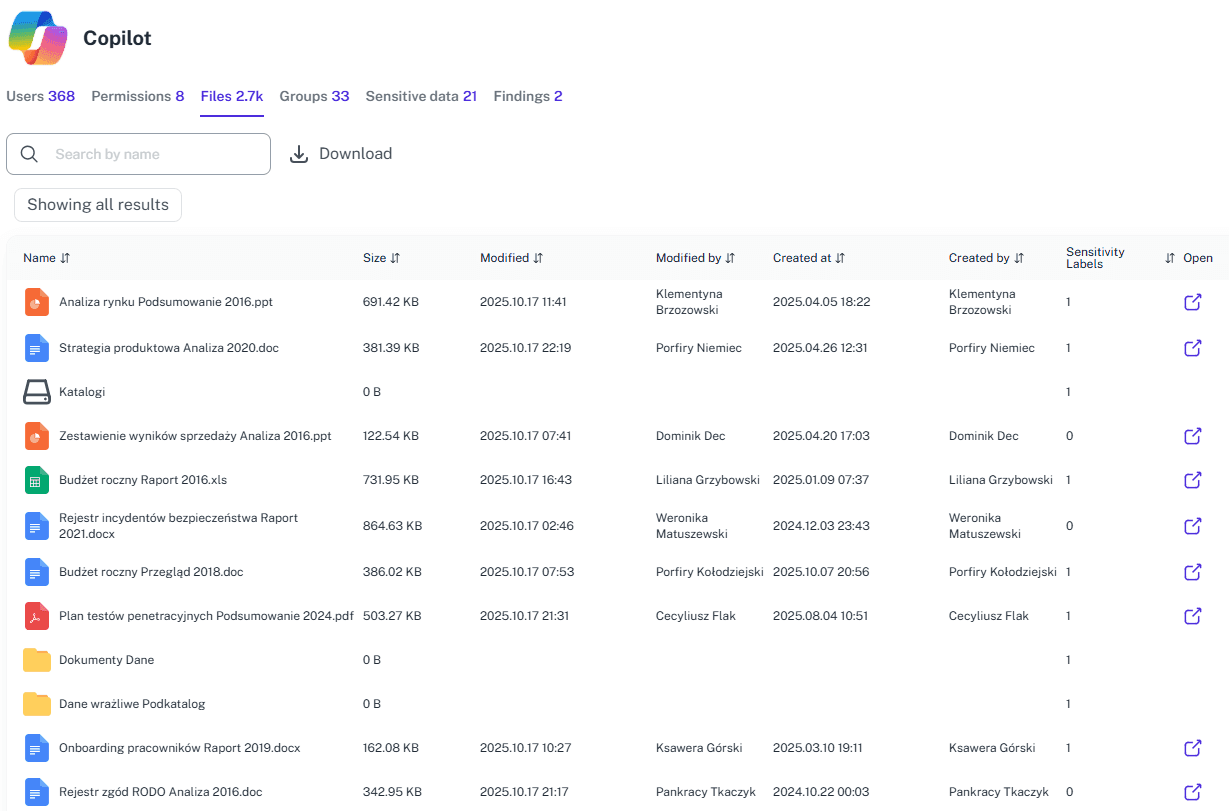
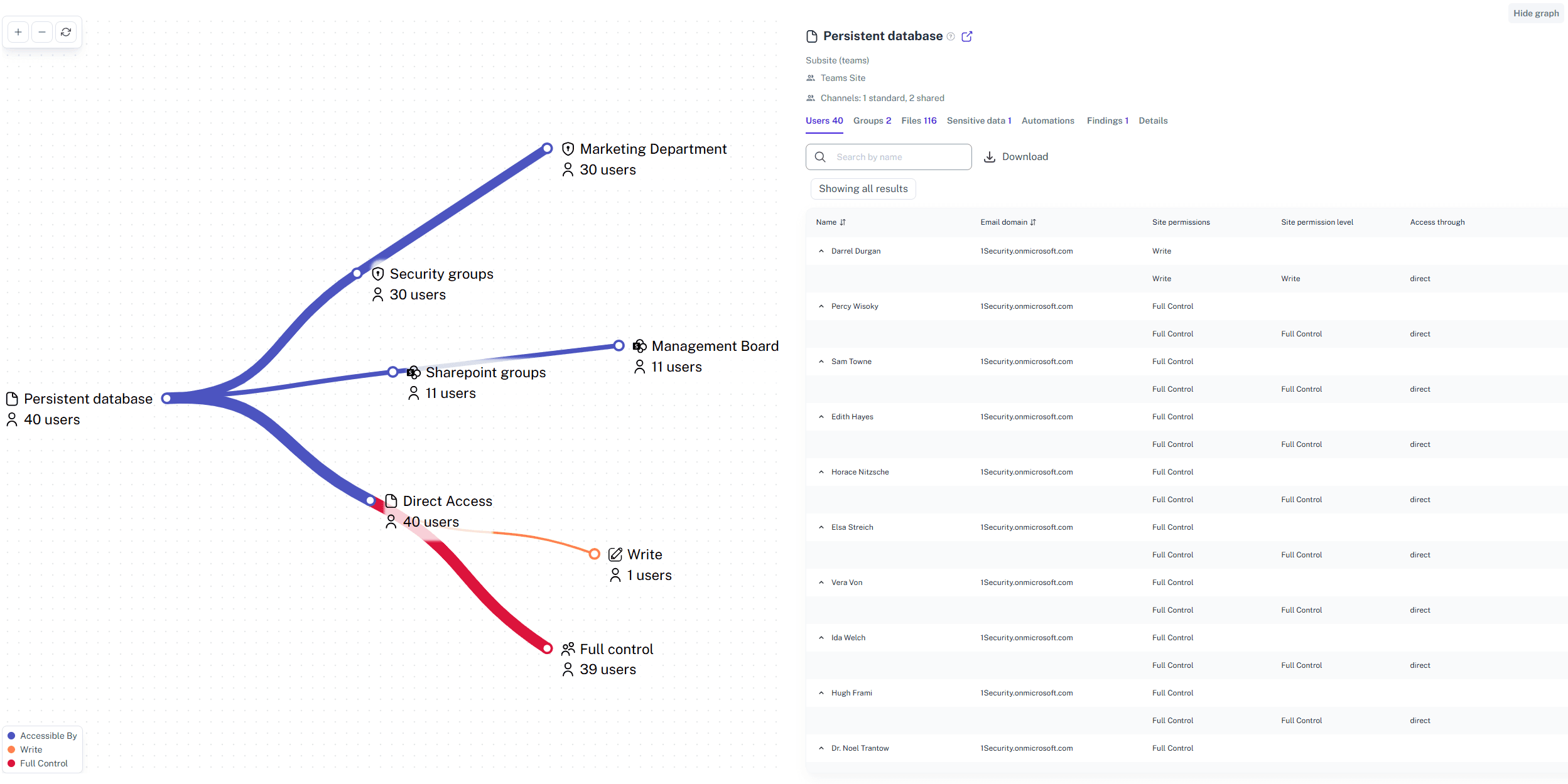
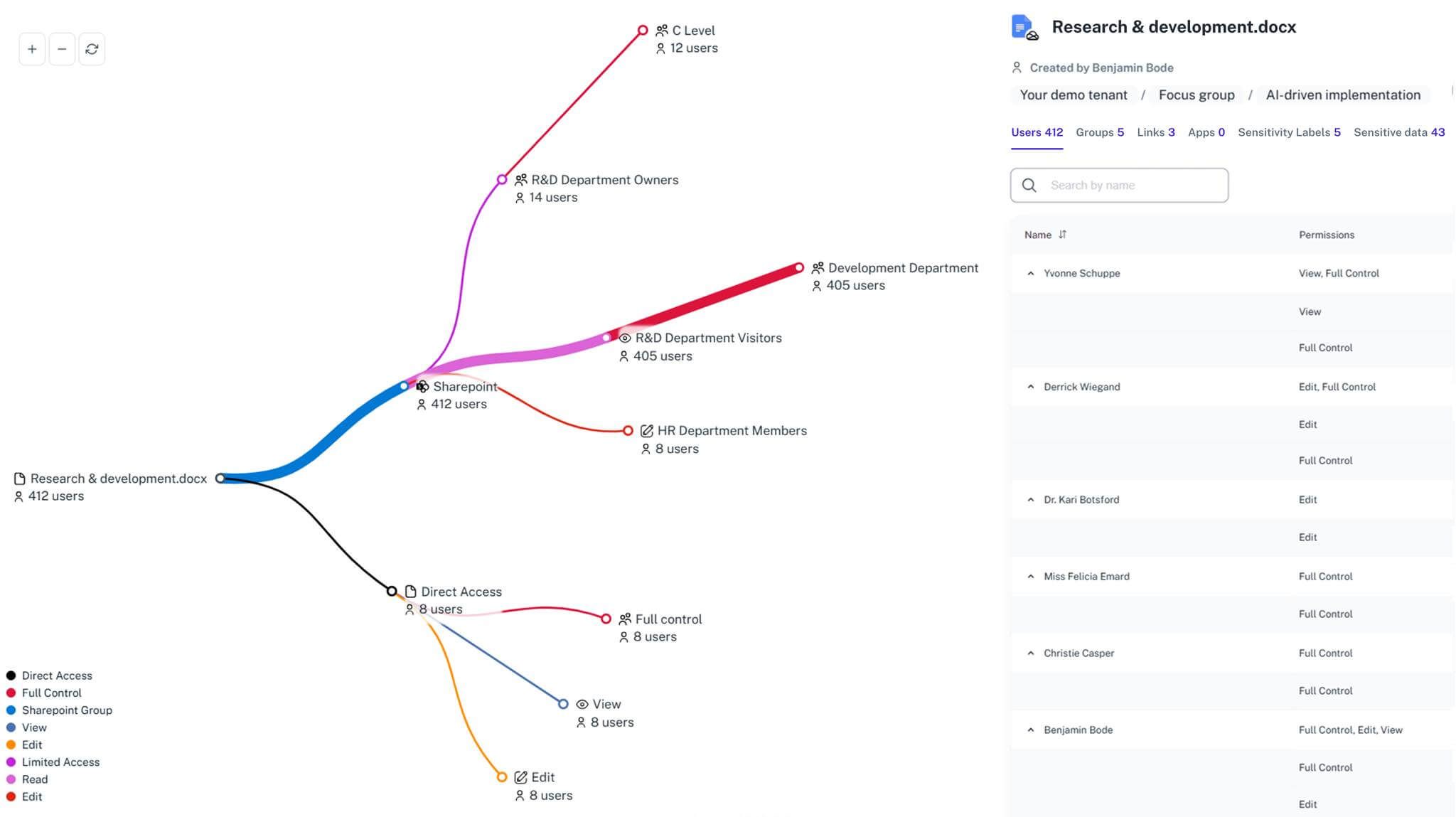
Raw data is just a noise without context. A file download is just an event, but a guest account downloading sensitive data via excessive permissions is a breach in progress. Anyone can collect logs, but understanding them is the hard part. 1Security fuses activity with permission intelligence instantly to give you the full story when you need it.
Unified Audit Trail
Aggregate signals from SharePoint, OneDrive, Teams, and Entra ID into a single, searchable timeline for instant visibility.
Extended Log Retention
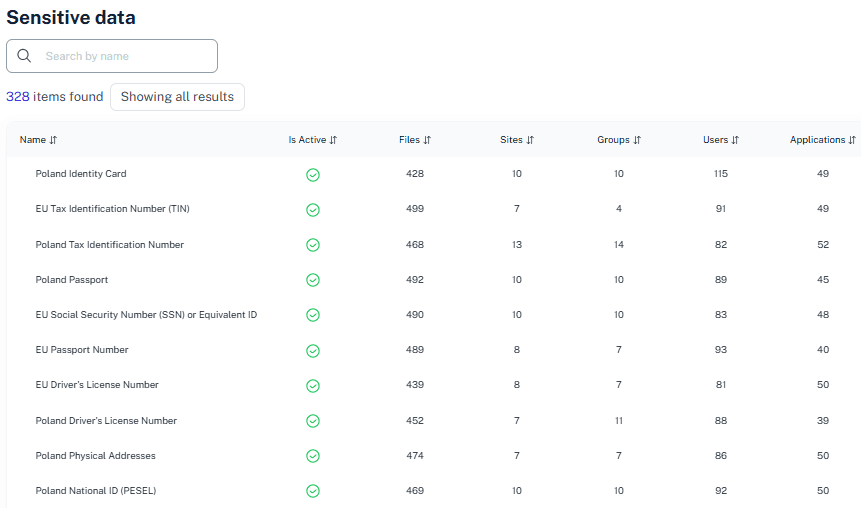
Keep historical data accessible beyond native limits to support long-term compliance audits and deep forensic investigations.
Smart Noise Reduction
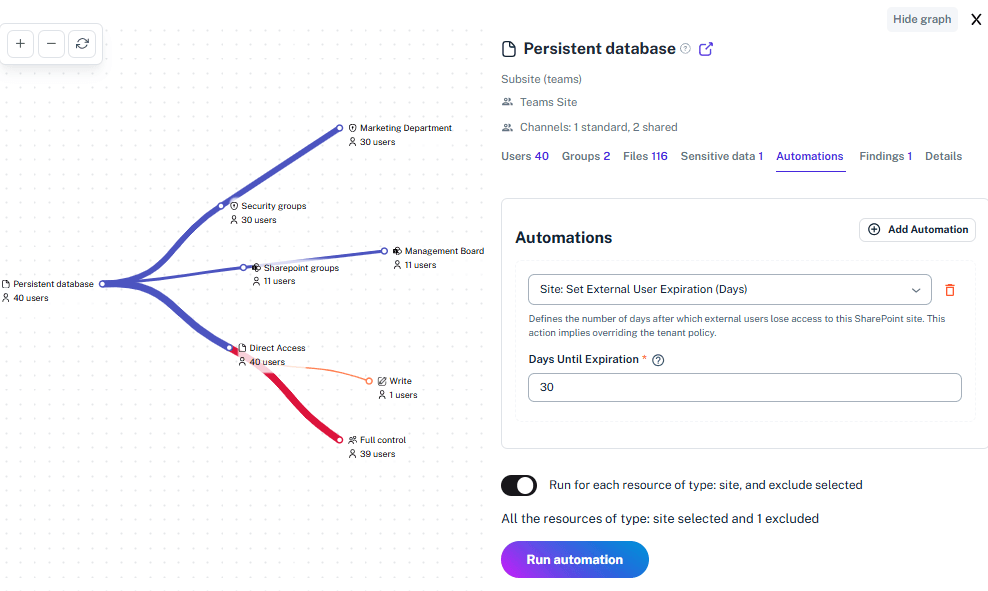
Automatically filter out routine system noise to highlight only the critical changes and risky behaviors that need your attention.
Context-Rich Alert
Logs automatically include file sensitivity and current permission levels, giving you a complete understanding of the risk involved.
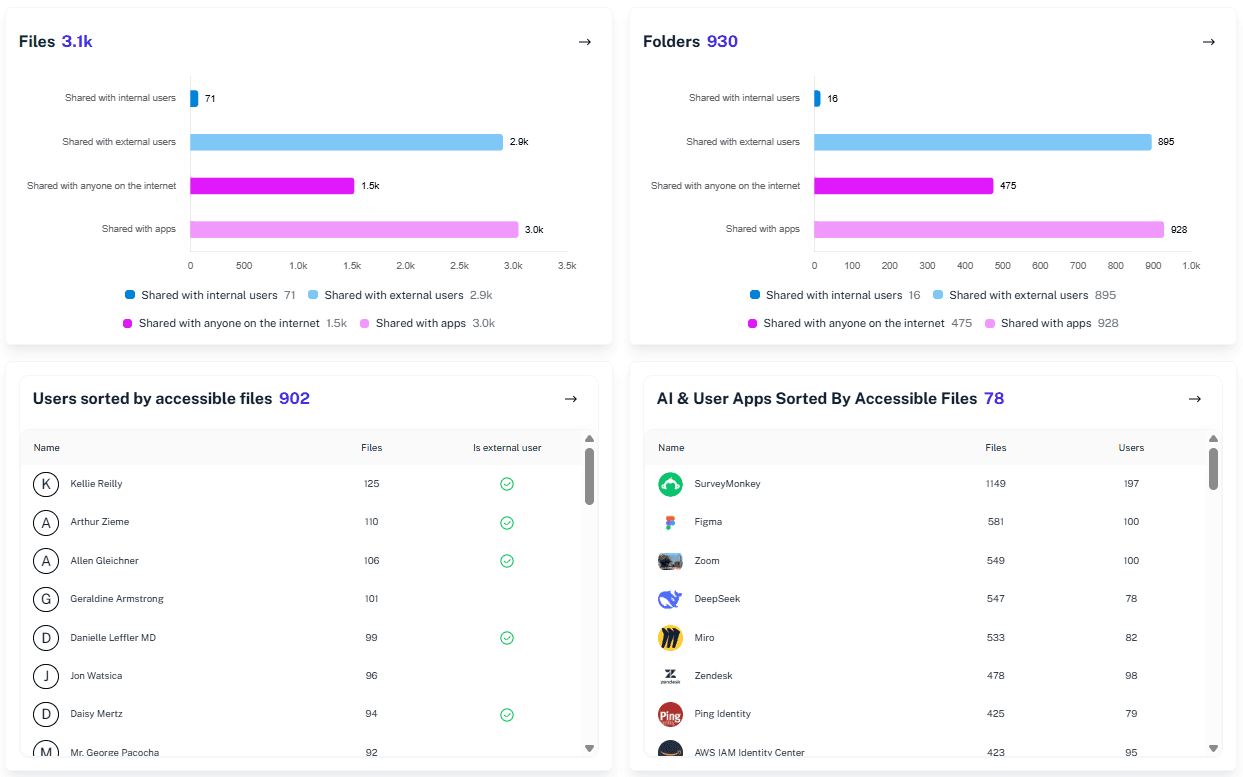
One-Click Filtering
Drill down by user, file, site, or event type instantly without writing a single line of code.
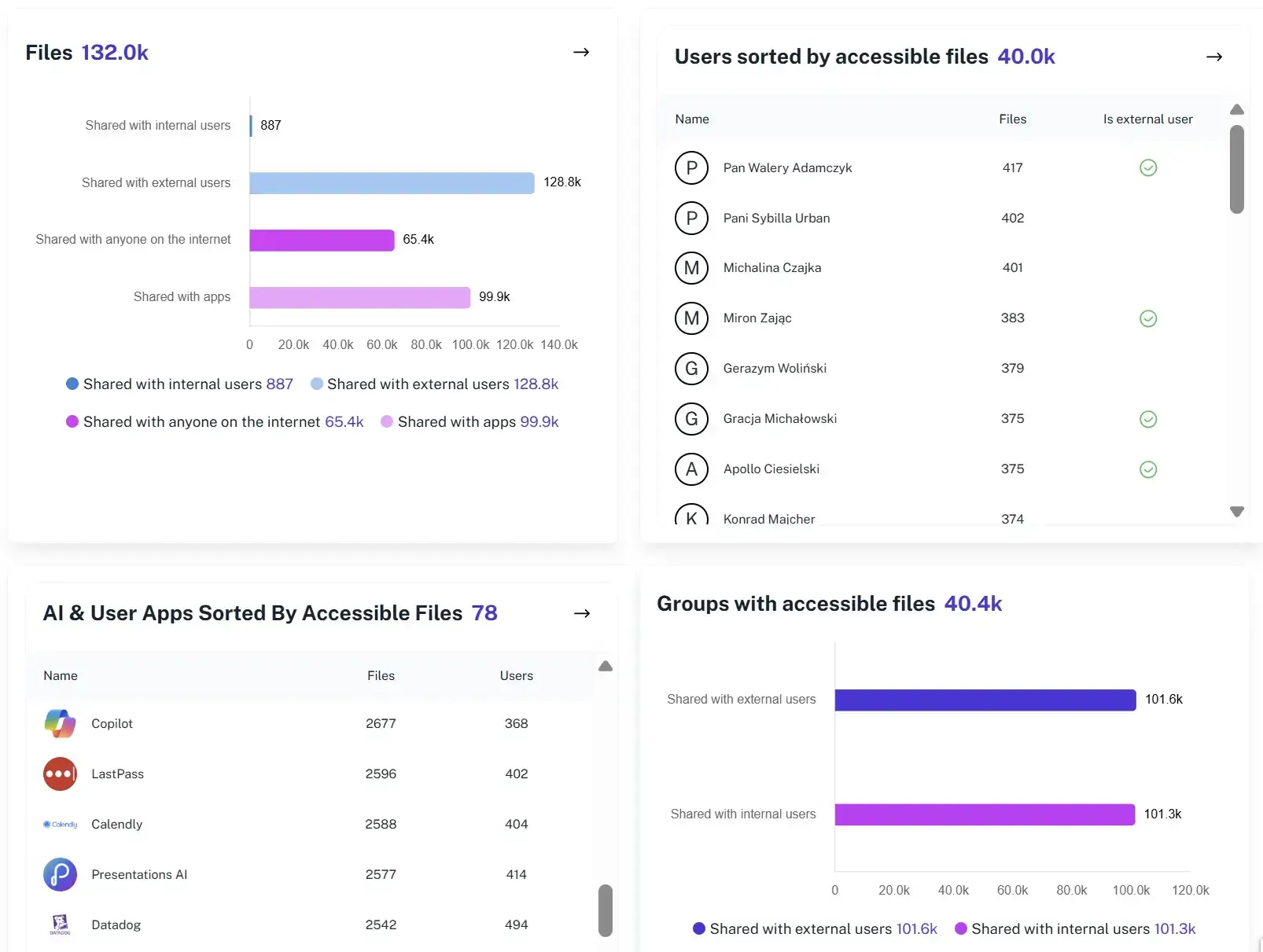
Automated Reporting
Schedule easy-to-read summaries of security events for stakeholders, auditors, or management to prove control.
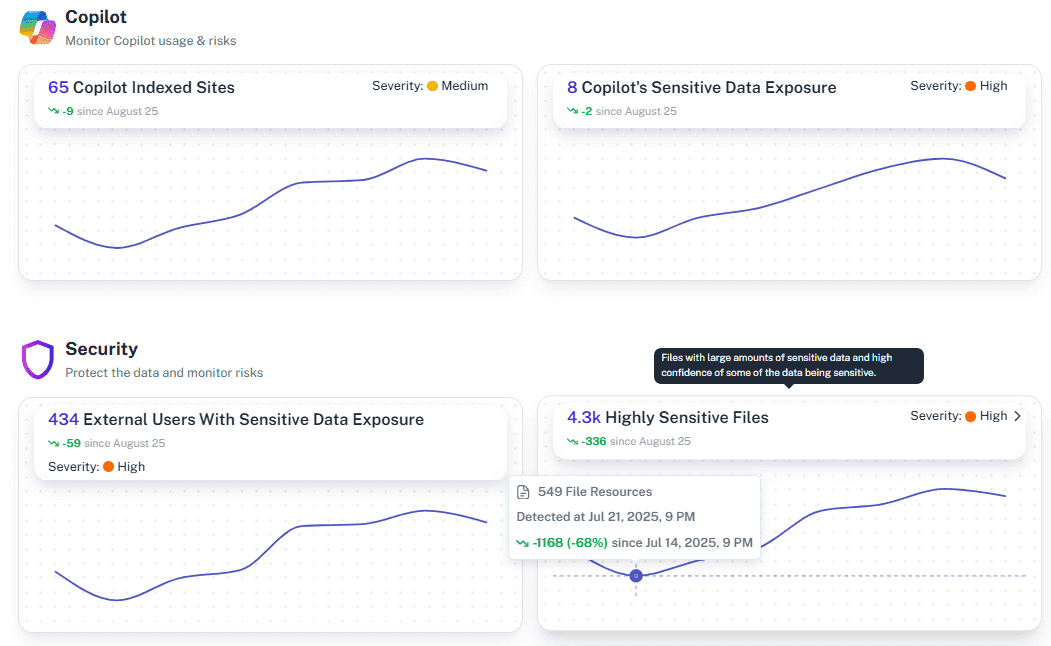
Breach Investigation
Trace the exact path of a compromised account or exposed file to understand the scope of an incident in minutes.
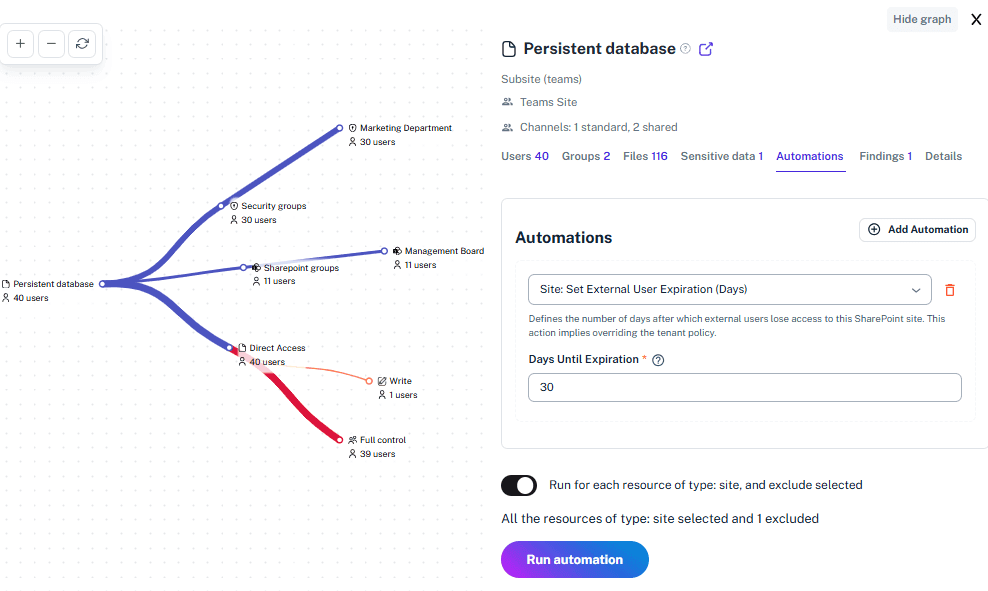
Solving It with Other Methods
You can stick to the old way – drowning in spreadsheets and crying over PowerShell scripts. It’s the digital equivalent of doing your taxes on a cocktail napkin — or you can switch to 1Security and get clean, contextualized audit data the moment you need it.
Why Microsoft 365 Security Log Matters?
Without context, log monitoring is just flying blind until the damage is done. 1Security provides the forensic visibility to spot unusual permission changes or sensitive downloads before they become headlines. Mistakes happen. When they do, you need to act fast.
"We had massive amounts of data and no idea who touched what. 1Security turned millions of raw log entries into a clear narrative of access we could actually use."
IT Director, National University"Native logs were a nightmare to search during our ISO audit. 1Security gave us immediate answers and proved our compliance without the usual panic."
CISO, Financial Services Firm"When we suspected a leak, 1Security showed us the exact timeline of the user's activity in minutes. We stopped the breach because we finally had visibility."
Security Lead, Enterprise ConsultingWho Benefits Most?
1Security supports organizations of all sizes — from highly regulated industries to fast-growing mid-size firms.
Works seamlessly with your ecosystem
1Security connects natively with the tools you already use — giving you full visibility and control without adding complexity.










Frequently asked questions
Everything you need to know about the product.
Do you support ISO 27001, SOC 2, HIPAA, and GDPR work?
Yes. 1Security maps findings and evidence to common control frameworks, helping organizations demonstrate compliance more efficiently.
Can non-technical stakeholders use it?
Yes. Plain-language reports and read-only views make it easy for compliance, legal, and business stakeholders to see the evidence behind findings without needing admin rights.
Is this only for large enterprises?
No. While designed for complex environments, 1Security is equally valuable for mid-sized organizations running Microsoft 365 or Office 365 that need strong visibility into access, activity, and compliance.
Gain visibility. Ensure compliance. Boost productivity.
Stop guessing who has access to your sensitive data. With 1Security, you gain the visibility, automation, and confidence needed to protect your Microsoft 365 environment.