Microsoft Teams user onboarding
Manual onboarding is like handing a toddler a smartphone—risky and unpredictable. You create a user account in Microsoft Entra ID, assign a license , and pray permissions don't leak company data. 1Security turns this chaotic workflow into a secure engine. We help you verify employee onboarding , ensuring every new user gets the right access—and nothing more—without the security nightmares.
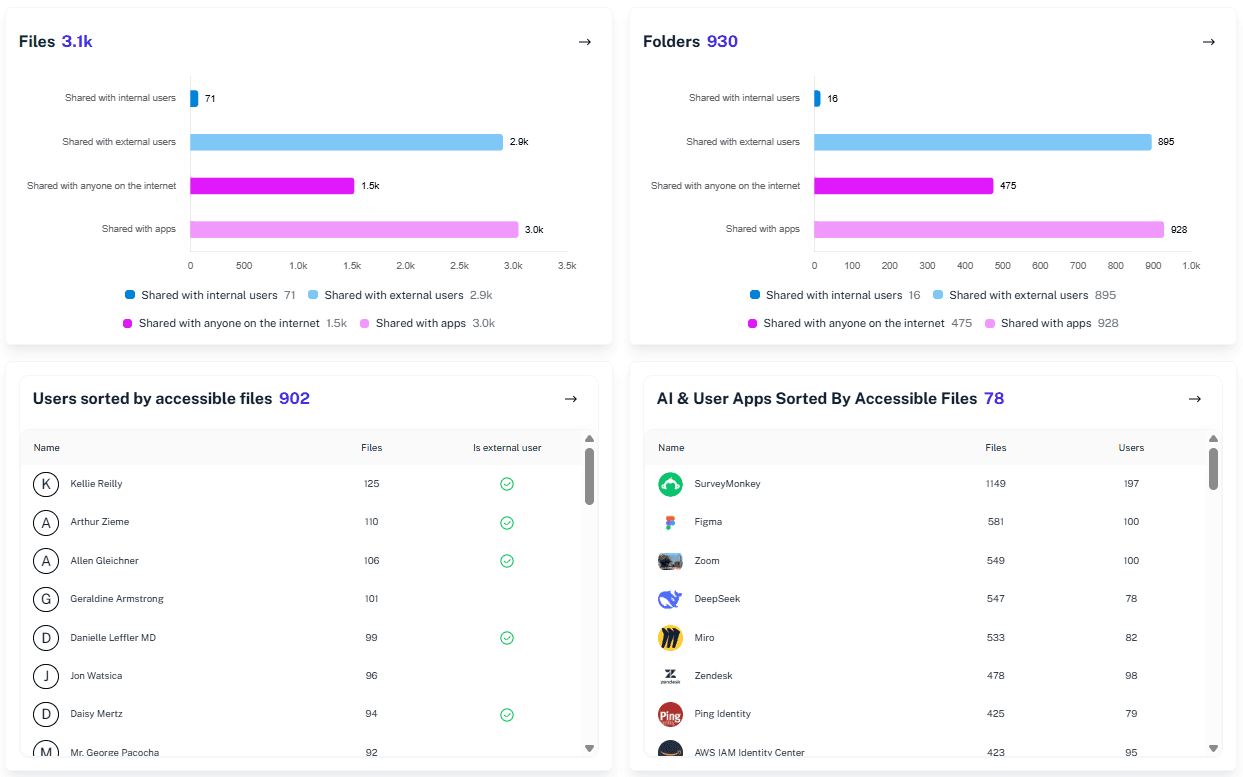
What is the challenge?
Doing It with 1Security
Ditch the sticky notes and spreadsheet voodoo. Eliminate manual onboarding tasks forever. 1Security delivers a user-friendly observability platform for Microsoft 365 user onboarding that makes verifying secure accounts boringly reliable and fast.
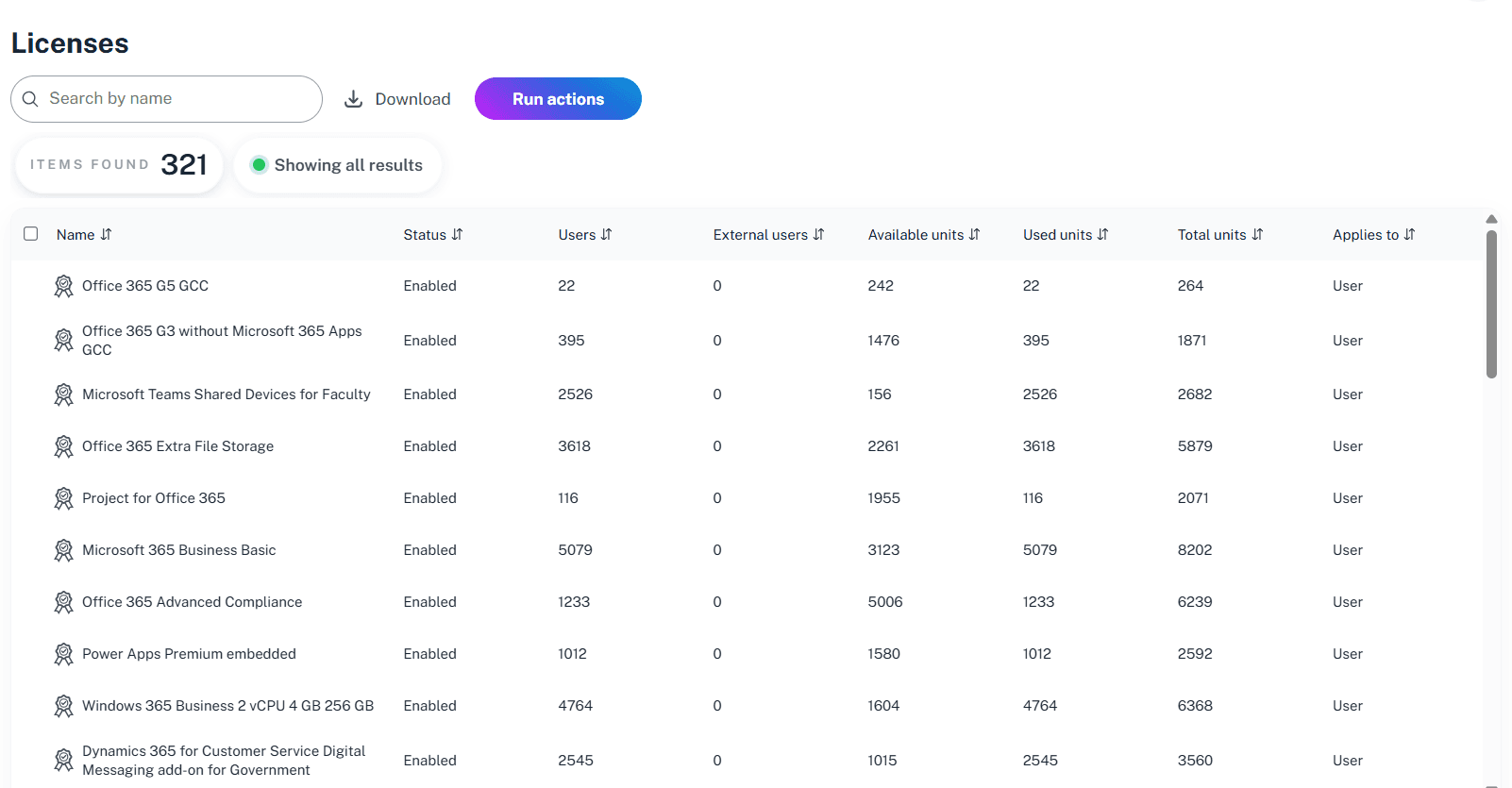
Validate License Management
Instantly confirm correct M365 license allocation based on job title or department by using our automated inventory tracking tools.
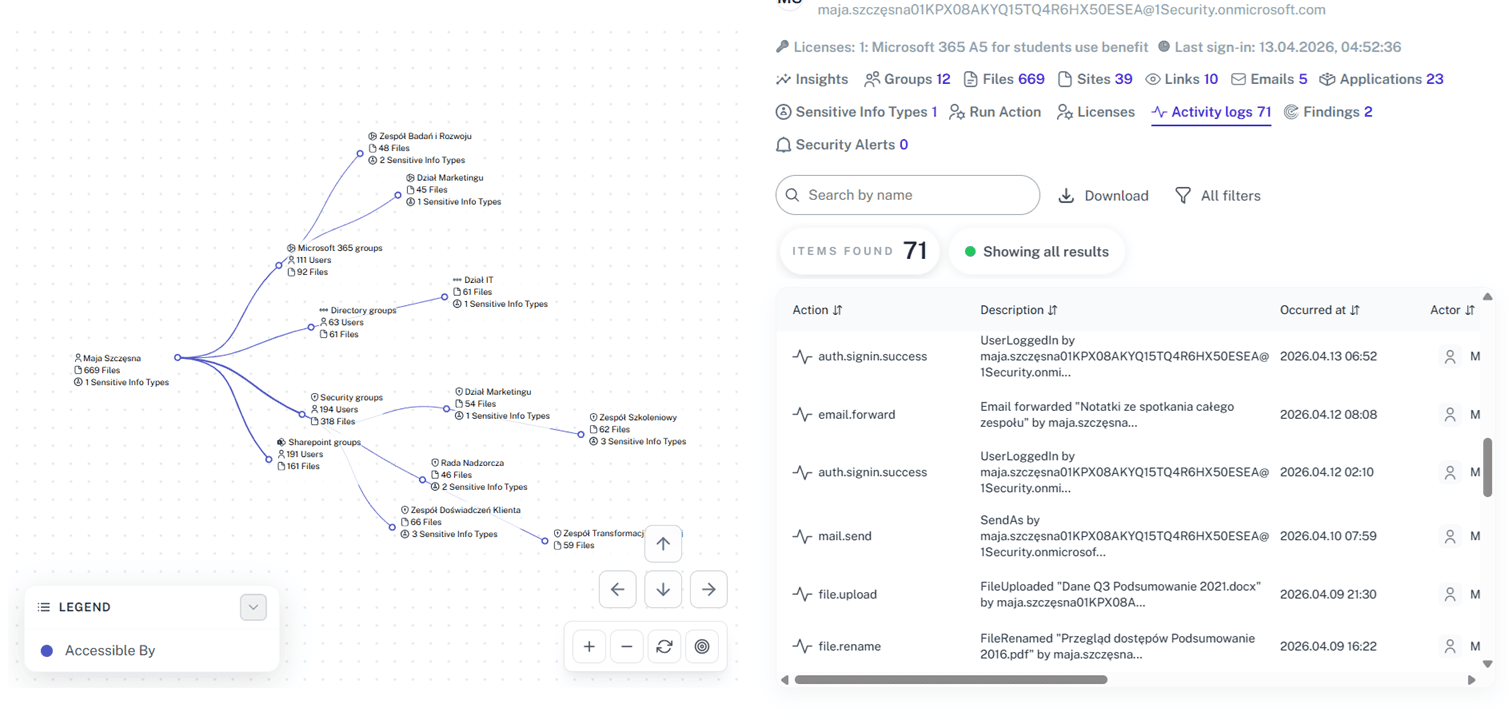
Visualize Onboarding Workflow
See the entire process of a consistent user lifecycle from initial account creation to final offboarding with full visibility.
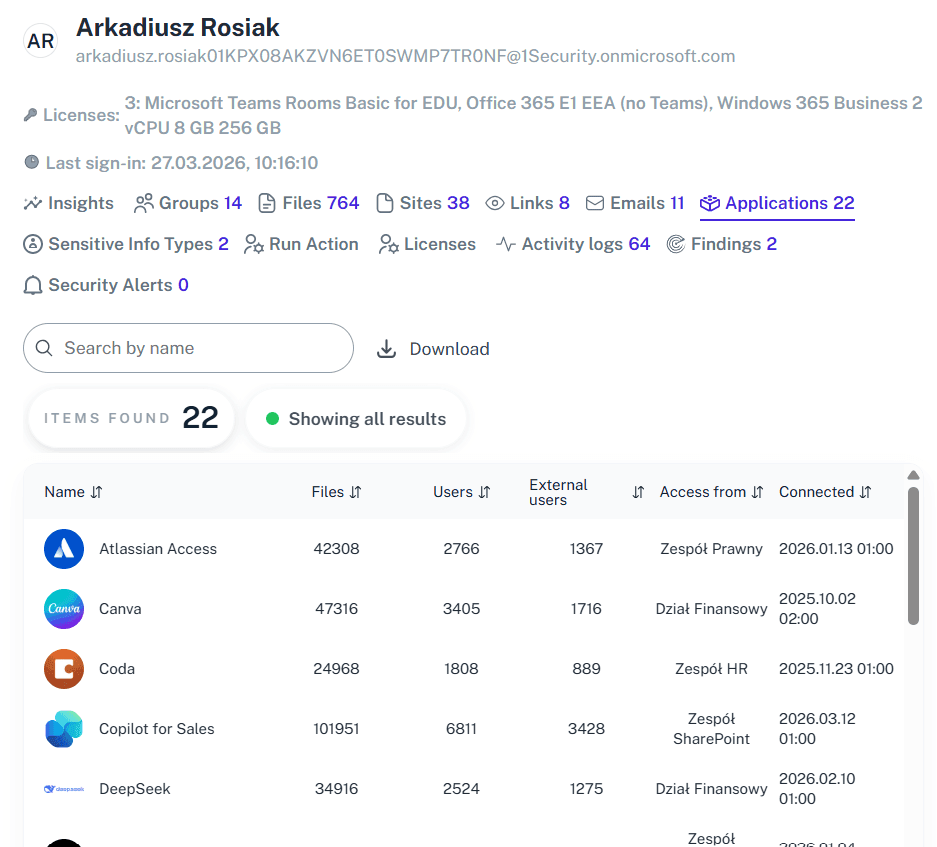
Centralize User Details
Monitor OneDrive, SharePoint Online, and mailbox settings in one unified dashboard to avoid the hassle of jumping between portals.
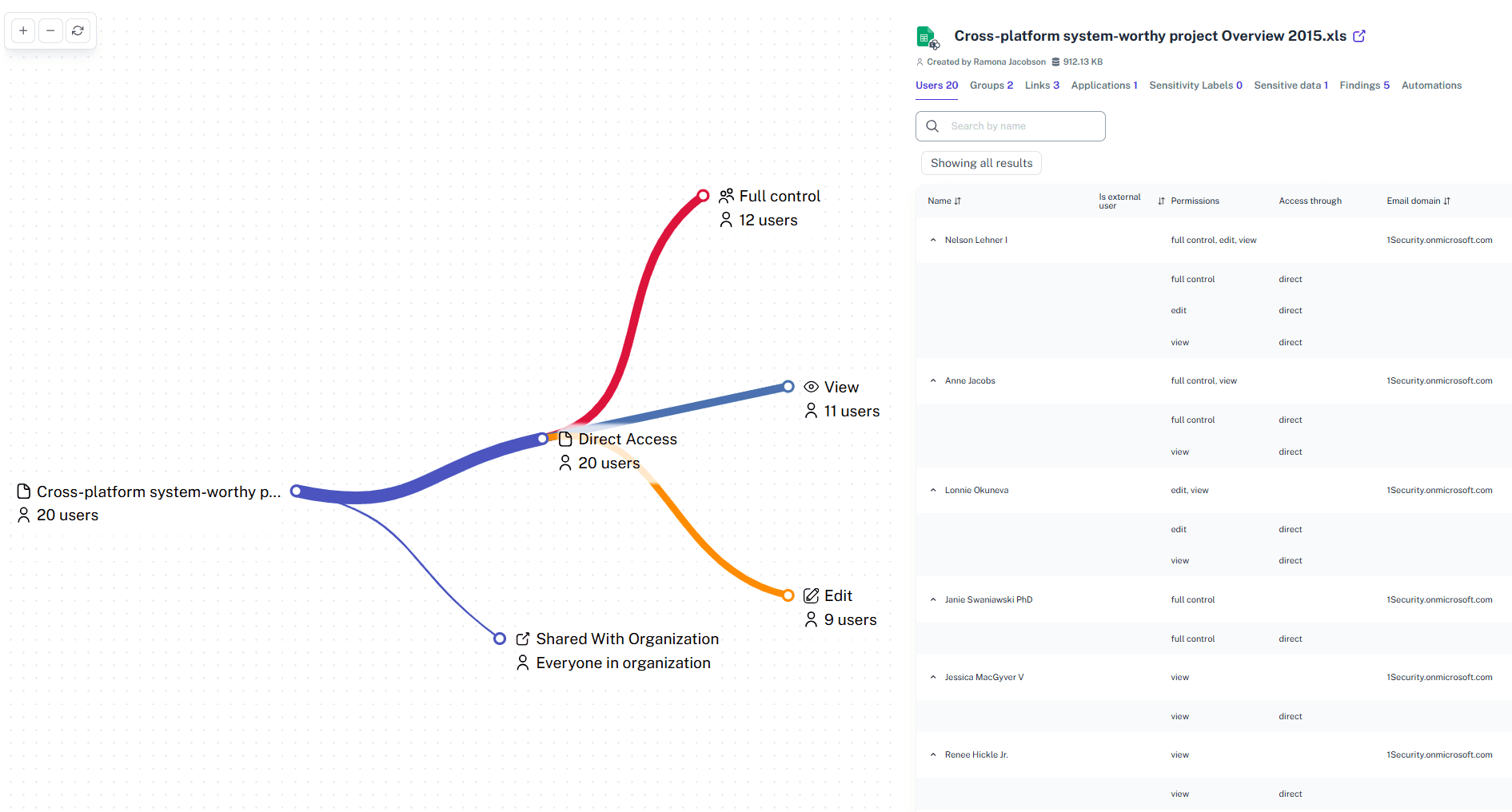
Secure Permissions
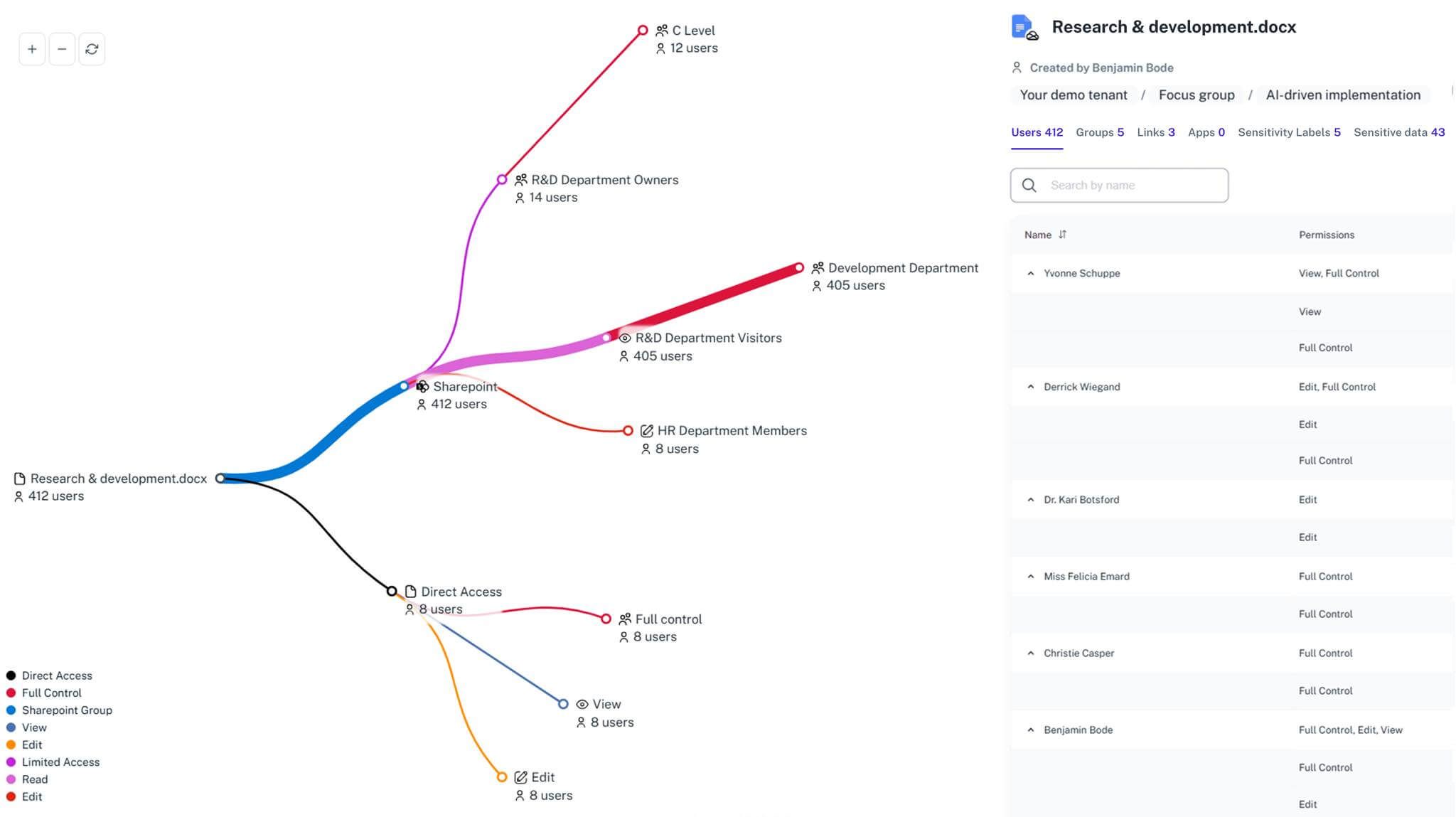
Effortlessly map teams channels and permissions across your environment without ever needing to write or maintain complex PowerShell scripts.
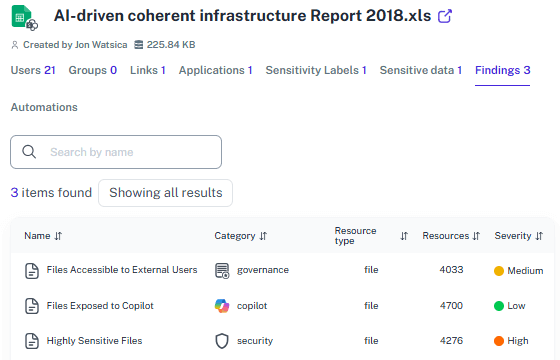
Identify Data Exposure
Instantly spot if a new user has gained access to sensitive data or risky external links during the initial onboarding workflow phase.
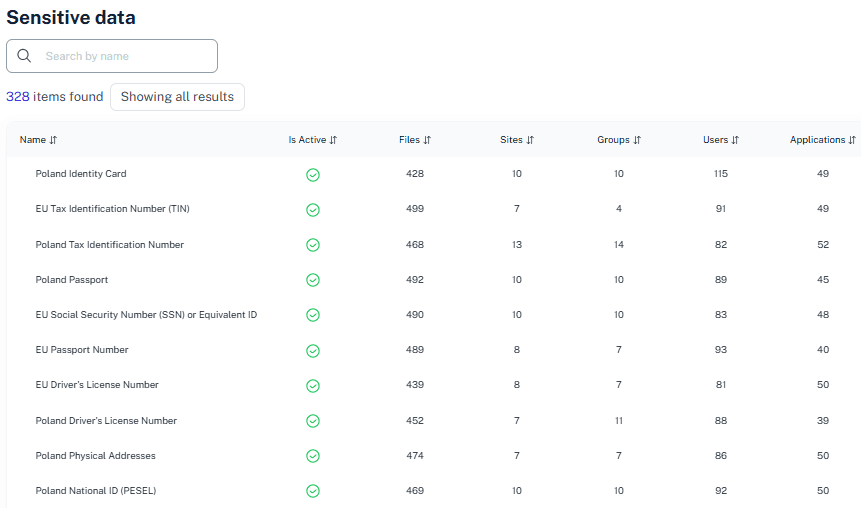
Audit-Ready Evidence
Track every single license assignment and permission change within your environment to maintain best practices and ensure total compliance.
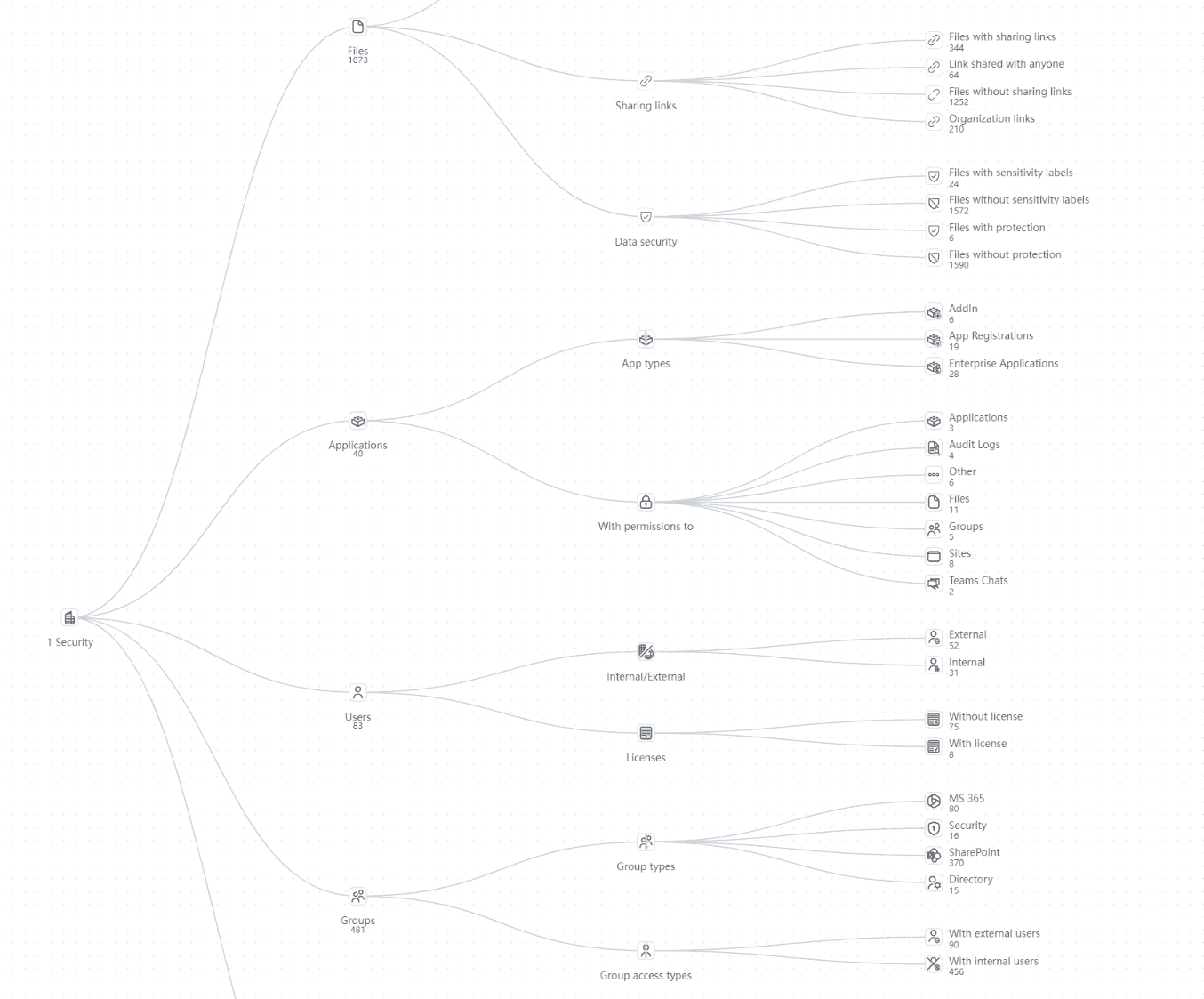
Integrate Security Context
Ensure new user accounts adhere to best practices for onboarding by providing a clear, visual map of all Azure AD and group-based access levels.
Solving It with Other Methods
Trying to manage onboarding with just the Microsoft 365 admin center is like fixing a server with duct tape—messy and risky. Disjointed tools force you to portal-hop endlessly, slowing the entire process to a halt. Instead of a smooth workflow, you get a manual grind that kills efficiency.
Why Microsoft Teams User Onboarding Matters?
Be the admin who actually sleeps soundly. 1Security secures your Microsoft Teams environment, simplifies license oversight, and tracks activity trends in channels, giving you total visibility to stop risks before they start.
"During our last massive hire, we realized that identifying which Teams channels a new user could reach was taking longer than the actual onboarding tasks. 1Security mapped everything in seconds, ensuring no sensitive company data was exposed through inherited group rights."
Head of IT Operations, Global Logistics Enterprise"We were struggling with 'ghost' access where onboarding users were accidentally added to legacy shared mailbox folders and sensitive Teams channels. 1Security provided the centralized dashboard we needed to verify every new user account was correctly and securely provisioned from day one."
Compliance Officer, Regulated Financial Firm"Onboarding external consultants used to be a security nightmare because we couldn't track their effective access in SharePoint Online. With 1Security, we now have a clear map of permissions that lets our admins sleep soundly knowing our tenant is protected."
CTO, Fast-Growing Tech StartupWho Benefits Most?
1Security supports organizations of all sizes — from highly regulated industries to fast-growing mid-size firms.
Works seamlessly with your ecosystem
1Security connects natively with the tools you already use — giving you full visibility and control without adding complexity.










Frequently asked questions
Everything you need to know about the product.
Can I verify new user permissions across Microsoft 365 immediately?
Yes. 1Security provides an instant map of permissions for new employees, showing exactly what they can access in SharePoint Online, OneDrive, and Teams the moment their ad account is synced.
Does this replace Microsoft Learn or standard admin tools?
No, it complements them. While Microsoft Learn provides the prerequisites, 1Security provides the centralized visibility admins need to avoid portal-hopping between Entra ID and Microsoft Teams.
Can I monitor license assignment trends during onboarding?
Yes, the inventory tool tracks your 365 license usage and activity trends, helping you manage costs as you assign resources to new employees.
How does it handle complex group memberships in Azure ad?
1Security resolves dynamic groups and nested memberships in Microsoft Entra id to show you the actual effective access of a new user account.
Can I see if onboarding users have access to sensitive files?
Absolutely. 1Security identifies sensitive data exposure, flagging if a new Microsoft 365 account has gained access to credit card data or confidential SharePoint sites.
Do you support ISO 27001, SOC 2, HIPAA, and GDPR work?
Yes. 1Security maps findings and evidence to common control frameworks, helping organizations demonstrate compliance more efficiently.
Can non-technical stakeholders use it?
Yes. Plain-language reports and read-only views make it easy for compliance, legal, and business stakeholders to see the evidence behind findings without needing admin rights.
Is this only for large enterprises?
No. While designed for complex environments, 1Security is equally valuable for mid-sized organizations running Microsoft 365 or Office 365 that need strong visibility into access, activity, and compliance.
Gain visibility. Ensure compliance. Boost productivity.
Stop guessing who has access to your sensitive data. With 1Security, you gain the visibility, automation, and confidence needed to protect your Microsoft 365 environment.