Office 365 Activity Report
Office 365 is your operating system. So why does it feel like a black box? You generate millions of user activity events—logins, downloads, shares—but have little visibility into what they actually mean. Native reports give you lists, not answers. 1Security connects those scattered signals into a single, context-rich view, showing how data moves, who touches it, and where risks are hiding.
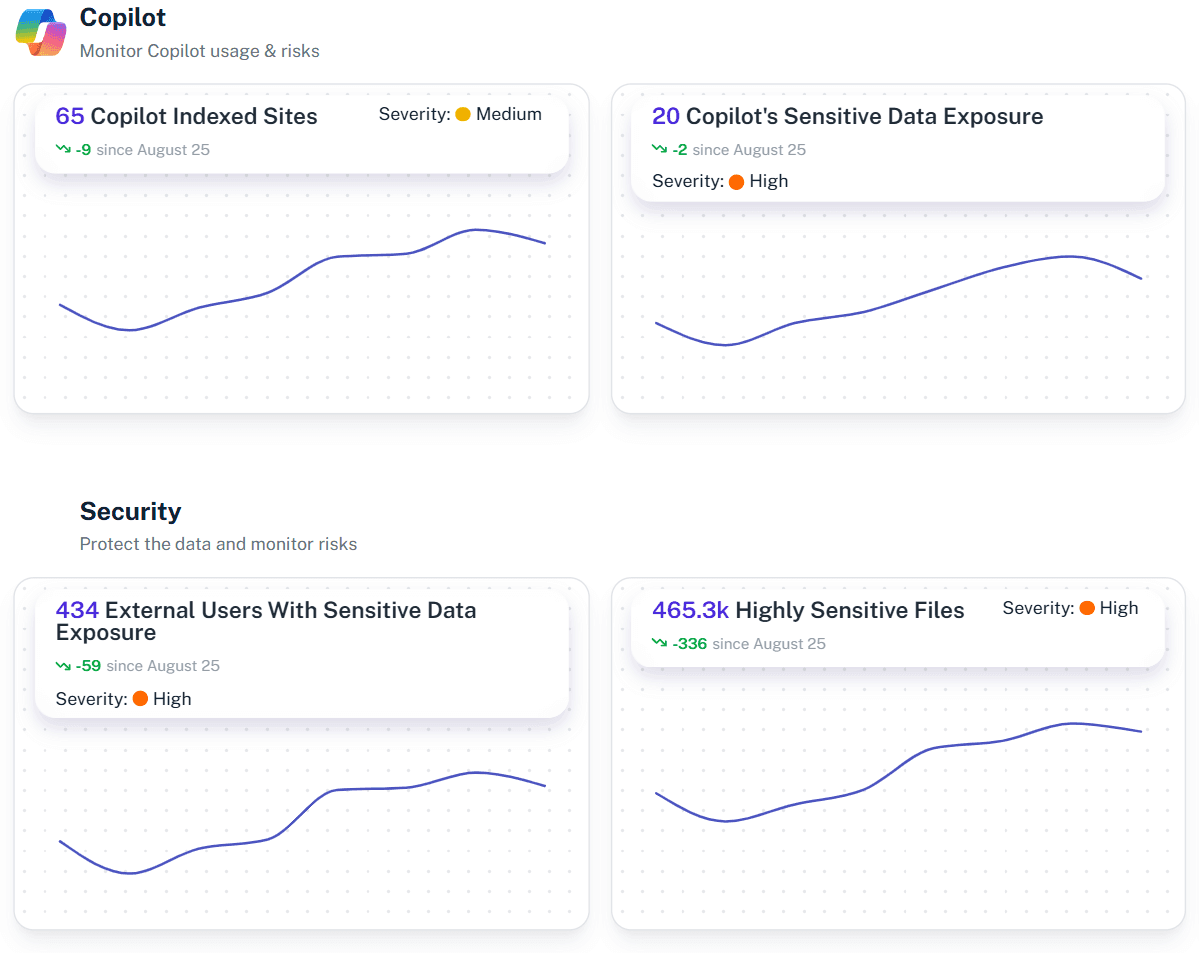
What is the challenge?
Doing It with 1Security
Native reporting gives you a sea of unrelated events—a login here, a download there—with zero connection between them. 1Security replaces that chaos with context. We connect the dots between scattered logs to reveal what actually happened, why it matters, and what the user intended.
The Full Story, Not Just the Events
Don’t just see “File Downloaded.” See the sequence: Risk Flag → Permission Escalation → 2,000 Files Downloaded → Sent to Personal Email. Context shows what really happened.
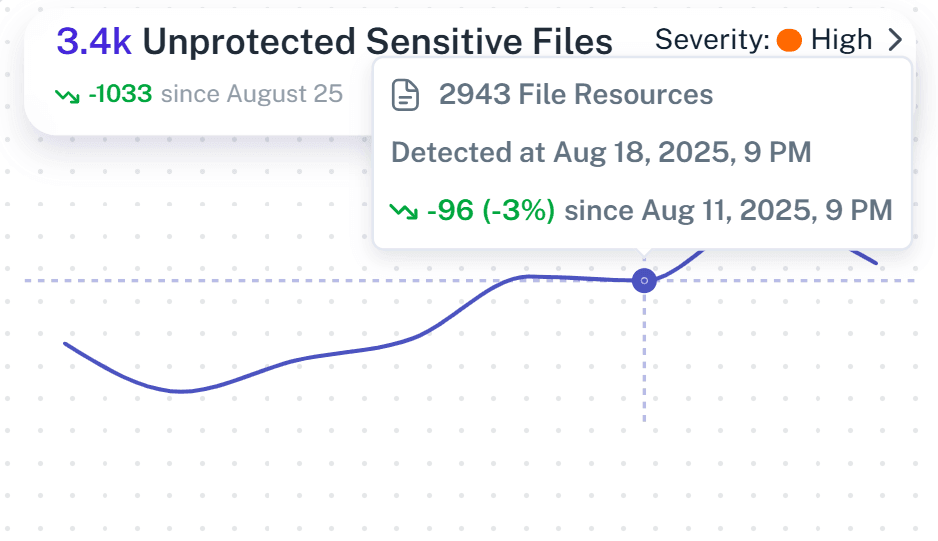
Unified Activity Timeline
Consolidates actions across SharePoint, OneDrive, Microsoft Teams, and Exchange into a single, searchable dashboard enriched with access context.
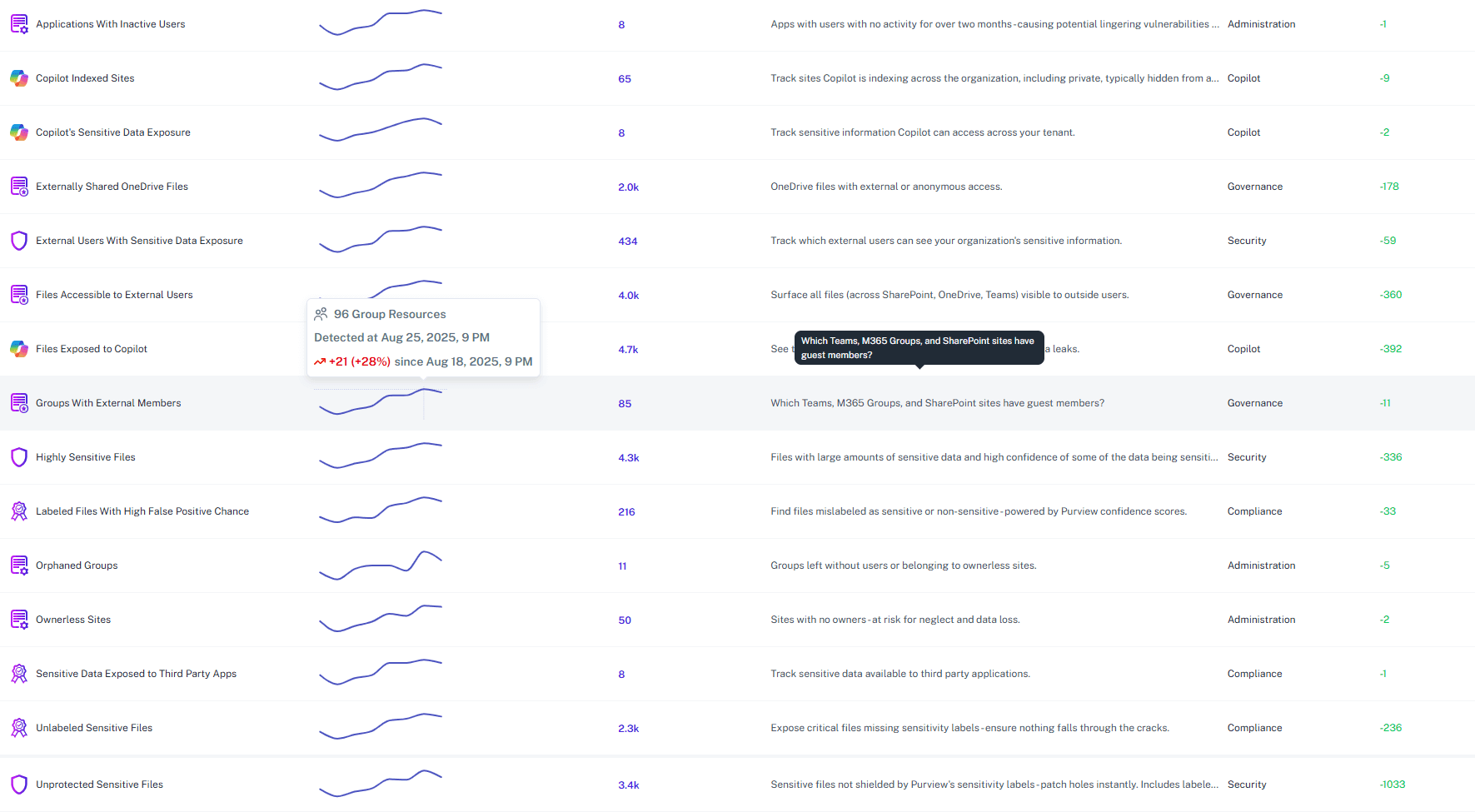
Permission-Aware Insights
Shows specific user activity alongside current access rights, helping teams understand what a user can see and how their permissions evolve.
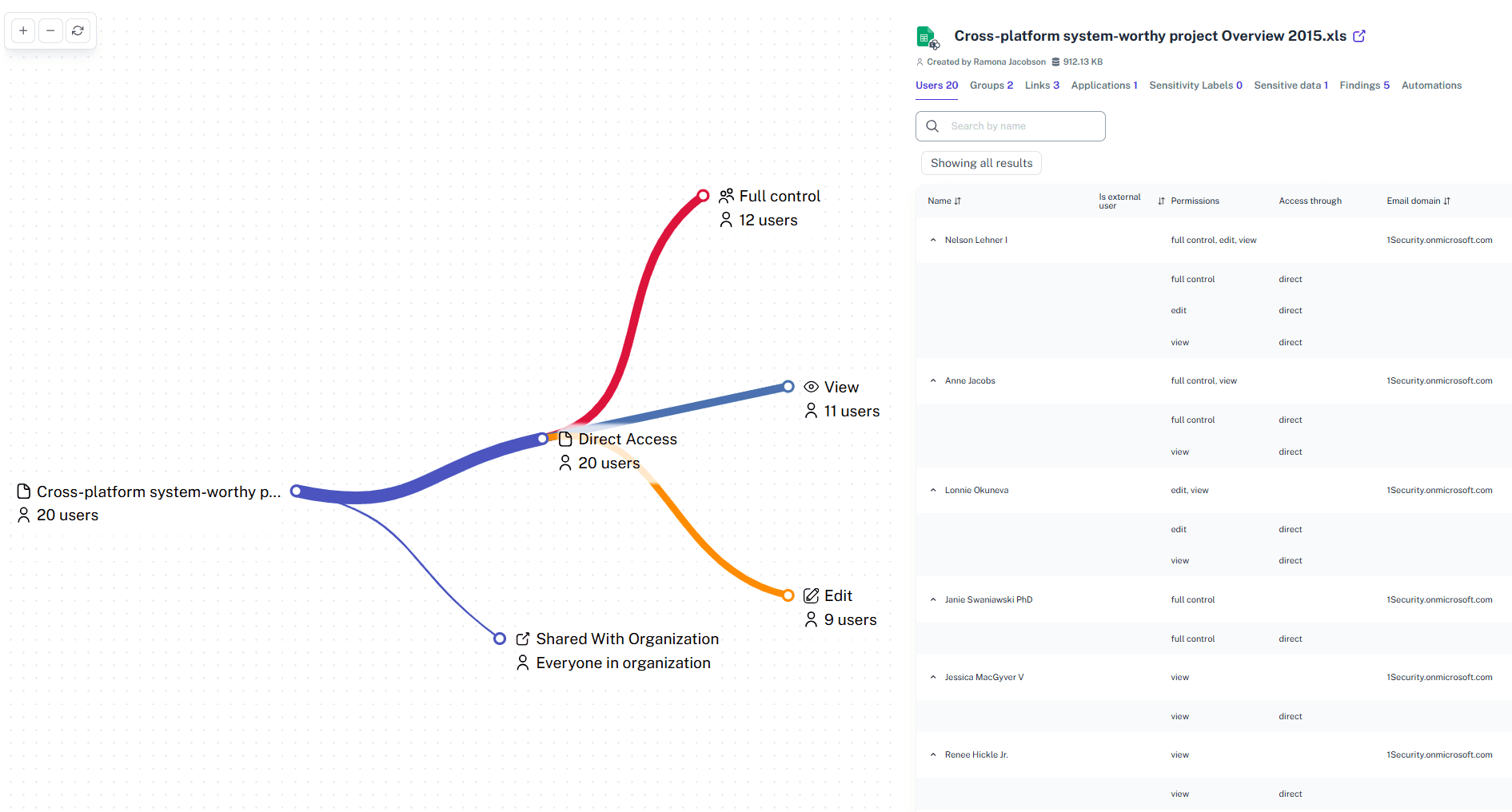
Sensitive Data Tracking
Flags when confidential files or sites were accessed, modified, or shared—supporting compliance and investigation efforts within your organization.

Real-Time Risk Alerts
Proactively identify and flag anomalous access patterns, oversharing of sensitive data, and critical configuration changes before they turn into incidents.
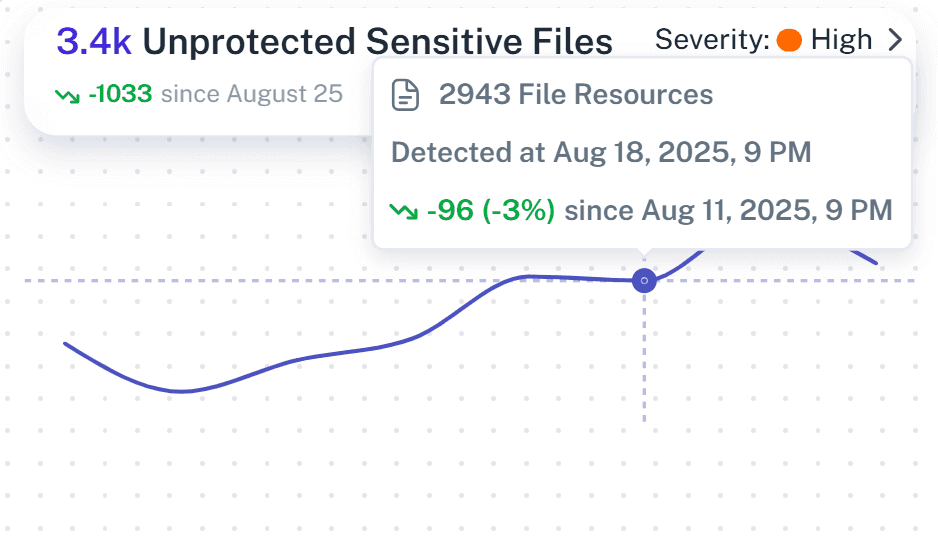
Audit-ready reports
Stop pasting CSVs into Excel to prove compliance. Generate immutable, timeline-based evidence for ISO 27001, GDPR, and HIPAA that shows who accessed what and when, giving auditors clear “who, what, where, why.”
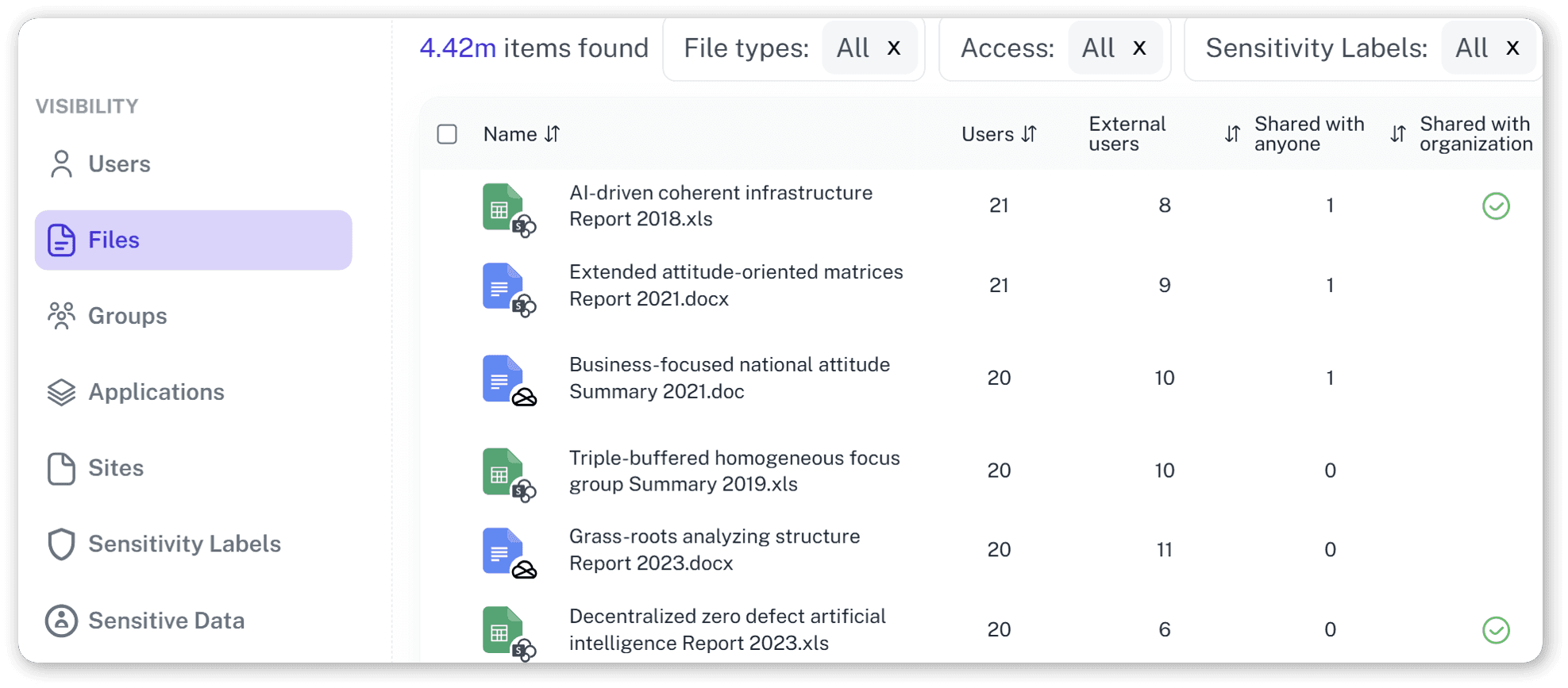
Context Is King
A download alone is noise. A sensitive download by a departing employee is a crisis. We enrich events with business context — sensitivity, user status, and history — so teams instantly see what matters.
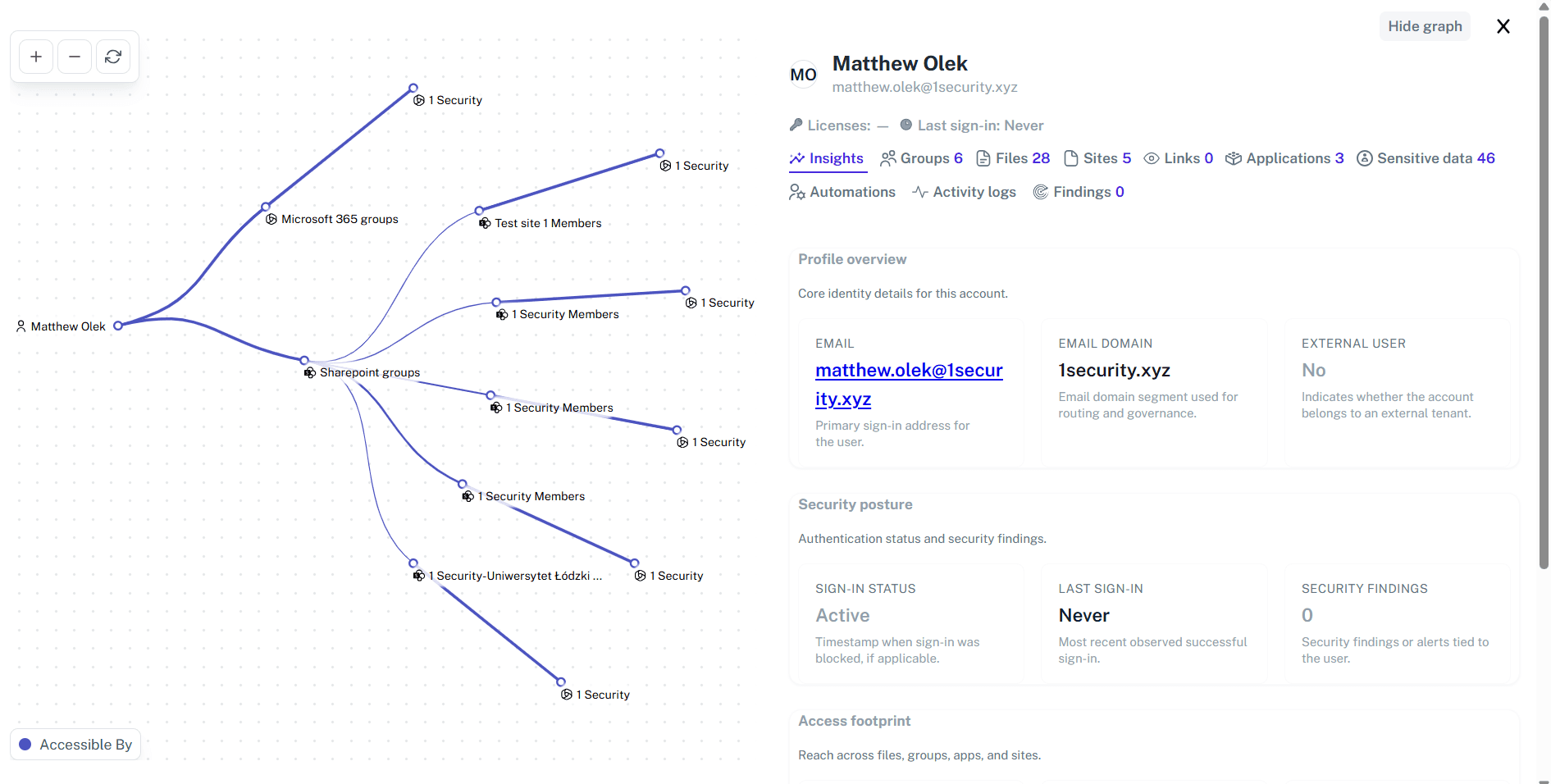
Time-Travel Forensics
Incident response often starts with “What did this look like before?” Time Travel lets teams review past permissions and activity exactly as they were, so incidents can be investigated with proper context.

Solving It with Other Methods
Native reporting dumps millions of raw events on your lap—a massive “haystack” with zero context. Your team burns hours acting as manual data processors, sifting noise while threats like data exfiltration slip through unnoticed.
Why Office 365 Activity Reporting Matters?
Activity reporting isn’t just logging—it’s how you prove the house isn’t on fire. The trouble is, M365 likes to hide the smoke alarms. 1Security brings everything into one clear view so teams can secure data, solve issues faster, and keep compliance refreshingly uneventful.
"Investigations used to stall while we pulled logs from multiple 365 admin center sources. With 1Security’s unified timeline, we traced a critical user activity change in minutes and resolved the audit far faster than before."
Security Lead, Financial Services"We kept missing silent oversharing between research teams. 1Security connected activity with permissions instantly, helping us identify exposure we’d overlooked for months and secure several high-risk sites the same day."
IT Manager, Research Institution"We had a suspected data leak, but trying to trace the activity from three Microsoft portals was a dead end. 1Security consolidated the logs into one clear timeline, showing us the root cause in minutes, not weeks."
Information Security Officer, Global ManufacturingWho Benefits Most?
1Security supports organizations of all sizes — from highly regulated industries to fast-growing mid-size firms.
Works seamlessly with your ecosystem
1Security connects natively with the tools you already use — giving you full visibility and control without adding complexity.











Frequently asked questions
Everything you need to know about the product.
Do you support ISO 27001, SOC 2, HIPAA, and GDPR work?
Yes. 1Security maps findings and evidence to common control frameworks, helping organizations demonstrate compliance more efficiently.
Can non-technical stakeholders use it?
Yes. Plain-language reports and read-only views make it easy for compliance, legal, and business stakeholders to see the evidence behind findings without needing admin rights.
Is this only for large enterprises?
No. While designed for complex environments, 1Security is equally valuable for mid-sized organizations running Microsoft 365 or Office 365 that need strong visibility into access, activity, and compliance.
Does this help me prepare for a data audit?
Absolutely. 1Security provides the documented, immutable evidence of who accessed what and when. This eliminates the need for manual preparation, giving you audit-ready reports on demand for common standards.
How does this support AI readiness?
It shows which users, apps, or AI agents could access sensitive files and highlights activity patterns relevant to Copilot deployment.
Does it help during incident investigations?
Yes. You can filter events, review historical access, and soon replay states to understand what happened before and after an incident.
Can I track historical changes to a user’s access and activity?
Yes. 1Security maintains a complete historical audit trail. You can see what a user’s permissions looked like before a critical change or leak and even restore access one-to-one in a simple way.
How does 1Security provide a better activity report than Microsoft’s native tools?
Native tools are fragmented, requiring you to check different admin centers for activity, permissions, and sensitive data. 1Security aggregates these signals into a single, contextual report, making security and audit tasks straightforward and fast.
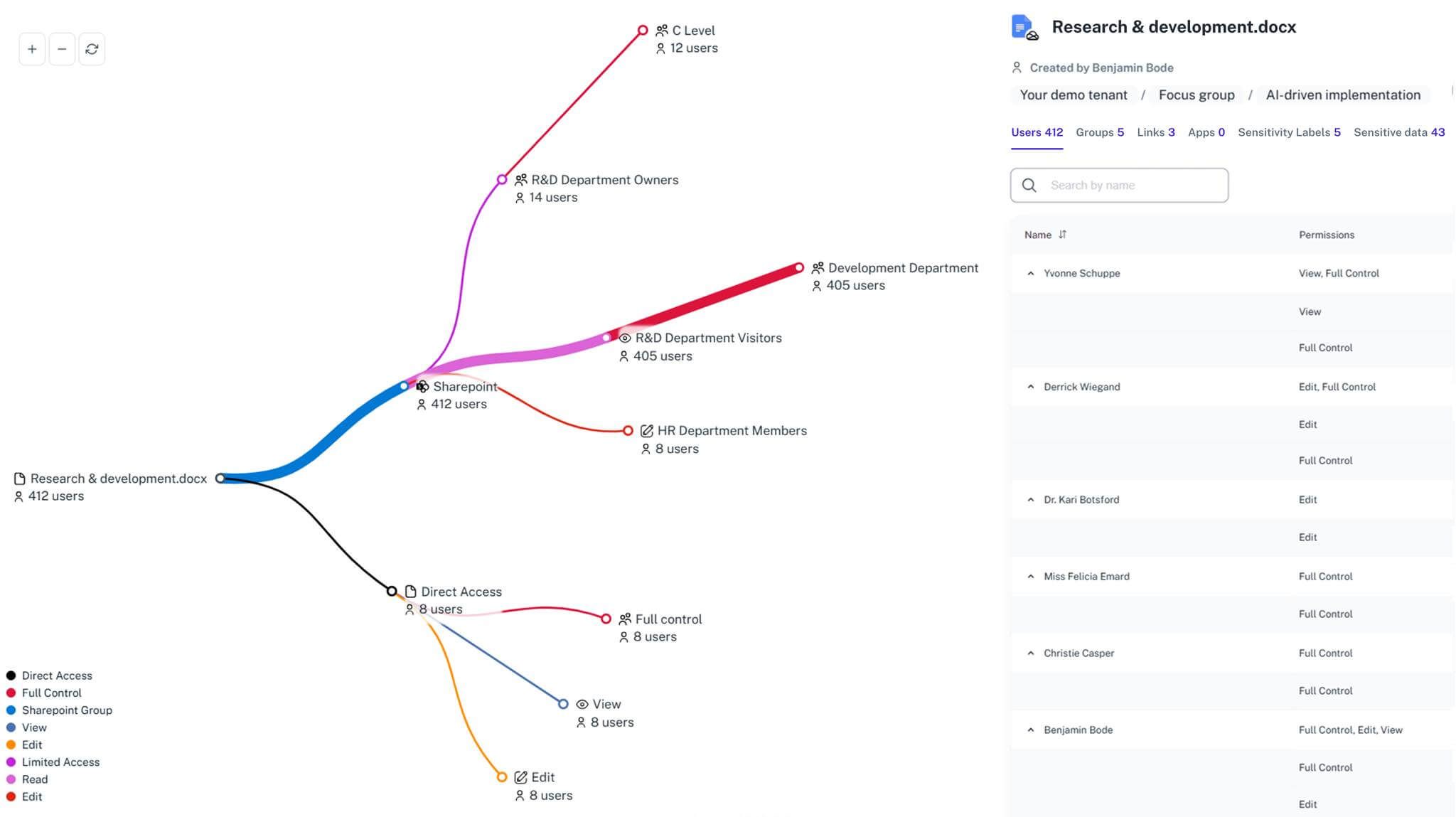
Gain visibility. Ensure compliance. Boost productivity.
Stop guessing who has access to your sensitive data. With 1Security, you gain the visibility, automation, and confidence needed to protect your Microsoft 365 environment.