Office 365 Check Who Has Access to Mailbox
Your Office 365 is haunted by ghosts: ex-assistants and vendors with "temporary" access from 2019. Hunting them means clicking through Exchange, Entra ID, and Admin Center, chasing data that isn't connected. NIS2 demands you exorcise these risks or face fines. 1Security shines a light on every hidden delegate instantly, turning access gaps into audit-ready proof without the click-marathon.
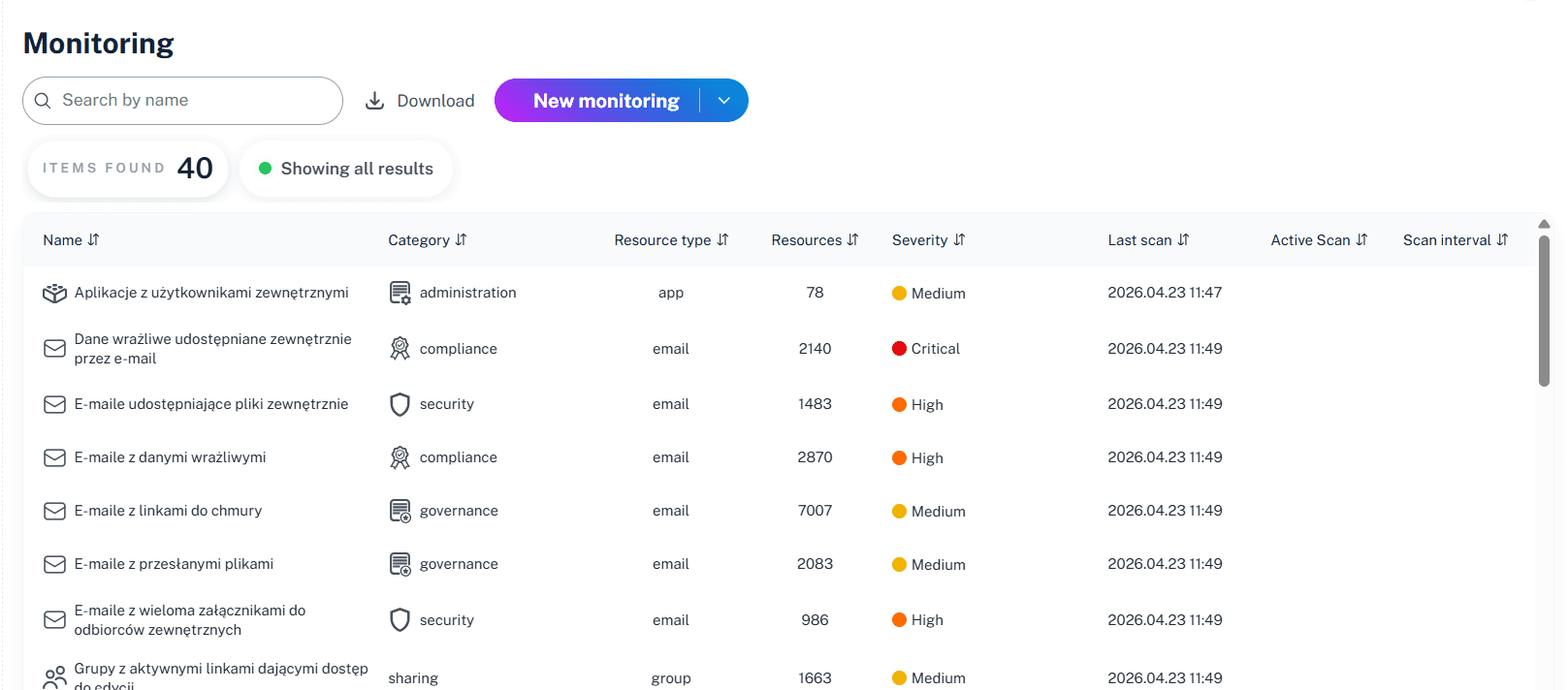
What is the challenge?
Doing It with 1Security
Stop treating mailbox security like a guessing game where the prize is a NIS2 fine. Native tools leave massive blind spots, but 1Security clears the fog. Get the consolidated, instant visibility required for every Office 365 check who has access to mailbox. It’s total risk control and compliance, minus the panic attacks and dashboard hopping.
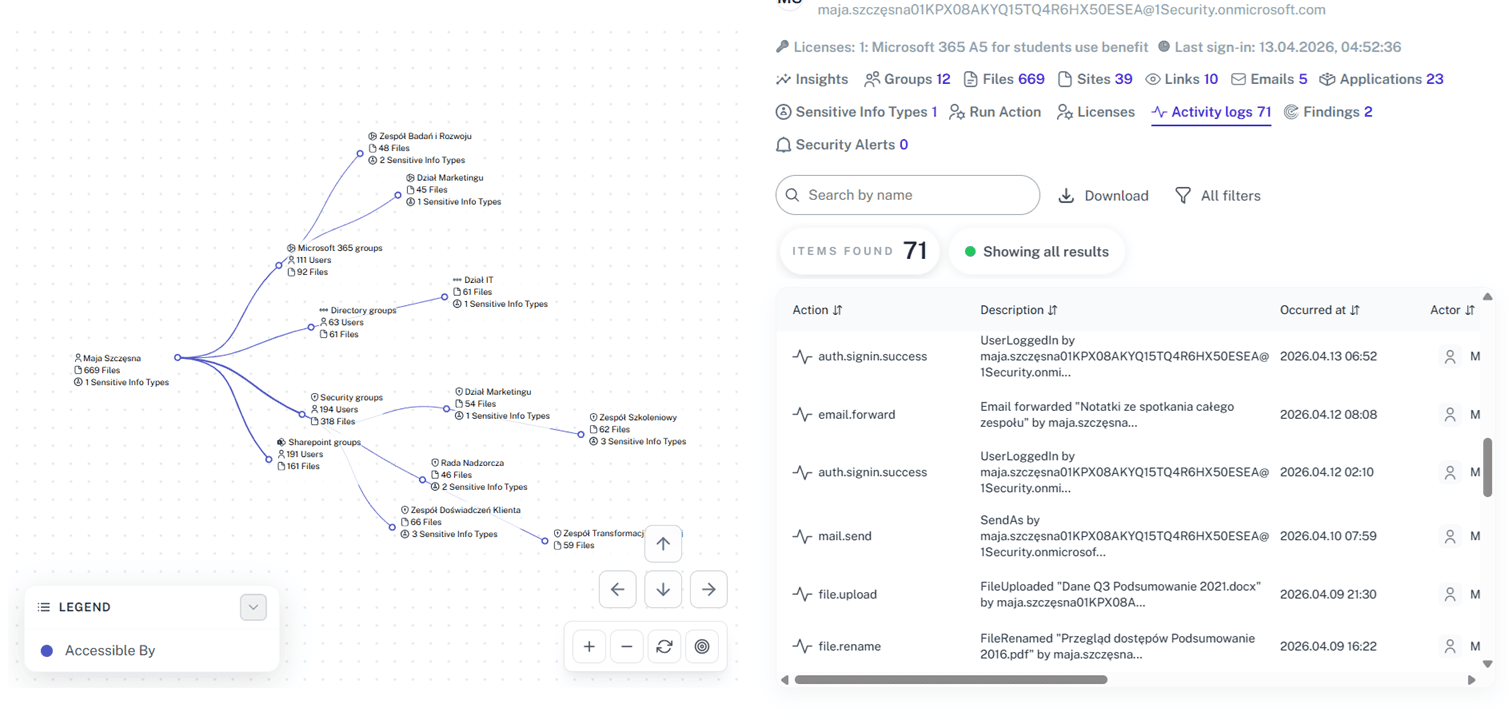
Map every delegate
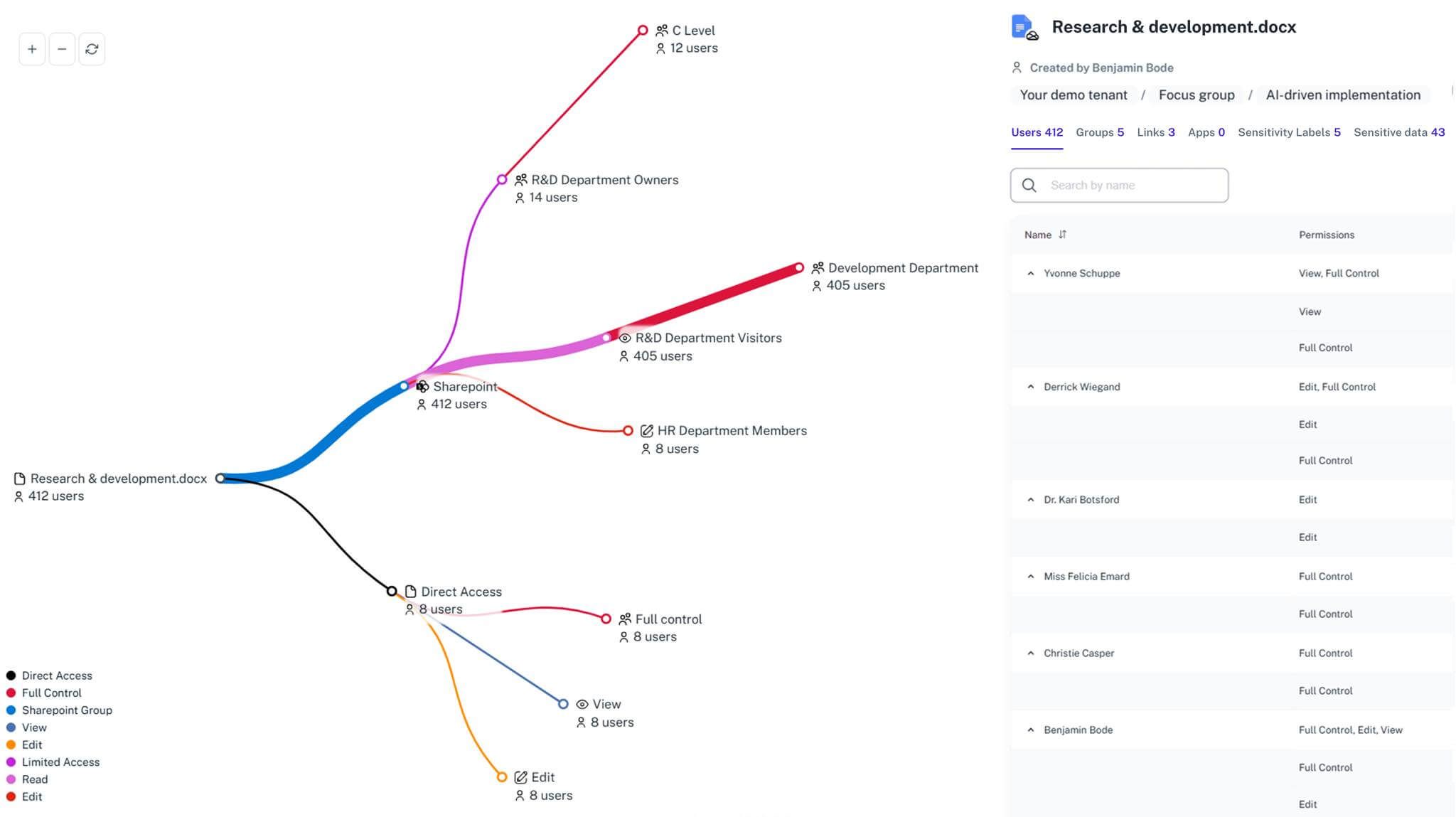
Instantly visualize full access, send as permission, and send on behalf rights across your Microsoft 365 tenant in a single mailbox permissions report.
Prove NIS2 compliance
Generate instant reports demonstrating strict access control to satisfy audit requirements and protect executives from liability.
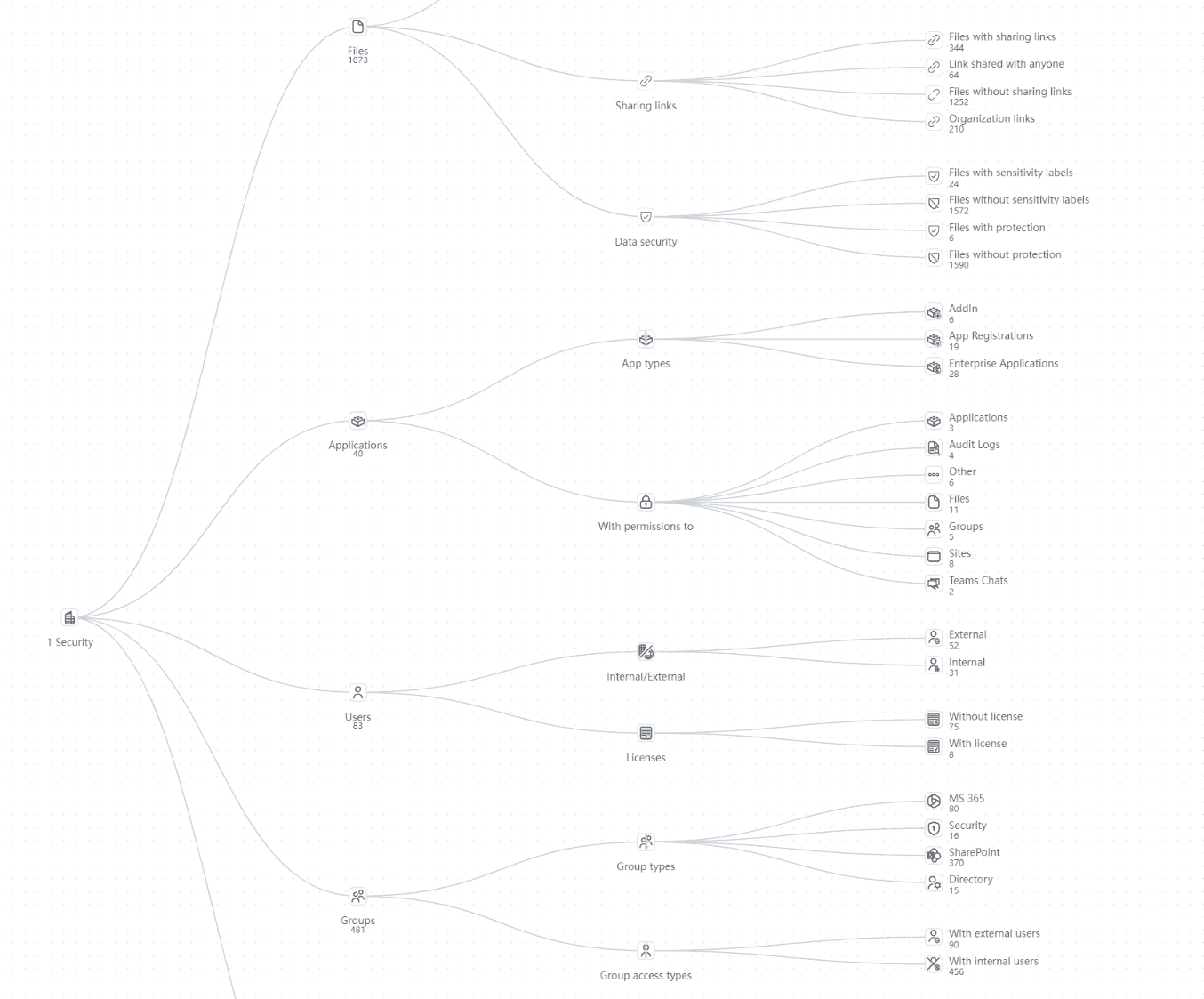
Detect shadow access
Identify hidden mailbox folder permissions and unauthorized access that don't show up in standard Exchange Online reports.
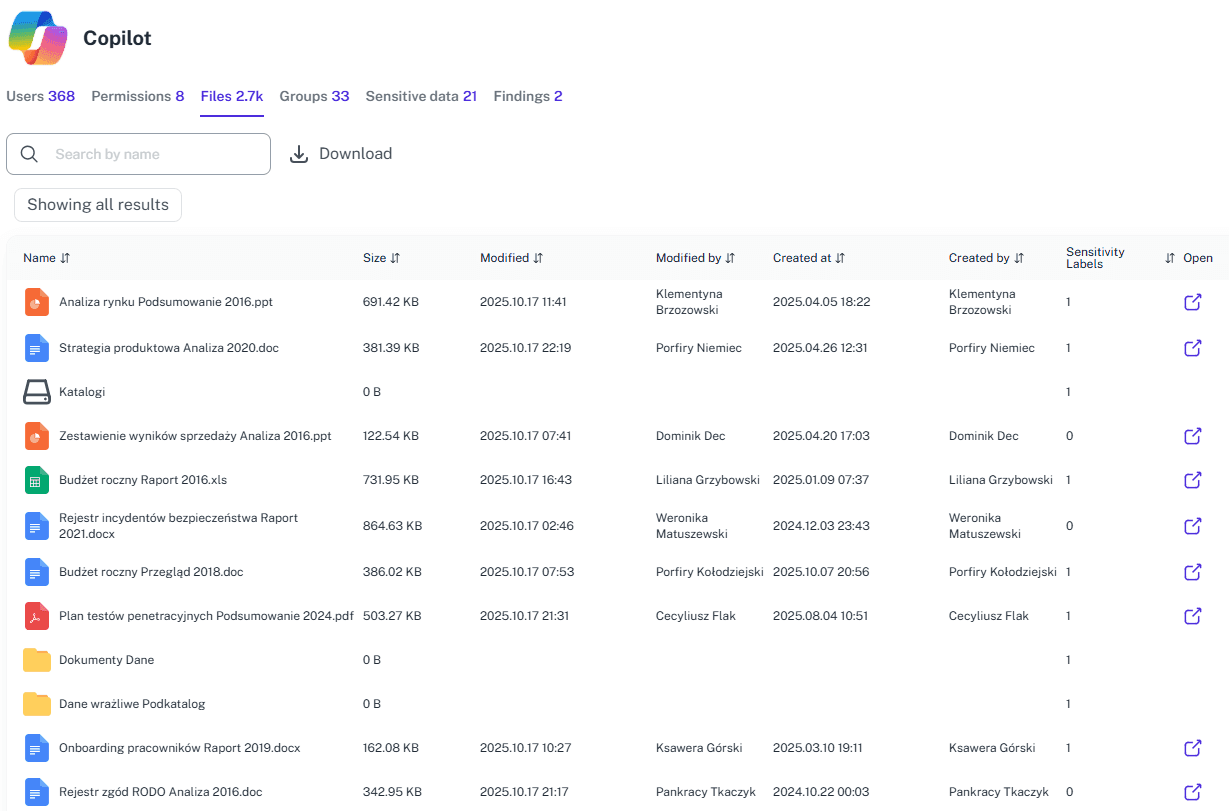
Forensic timeline
1Security turns mailbox audit logs into a context-full unified source of truth of what happened and where the cause was during the breach window for the rapid reporting (24-72h-30d) NIS2 requires.
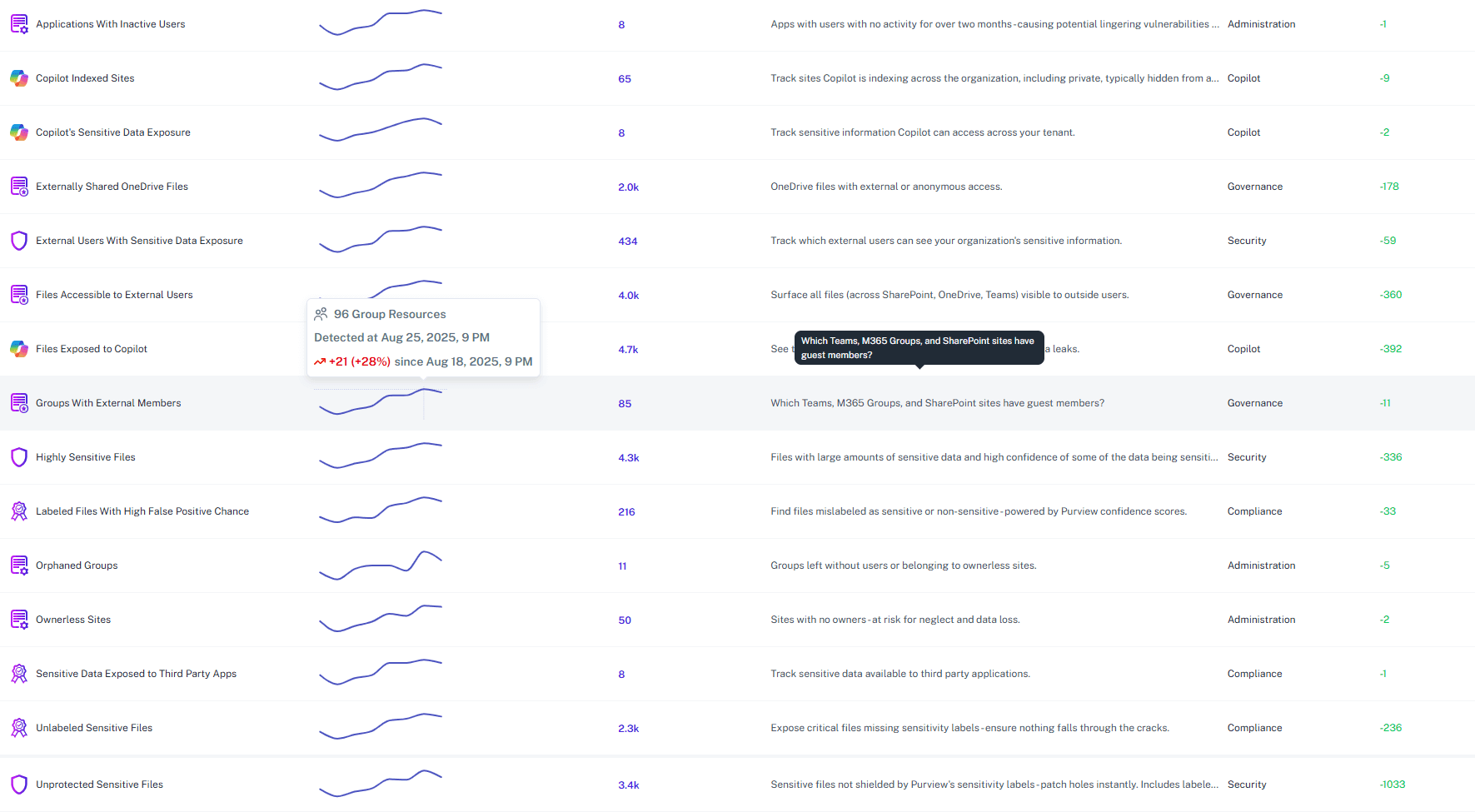
Secure the supply chain
Automatically flag external guests or vendors who still have access to the mailbox, closing third-party risk gaps.
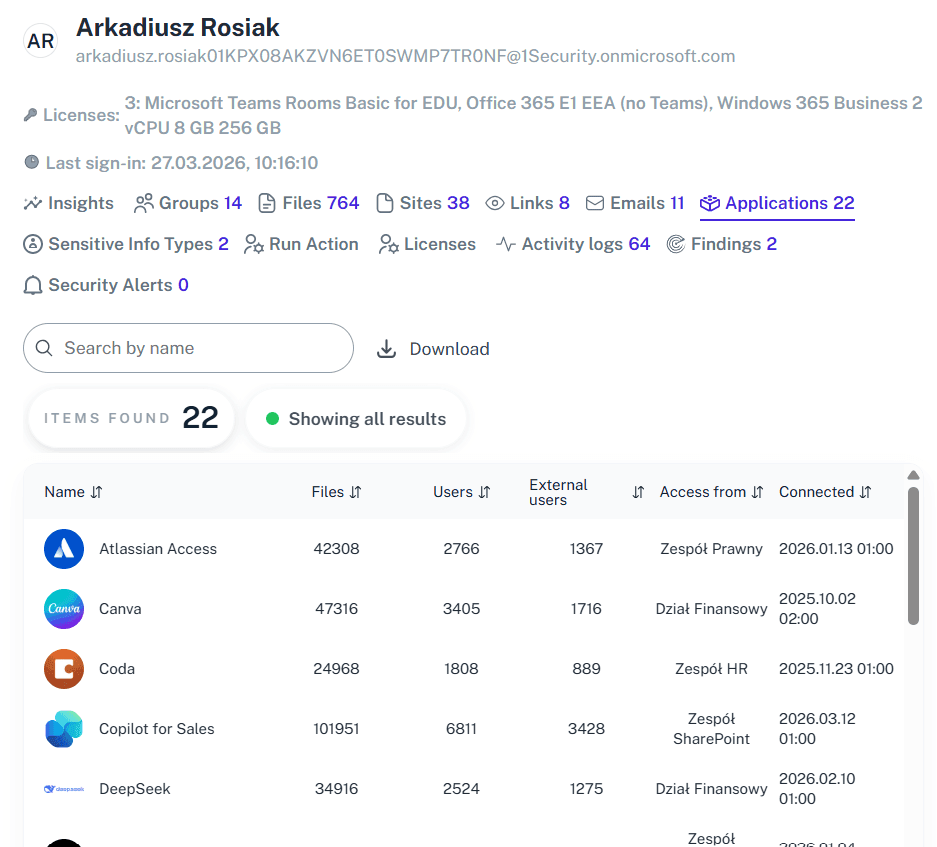
Unify the view
Stop dashboard hopping—see user has access rights, group memberships, and conditional access policies affecting individual mailboxes in one "Crystal Ball" view.
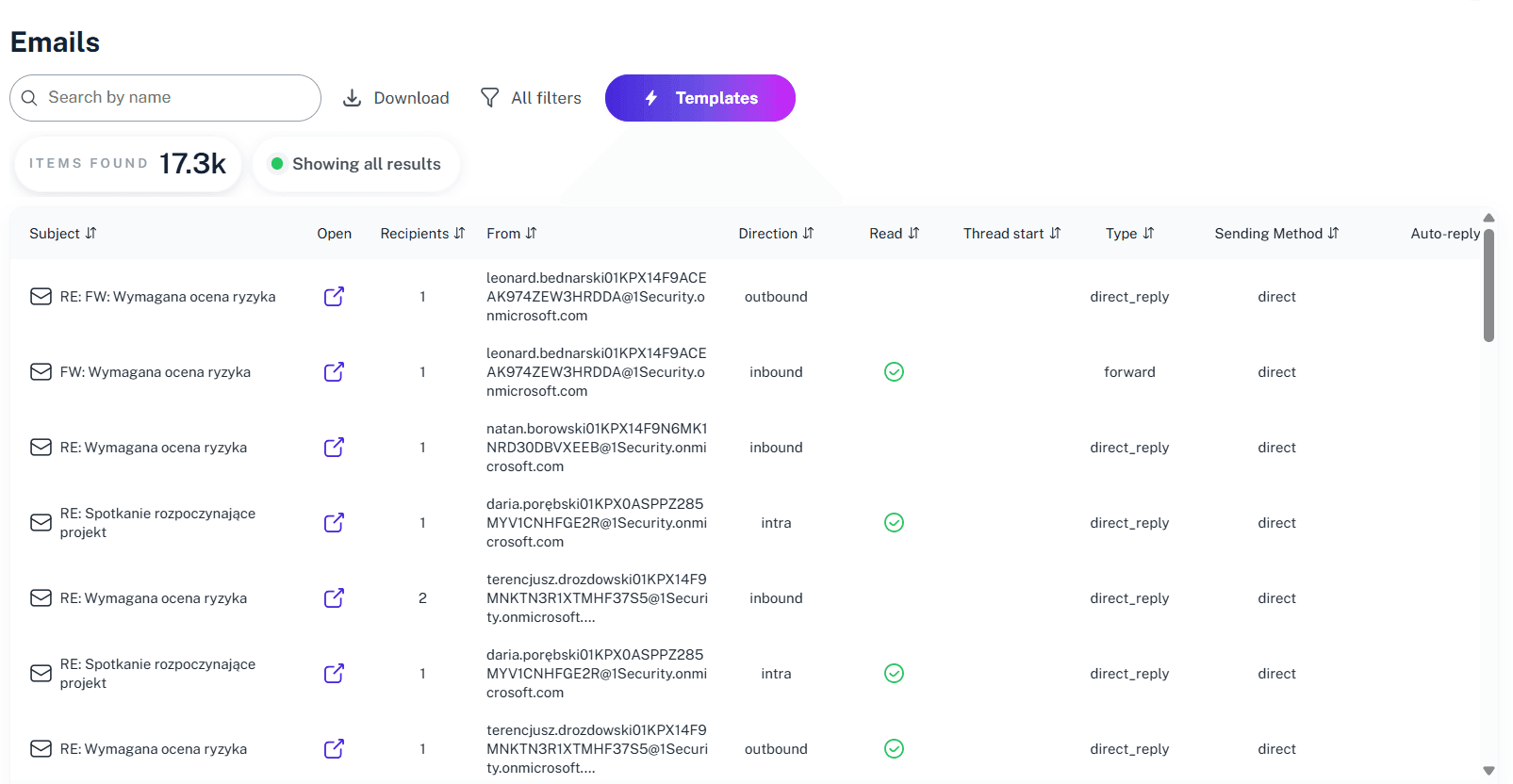
Automate reviews
Move from reactive audits to proactive defense. Get alerts for high-value mailboxes and sensitive emails before configuration drift becomes a breach.
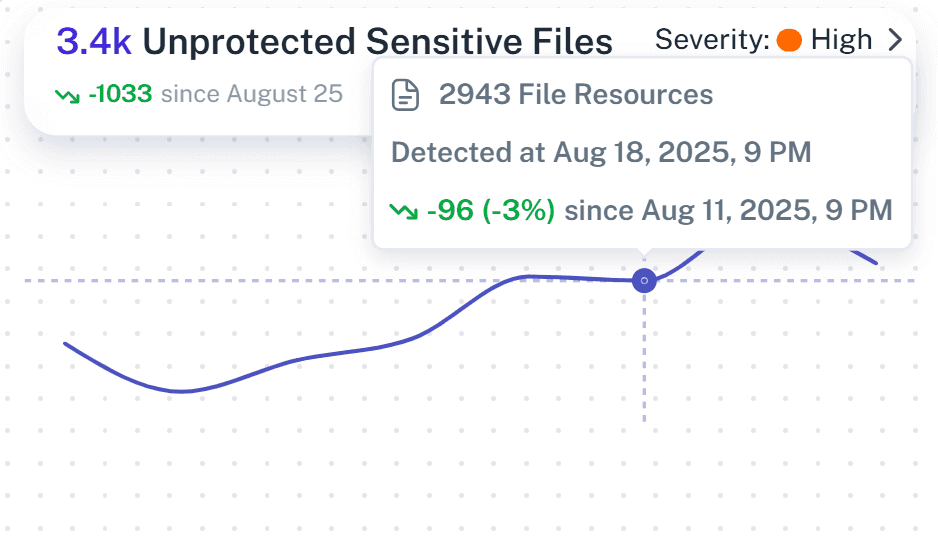
Respond on time
NIS2’s 24h, 72h, and 30-day windows are terrifying with manual logs. 1Security is your NIS2 engine, giving you instant intelligence to meet every deadline without panic.
Solving It with Other Methods
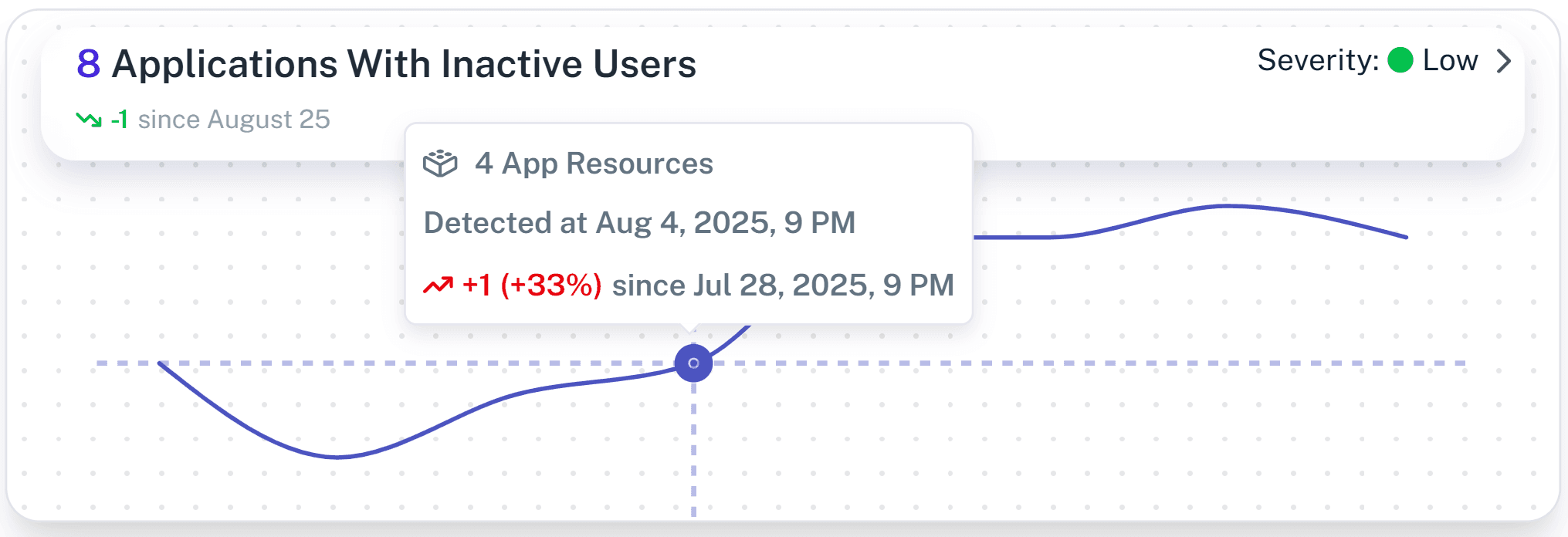
Relying on manual workarounds or PowerShell to fix visibility gaps is a recipe for burnout. These fragmented methods are so error-prone and tedious that most teams eventually just give up on the analysis rather than keep fighting the chaos.
Why Mailbox Access in Office 365 Matters?
1Security gives you complete visibility into mailbox permission, detects risky delegated access in real time, simplifies NIS2 compliance reporting, and protects against insider threats so you stay in control instead of buried in an audit log.
"Investing in 1Security allowed us to offload 2/3 of our administrators from manual access checks. It showed us exactly who granted access using delegation, simplifying our audit."
Director, Major Bank"We had 50,000 users and finding who had access to what was impossible. 1Security gave us immediate visibility into mailbox permission changes and external access."
IT Admin, Public University"The board was terrified of personal liability under NIS2. 1Security gave us the 'crystal ball' visibility into mailbox access we needed to prove strict control."
Compliance Officer, Healthcare ProviderWho Benefits Most?
1Security supports organizations of all sizes — from highly regulated industries to fast-growing mid-size firms.
Works seamlessly with your ecosystem
1Security connects natively with the tools you already use — giving you full visibility and control without adding complexity.










Frequently asked questions
Everything you need to know about the product.
Can I list all mailboxes a user has access to?
Yes. What Microsoft Learn explains through complex, multi-step PowerShell command chains, 1Security delivers in a single click, showing all mailboxes a user can access while maintaining strict access control.
Does this help audit mailbox permissions for NIS2?
Yes. 1Security allows you to audit mailbox permissions across your entire Microsoft 365 environment, helping you meet the strict 24-72 hour reporting windows required by NIS2.
Can I see folder-level permissions in a shared mailbox?
Yes. Unlike high-level native reports, 1Security detects folder permission settings applied to specific mailbox folder areas, ensuring you spot hidden access paths that standard audit tools miss.
Can I manage Office 365 using PowerShell-free tools instead?
Yes. You don't need to install a PowerShell module or use remote PowerShell. 1Security provides a GUI to list all mailboxes and their permissions without writing a single line of code or managing a PowerShell script.
Does this track non-owner access to mailboxes in your exchange?
Yes. You can run a non-owner mailbox access report instantly to identify when a delegate or admin opens an email, simplifying the audit process for shared mailbox permissions.
Do you support ISO 27001, SOC 2, HIPAA, and GDPR work?
Yes. 1Security maps findings and evidence to common control frameworks, helping organizations demonstrate compliance more efficiently.
Can non-technical stakeholders use it?
Yes. Plain-language reports and read-only views make it easy for compliance, legal, and business stakeholders to see the evidence behind findings without needing admin rights.
Is this only for large enterprises?
No. While designed for complex environments, 1Security is equally valuable for mid-sized organizations running Microsoft 365 or Office 365 that need strong visibility into access, activity, and compliance.
Gain visibility. Ensure compliance. Boost productivity.
Stop guessing who has access to your sensitive data. With 1Security, you gain the visibility, automation, and confidence needed to protect your Microsoft 365 environment.