Office 365 Failed Login Attempts Report
Identity is the new battleground: attackers no longer break into systems, they log into them. Over 70% of breaches involve compromised or excessive permissions, leaving behind a trail of failed login attempts. Ignoring these spikes is like ignoring someone testing your office doorknob every night. It’s an active threat, and stopping it requires turning those scattered breadcrumbs into a clear, actionable forensic trail.
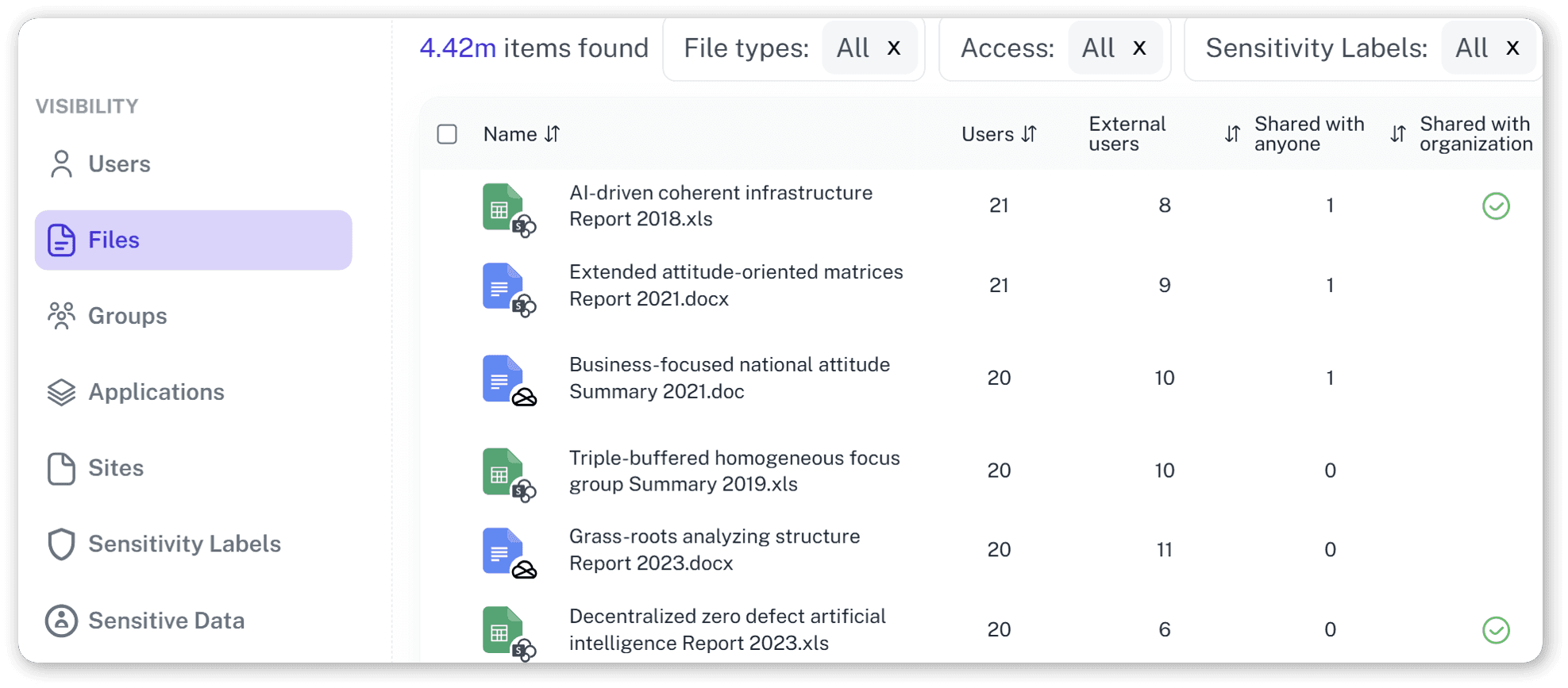
What is the challenge?
Doing It with 1Security
Don’t let a wall of failed login alerts become a Rorschach test. 1Security transforms raw, fragmented Entra ID logs into Permission Intelligence, giving you the context to know exactly when a "failed login" is actually a "breach in progress.
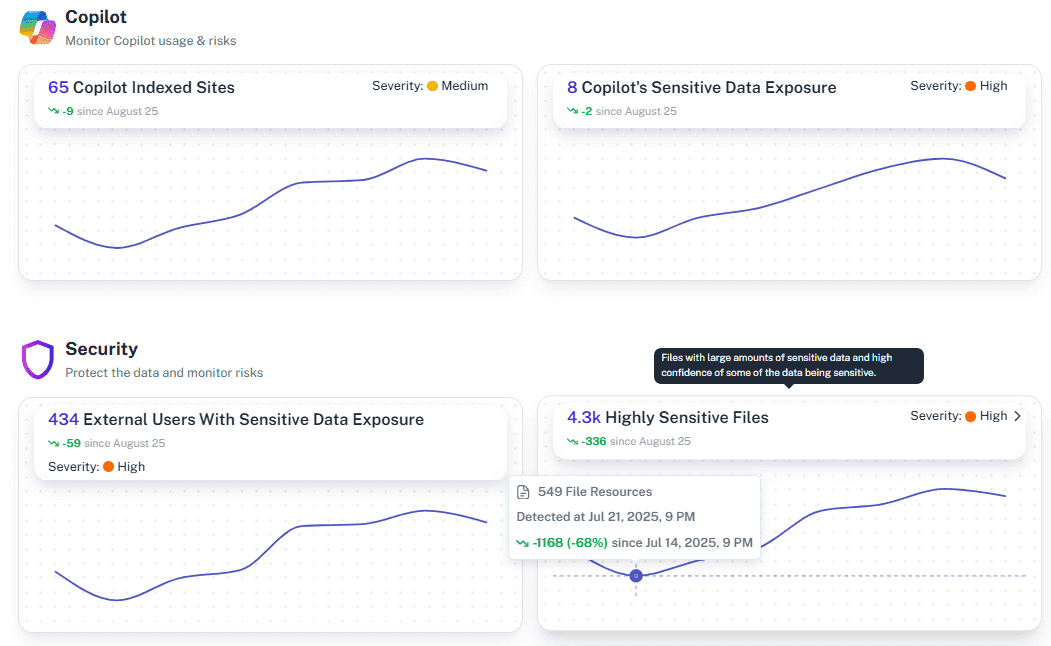
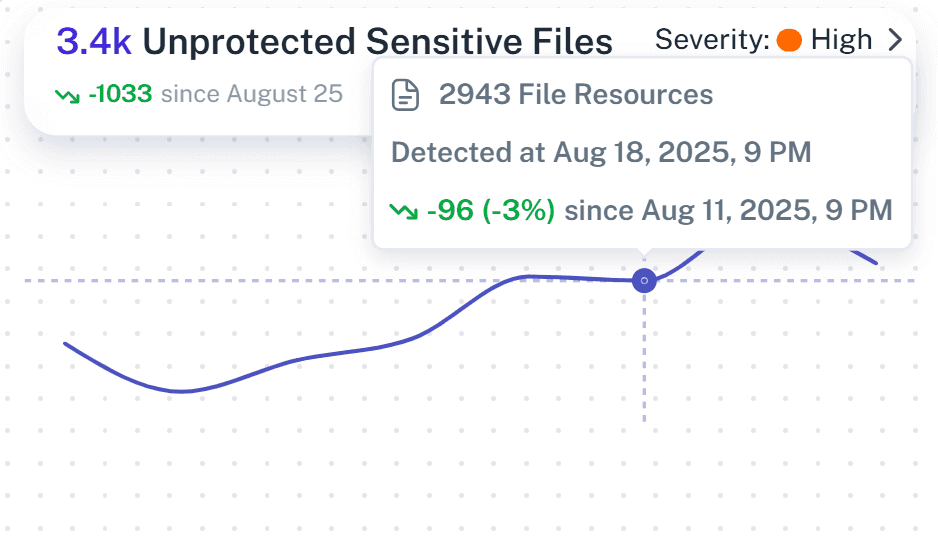
Monitor Activity Trends
Instantly see spikes in failed login attempts in Microsoft on a timeline to distinguish random errors from sustained anomalies.
Device-Aware Risk Scoring
1Security doesn't just show you an IP address; it cross-references with Microsoft Intune to tell you the source. A failed login from a managed corporate laptop is a low-risk user typo. The same failure from an unmanaged Linux device in a region where you have no employees? That’s a high-risk alarm that demands immediate action.
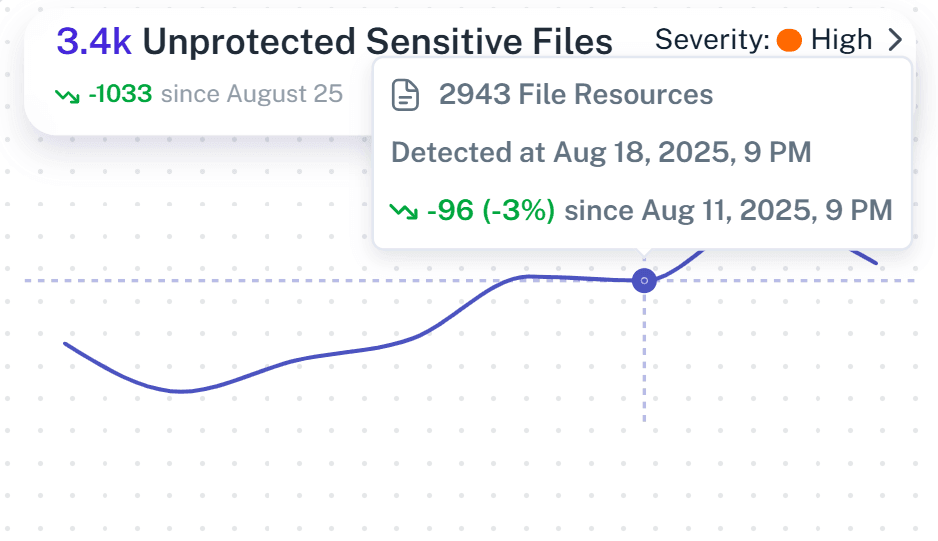
Behavioral Baselining (The "Normalcy" Test):
Stop chasing ghosts. 1Security allows comparing login attempts against historical data. Does this user normally log in at 2:00 AM? Do they usually use this browser? By understanding "normal," we filter out the noise and highlight the anomalies that rule-based systems miss.
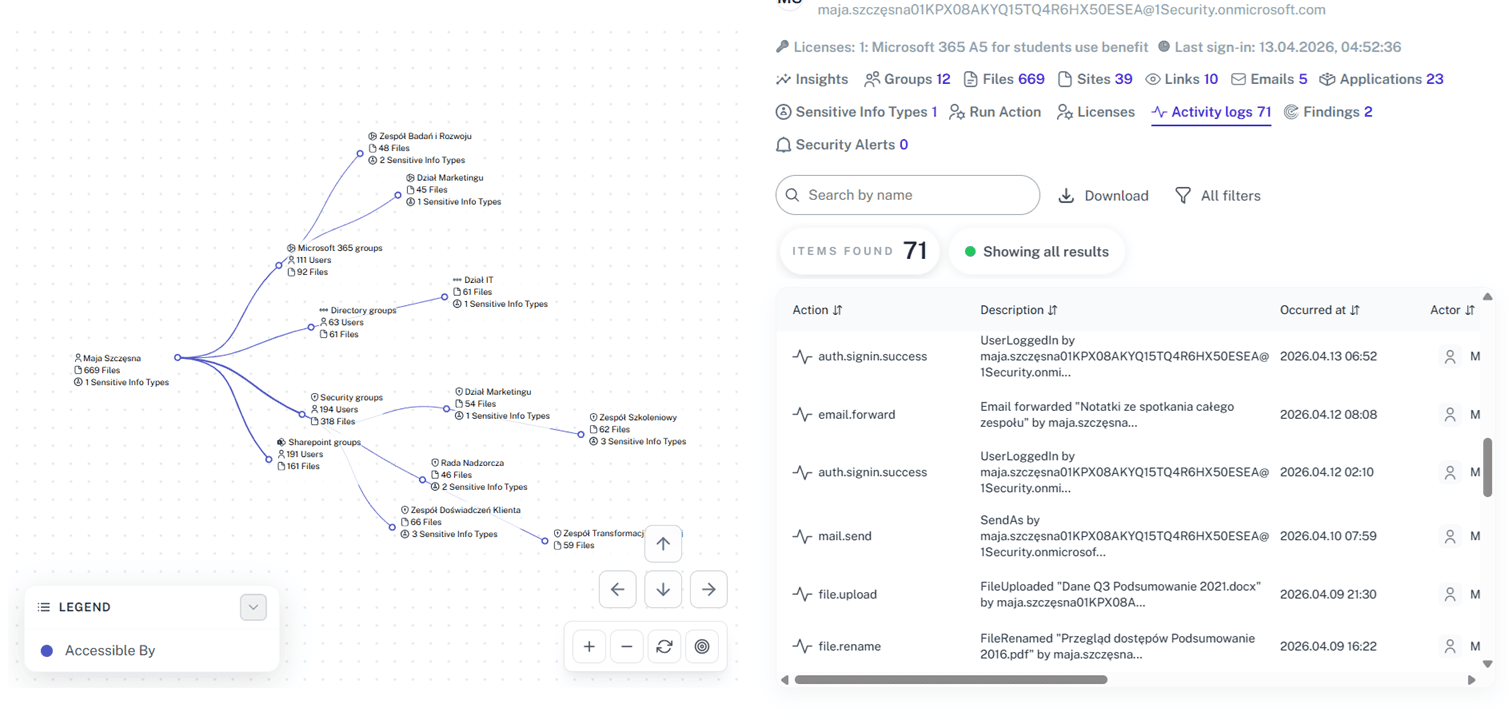
Unified Audit Trail
Aggregate login attempts and audit data from across the tenant into a single, searchable view—no more dashboard hopping.
User-Centric Risk Context
Identify which high-value user accounts are generating excessive alerts and prioritize their protection.
Real-Time Alerting
Receive immediate notifications when login failure thresholds are breached so you can investigate before a breach occurs.
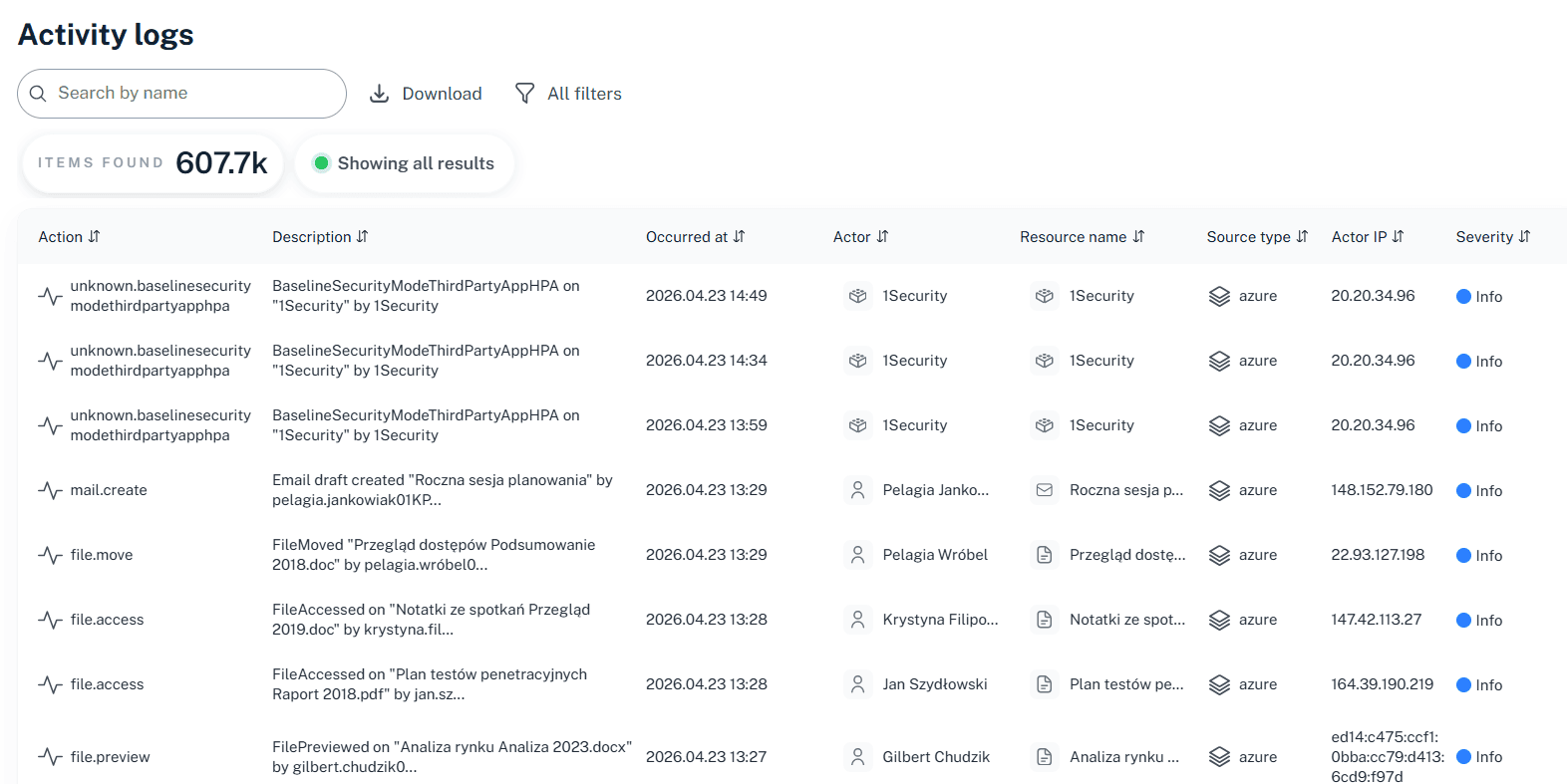
Granular Log Search
Drill down into specific audit logs to investigate the exact source and nature of suspicious access events.
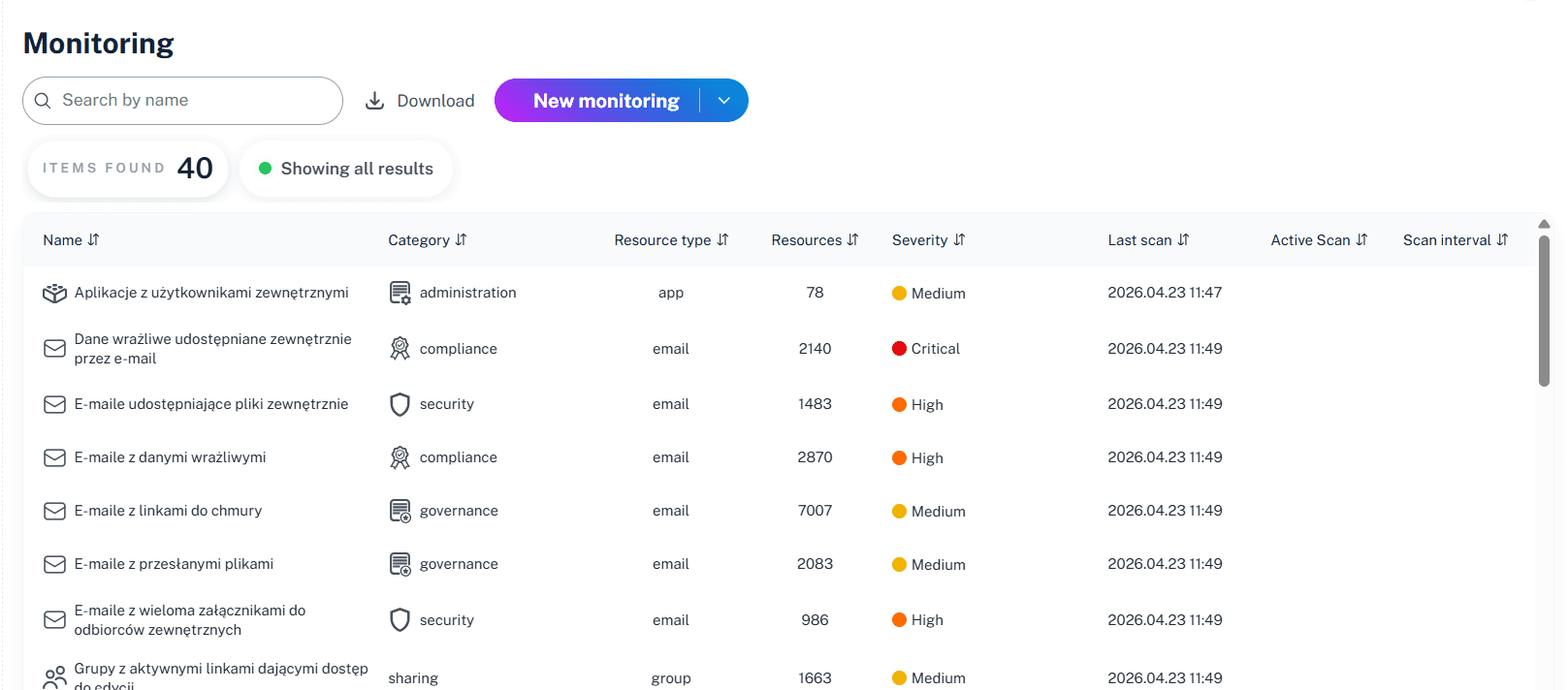
Coordinated Attack Detection
1Security identifies patterns across your entire tenant. We distinguish between a single user forgetting their password (Brute Force) and a coordinated effort to test one password against every user in your company (Password Spraying).

Automated Reporting
Schedule daily or weekly summaries of top failed login sources to keep stakeholders informed without manual data crunching.
Solving It with Other Methods
Relying on manual audit exports to spot attacks is the security equivalent of a hamster wheel—lots of running, no destination. Teams burn out sifting through fragmented Azure AD data and PowerShell outputs, only to realize the breach happened while they were busy formatting the spreadsheet. It’s a blind spot you can’t afford.
Why Office 365 Failed Login Attempts Report Matters?
Stop chasing attackers with a digital mop. 1Security delivers real-time visibility into authentication risks, helping you stop attacks before they land. Protect your 365 users and stay ahead of the threat, instead of explaining it later.
"We used to struggle with scattered logs across multiple dashboards. 1Security grouped everything in one place, showing us exactly where the risks were without us having to dig through thousands of lines of data."
CISO, Regional Banking Group"Native tools gave us a list of events, but 1Security gave us the context. We could instantly see which users were hitting access blocks and why, turning a guessing game into clear defensive action."
IT Director, Logistics Enterprise"Our team wasted hours every week trying to figure out if alerts were real. 1Security gave us the visual proof we needed to identify false positives and focus on actual security risks"
Security Operations Manager, Manufacturing FirmWho Benefits Most?
1Security supports organizations of all sizes — from highly regulated industries to fast-growing mid-size firms.
Works seamlessly with your ecosystem
1Security connects natively with the tools you already use — giving you full visibility and control without adding complexity.











Frequently asked questions
Everything you need to know about the product.
Is this only for large enterprises?
No. While designed for complex environments, 1Security is equally valuable for mid-sized organizations running Microsoft 365 or Office 365 that need strong visibility into access, activity, and compliance.
How does this report help with brute-force attacks?
It aggregates failed attempts and monitors spikes in activity against specific accounts. You can instantly see if a single user or the whole company is seeing unusual volume.
Does it help with compliance audits?
Yes. The report provides a clear audit trail of access attempts, helping you demonstrate control over user identities for frameworks like ISO 27001.
How far back does the data go?
1Security retains historical data longer than native Microsoft 365 tiers, allowing you to investigate slow-moving attacks or past incidents using "Time Travel".
Can I get an alert if failures exceed a certain number?
Yes. You can configure custom thresholds to receive immediate notifications via email or Teams when login failures or other anomalous activities spike.
Do you support ISO 27001, SOC 2, HIPAA, and GDPR work?
Yes. 1Security maps findings and evidence to common control frameworks, helping organizations demonstrate compliance more efficiently.
Can non-technical stakeholders use it?
Yes. Plain-language reports and read-only views make it easy for compliance, legal, and business stakeholders to see the evidence behind findings without needing admin rights.
Can I search reports for specific events?
Yes. You can filter login attempts and audit logs by user, date, or event type to quickly isolate the data you need for an investigation.
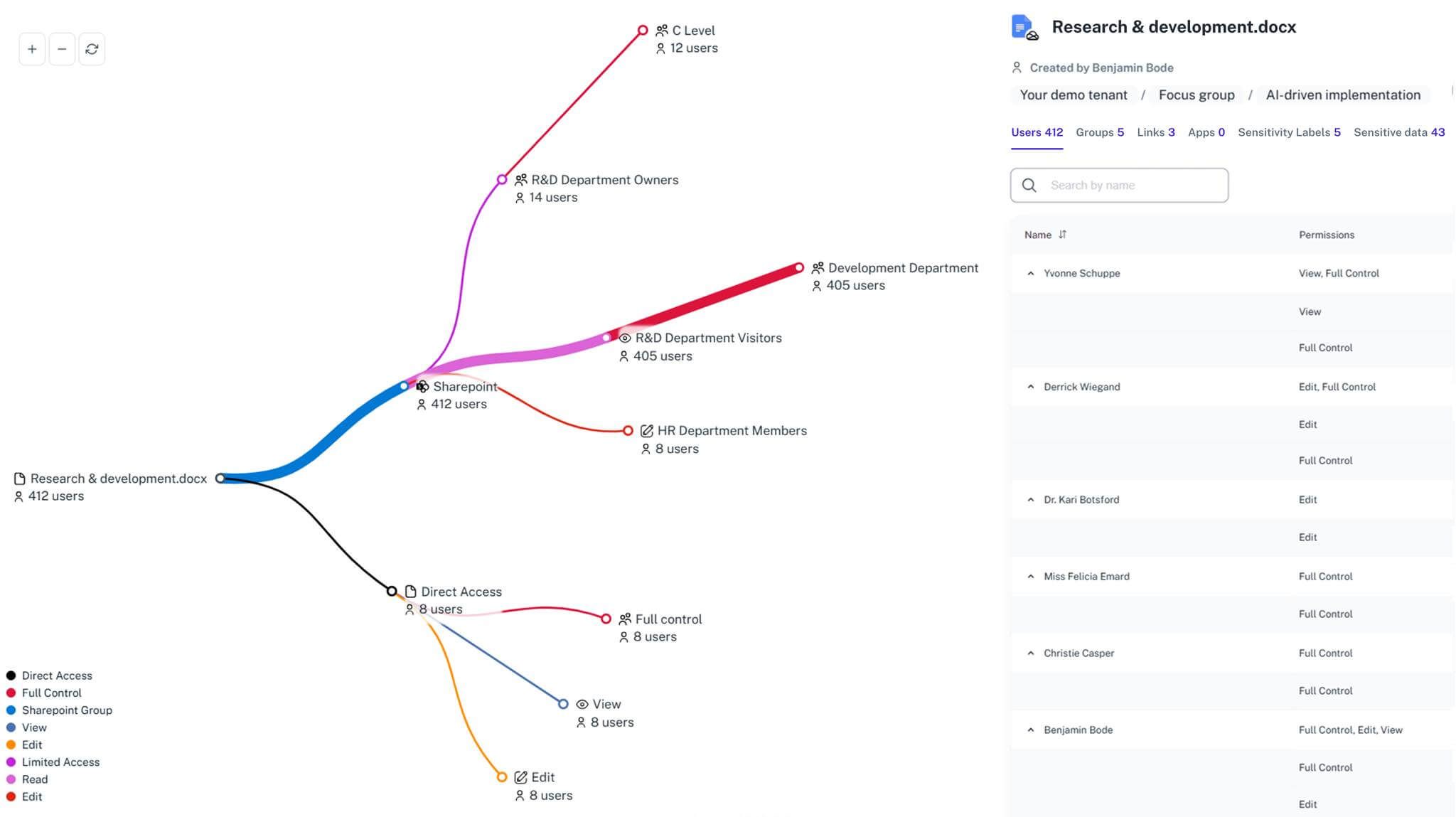
Gain visibility. Ensure compliance. Boost productivity.
Stop guessing who has access to your sensitive data. With 1Security, you gain the visibility, automation, and confidence needed to protect your Microsoft 365 environment.