Office 365 Permissions Report Software
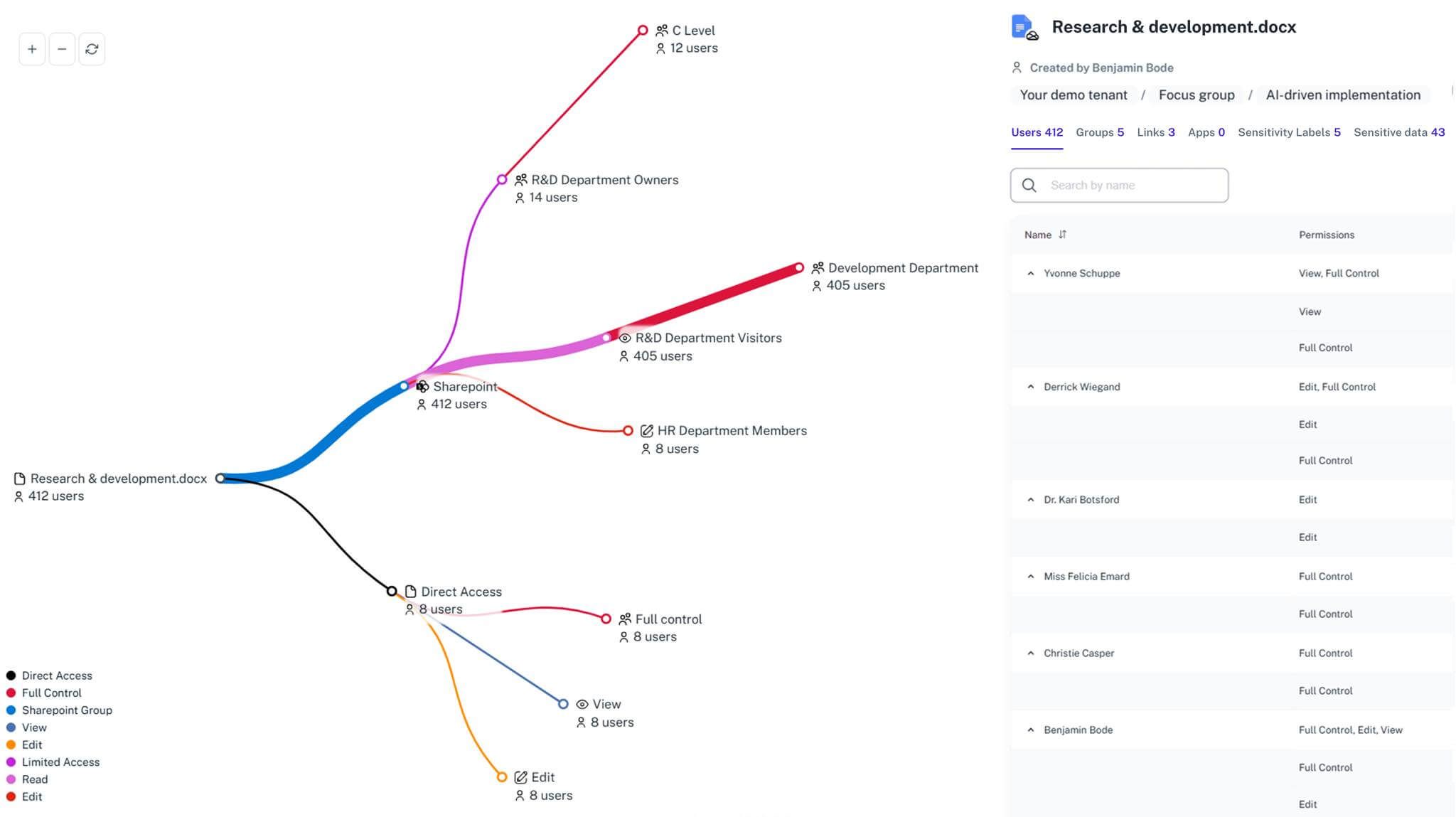
Trying to audit permissions in Microsoft 365 is like being dropped in a giant hedge maze... blindfolded. You know there's an exit, but every turn is a guess. You're stuck hopping between portals, running complex scripts, and still not seeing who has access to what. 1Security gives you the map, delivering one simple view of every path and user.
What is the challenge?
Doing It with 1Security
Reporting gaps are where the monsters hide. 1Security flips on the lights, delivering one consolidated view of all permissions in your Microsoft 365 environment.
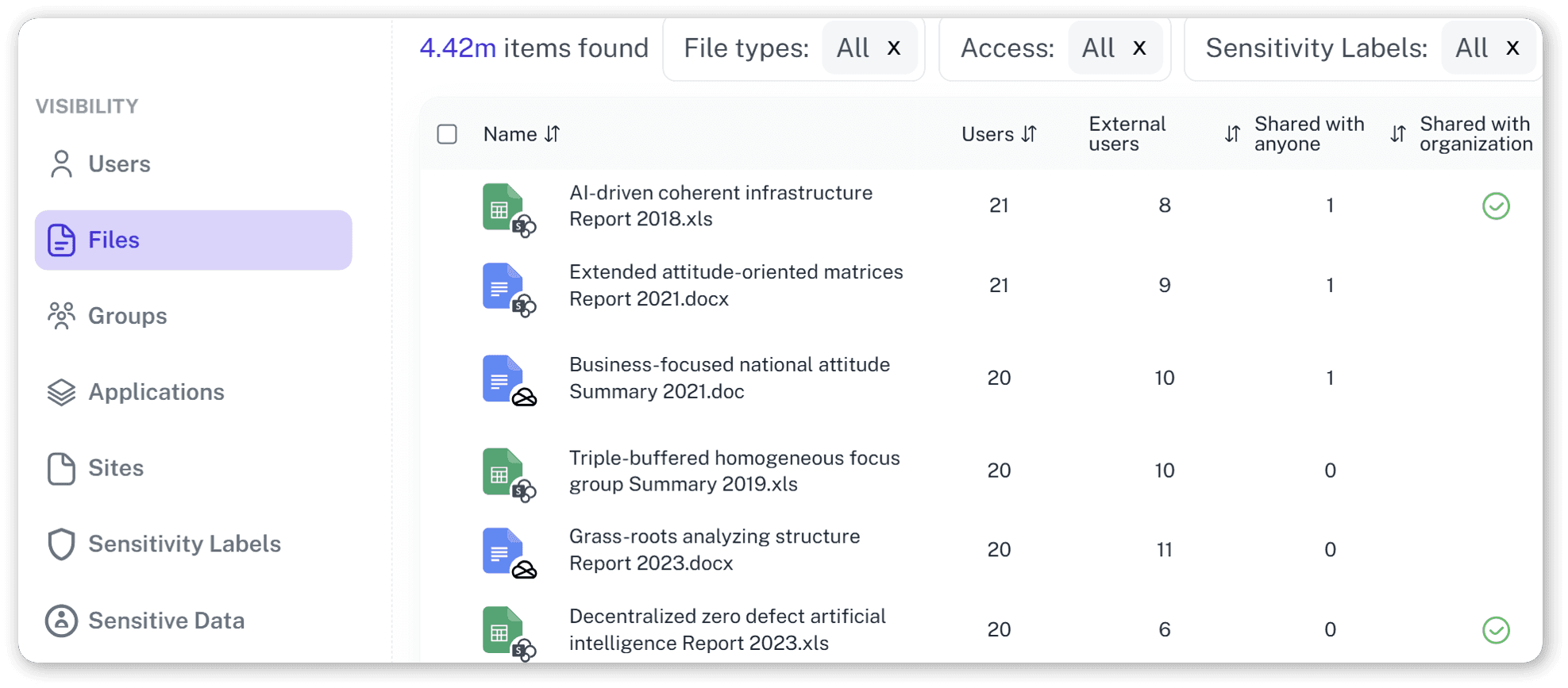
Single Source of Access Truth
See precise access rights for every file and site in a single dashboard.
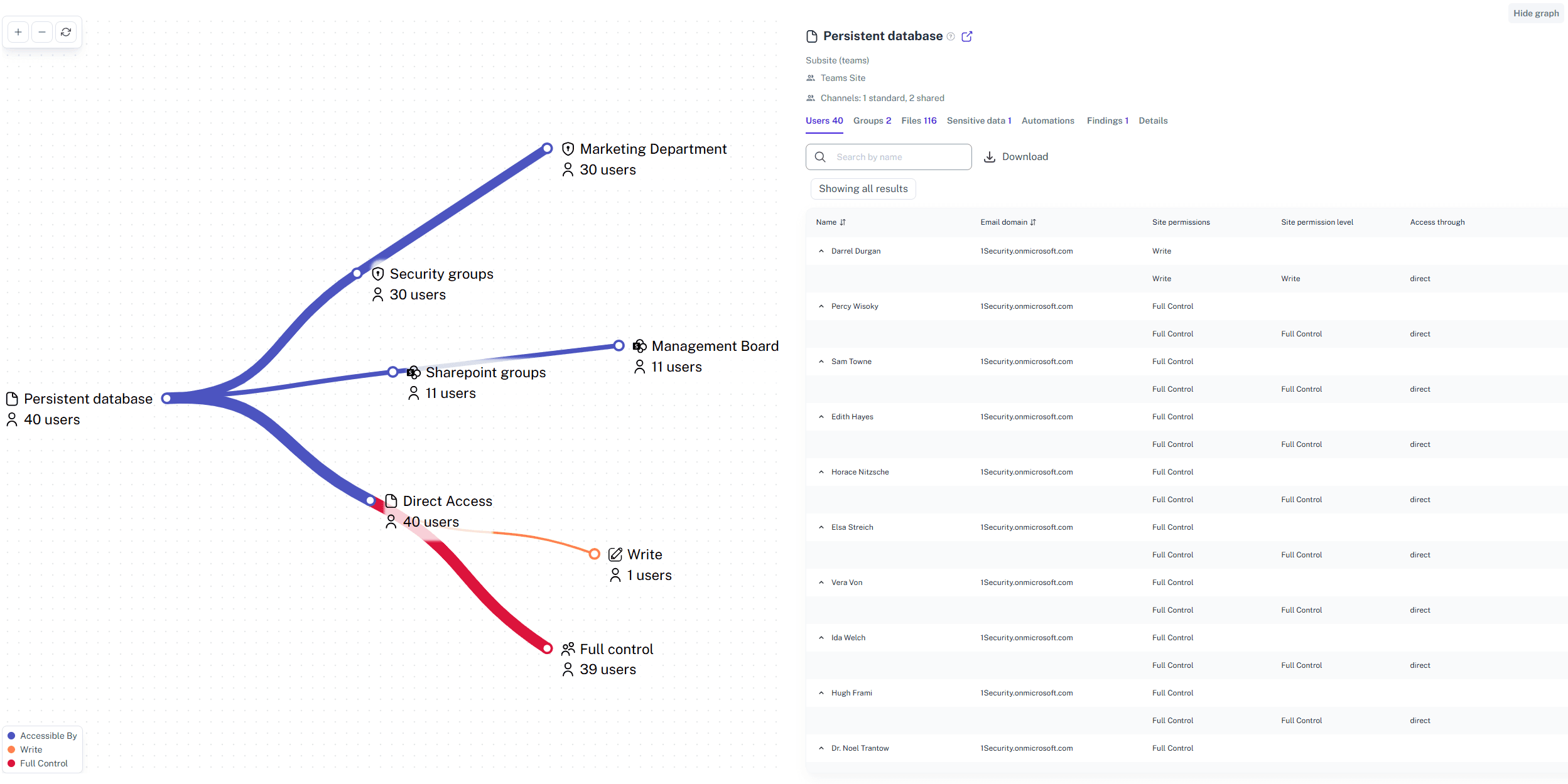
Search by User or Resource
Instantly provides details on what a user can access and who has access to sensitive data.
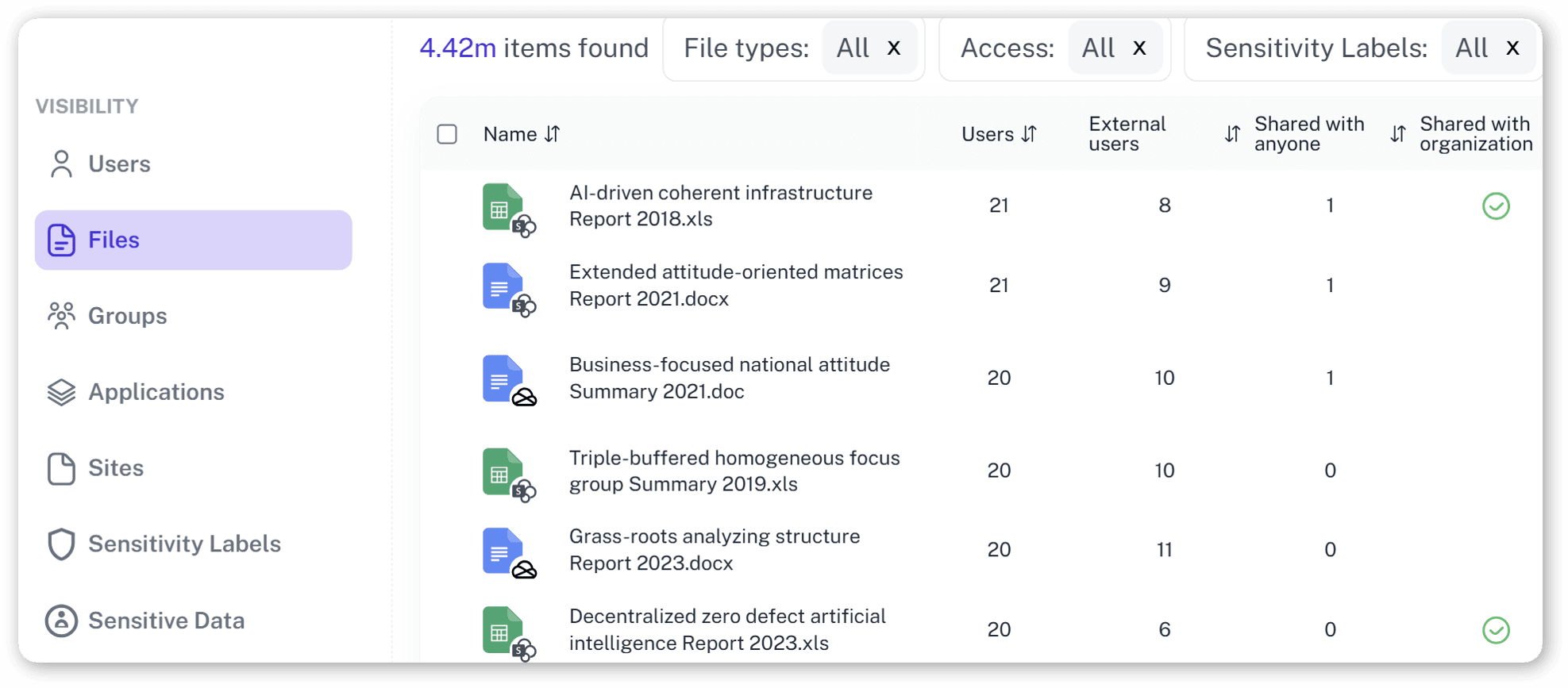
Automated Compliance Reports
Generate audit-ready permissions reports for ISO 27001, GDPR, and other standards.
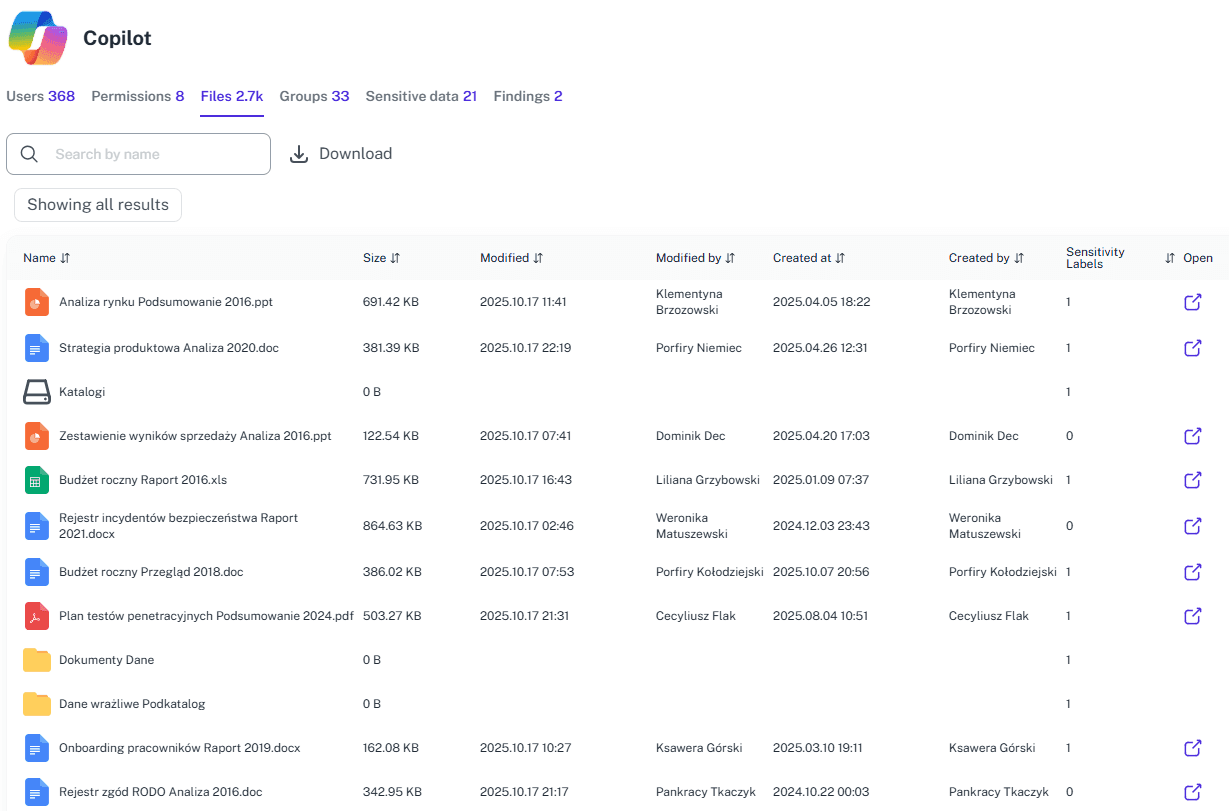
External User Visibility
Immediately identify all files, SharePoint sites, and Microsoft Teams groups shared with guests and external users.
Permission Change Tracking
Monitor access rights changes in real time to spot and remediate risky permissions.
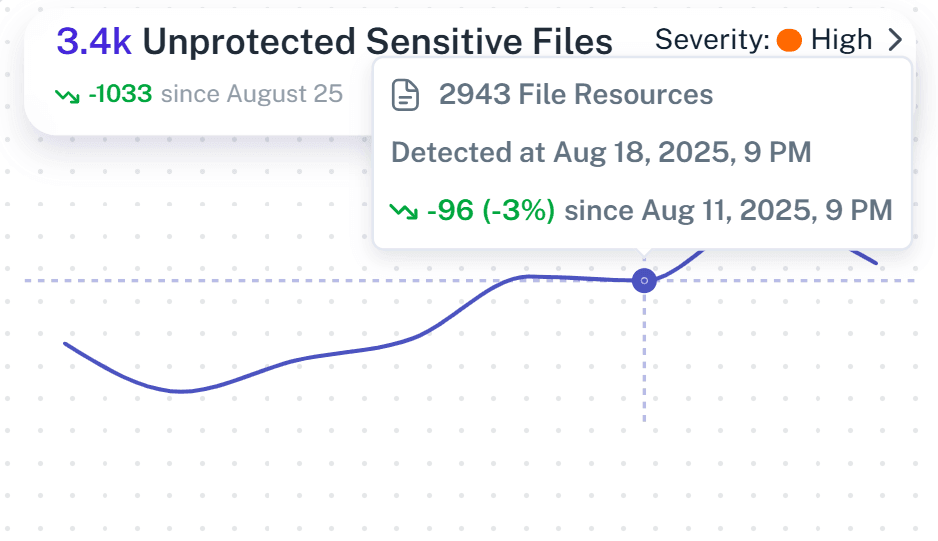
"Time Travel" Feature
See what user permissions looked like before a data leak and restore access one-to-one.
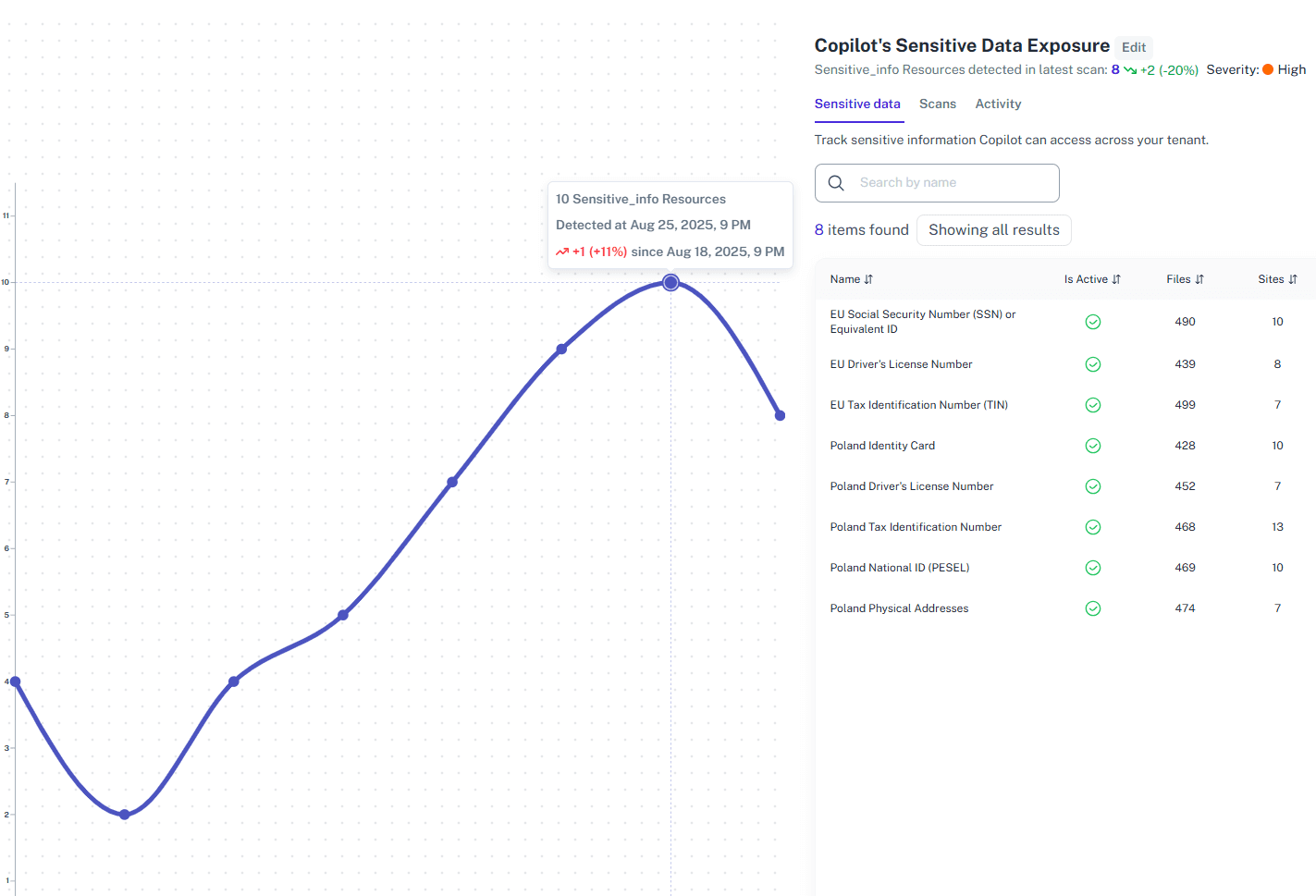
Solving It with Other Methods
Most organizations use PowerShell and native tools as duct tape for reporting. It's a complex, sticky mess that takes forever and leaves huge security gaps flapping.
Why Office 365 Permissions Report Software Matters?
1Security gives you X-ray vision for Office 365 permissions, spots risky access instantly and makes compliance reports a breeze. It protects your sensitive data so you can actually manage security, not just drown in audit logs.
"We had to analyze files with accessible sharing links across the company, which was unfeasible without 1Security's help."
IT Manager, Large Polish Organization"Native Microsoft tools are too complex. 1Security's solutions are very clear and transparent, which is what we needed."
CISO, Financial Services"The user experience related to permissions is hell. 1Security gives us a clear map of access rights, which we never had before."
Head of IT, Public UniversityWho Benefits Most?
1Security supports organizations of all sizes — from highly regulated industries to fast-growing mid-size firms.
Works seamlessly with your ecosystem
1Security connects natively with the tools you already use — giving you full visibility and control without adding complexity.









Frequently asked questions
Everything you need to know about the product.
How quickly can I get a complete permissions report?
1Security provides a detailed report quickly after setup. Our demo shows the full capability in under five minutes.
Does this report show permissions for external users?
Yes. The report provides detailed visibility into all external user access across files, sites, and Microsoft Teams groups.
Does this help with 'permission creep'?
Yes. By providing continuous visibility, 1Security makes it easy to identify and revoke accumulated permissions that users no longer need.
Can I see permissions for a specific file or folder?
Absolutely. You can search by user to see all their access, or by a specific resource to see everyone who can access it.
How does this differ from the Microsoft 365 admin center reports?
Native reports from multiple admin centers are scattered. 1Security consolidates all data into one actionable, easy-to-understand report.
Do you support ISO 27001, SOC 2, HIPAA, and GDPR work?
Yes. 1Security maps findings and evidence to common control frameworks, helping organizations demonstrate compliance more efficiently.
Can non-technical stakeholders use it?
Yes. Plain-language reports and read-only views make it easy for compliance, legal, and business stakeholders to see the evidence behind findings without needing admin rights.
Is this only for large enterprises?
No. While designed for complex environments, 1Security is equally valuable for mid-sized organizations running Microsoft 365 or Office 365 that need strong visibility into access, activity, and compliance.
Gain visibility. Ensure compliance. Boost productivity.
Stop guessing who has access to your sensitive data. With 1Security, you gain the visibility, automation, and confidence needed to protect your Microsoft 365 environment.