Office 365 user monitoring
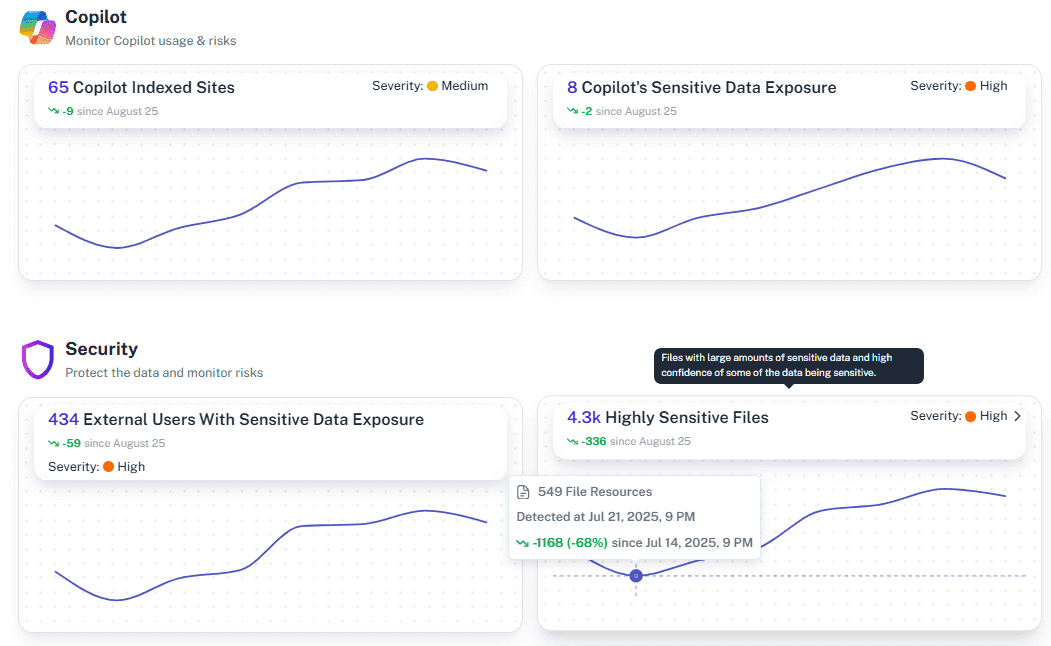
A week before resigning, an employee downloads 2,000 sensitive files to a personal drive. In native logs, it looks like normal work. In 1Security, it’s a red flag. Fragmented signals often stay hidden until panic sets in. 1Security turns scattered activity into a clear narrative, helping teams spot risky exit behavior and prove control. No more guesswork—just answers.
What is the challenge?
Doing It with 1Security
Stop analyzing rows. Start seeing the story. 1Security reimagines Office 365 user monitoring by connecting dots that native tools leave disconnected.
Unified activity view
Combine Entra sign-ins, Exchange actions, SharePoint and OneDrive events, and admin changes in a single feed that is easy to filter for investigations and audits.
Behavior-based alerts
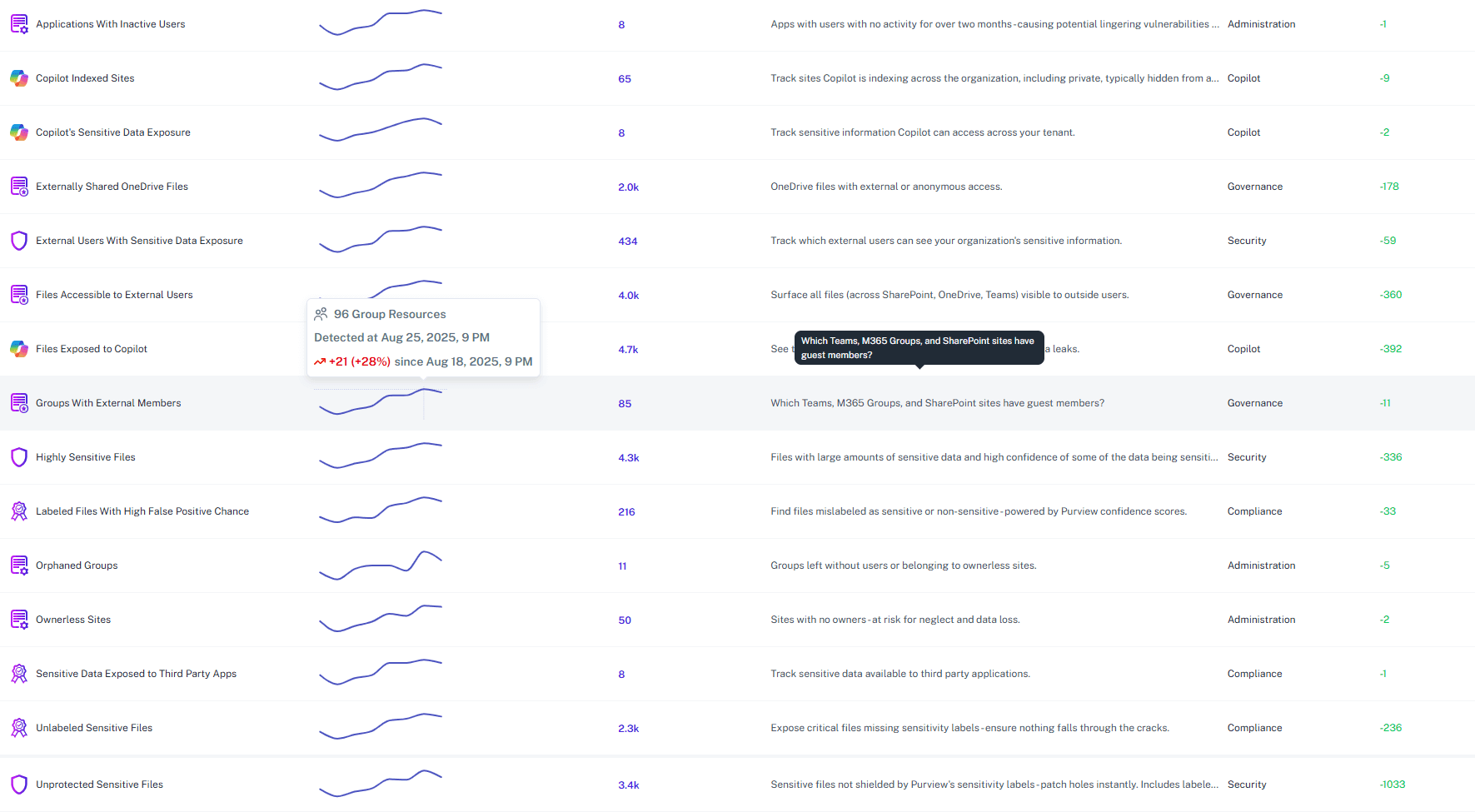
Detect Intent, Not Just Events - like impossible travel or a sudden spike in external sharing—and get alerted with the full context attached.
Privileged change tracking
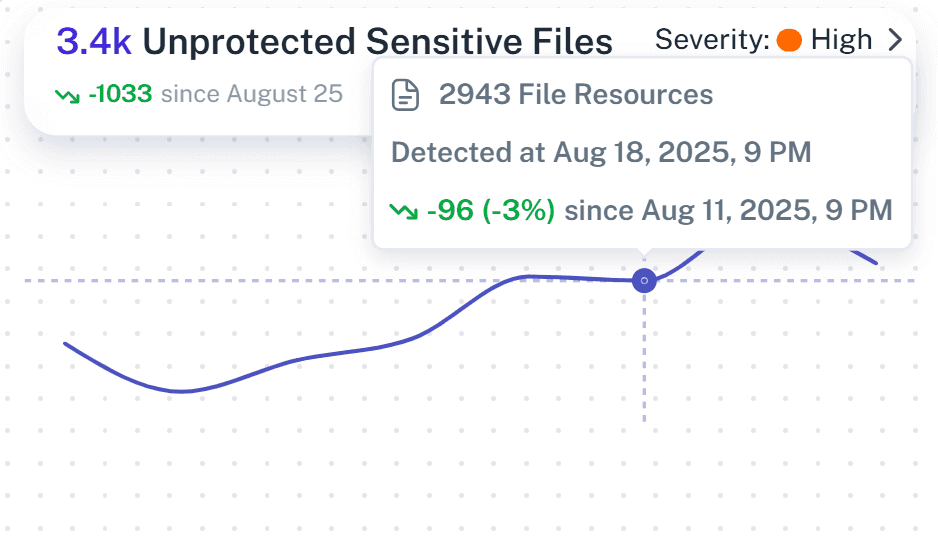
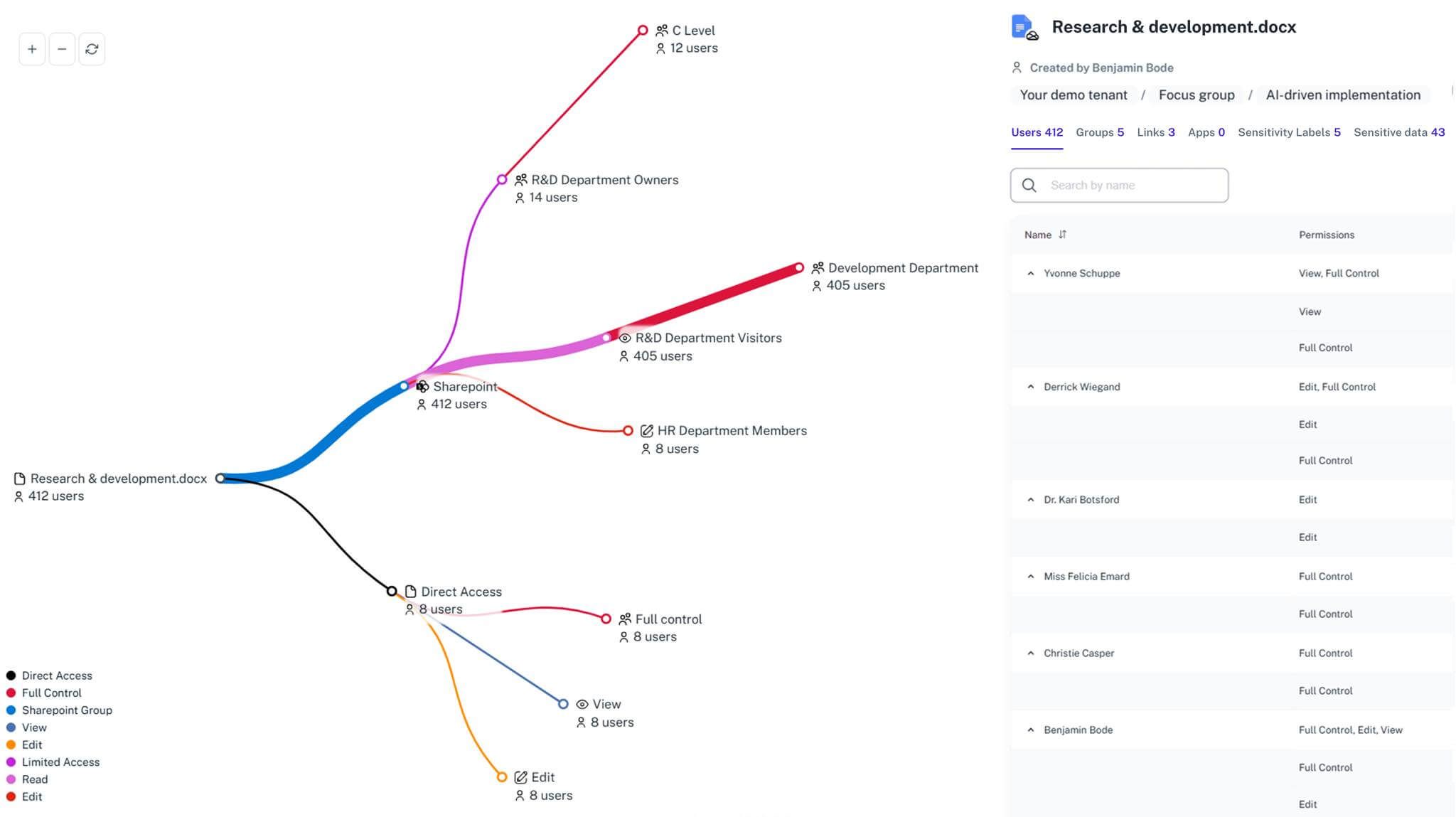
Track admin role grants, mailbox delegation, and SharePoint permission shifts so you can prove least privilege and spot abuse quickly across the tenant.
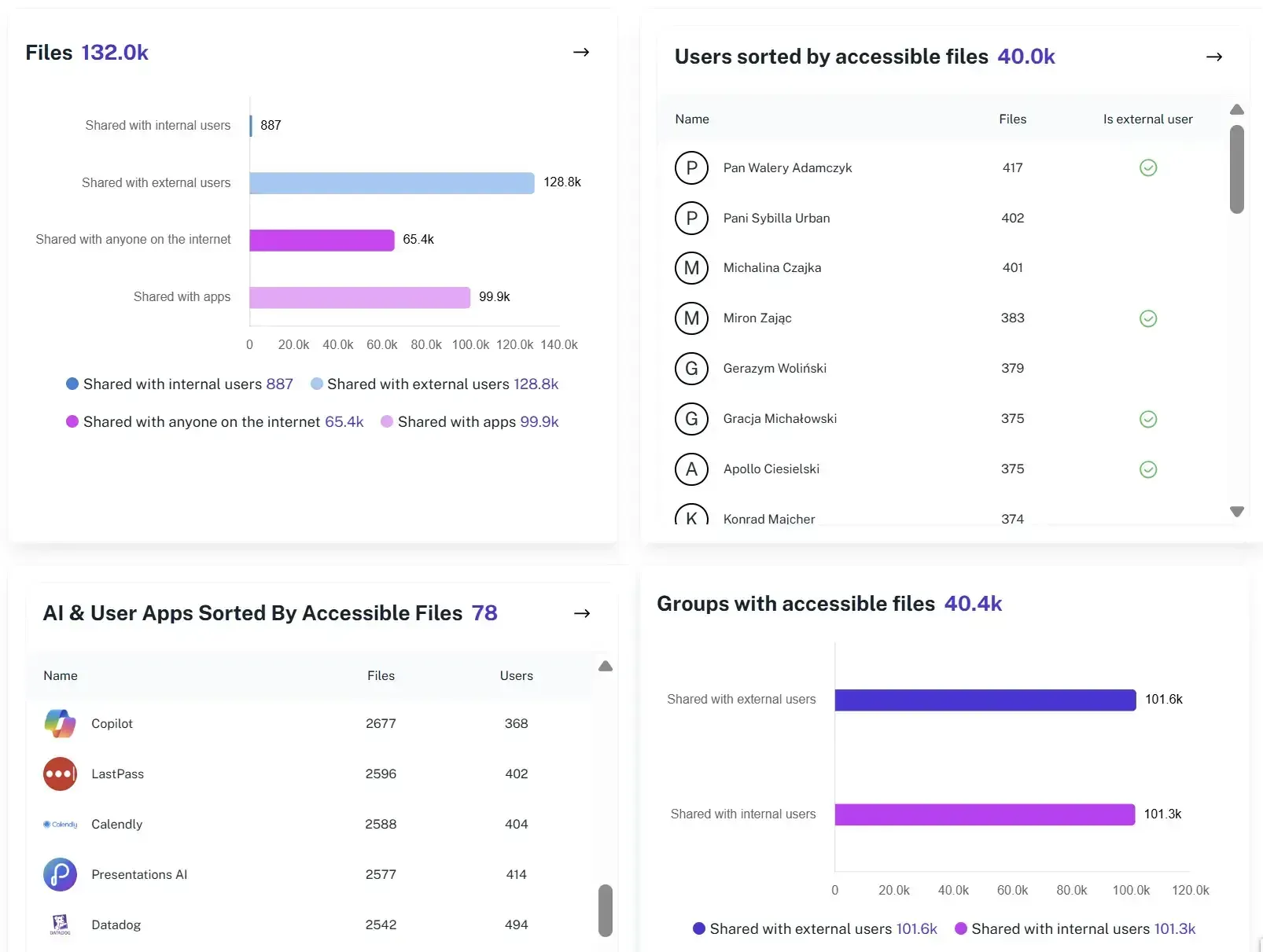
External sharing visibility
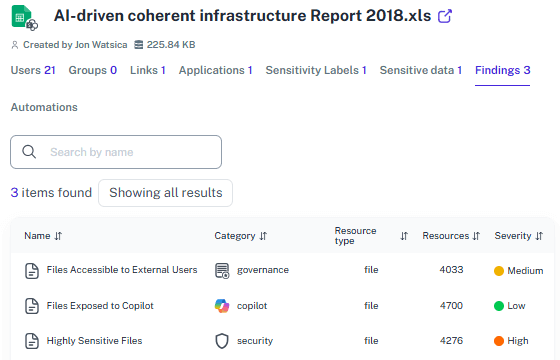
Instantly see when users create sharing links or invite guests. Know exactly what content is leaving your tenant and verify if it’s business-critical or just a lunch menu.
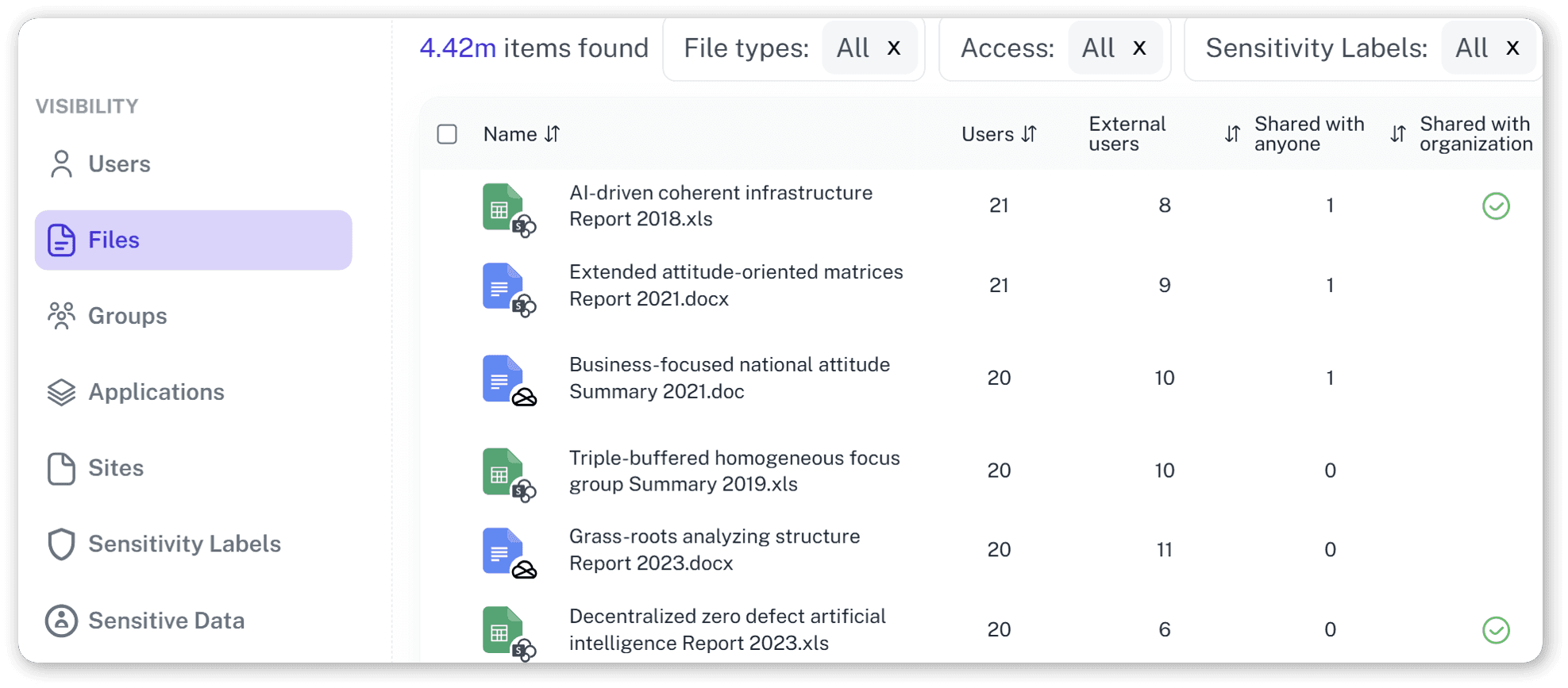
Plain-language reporting
Generate reports for security, compliance, and managers that explain activity and risk in plain terms, with exports ready for audits—no PowerShell required.
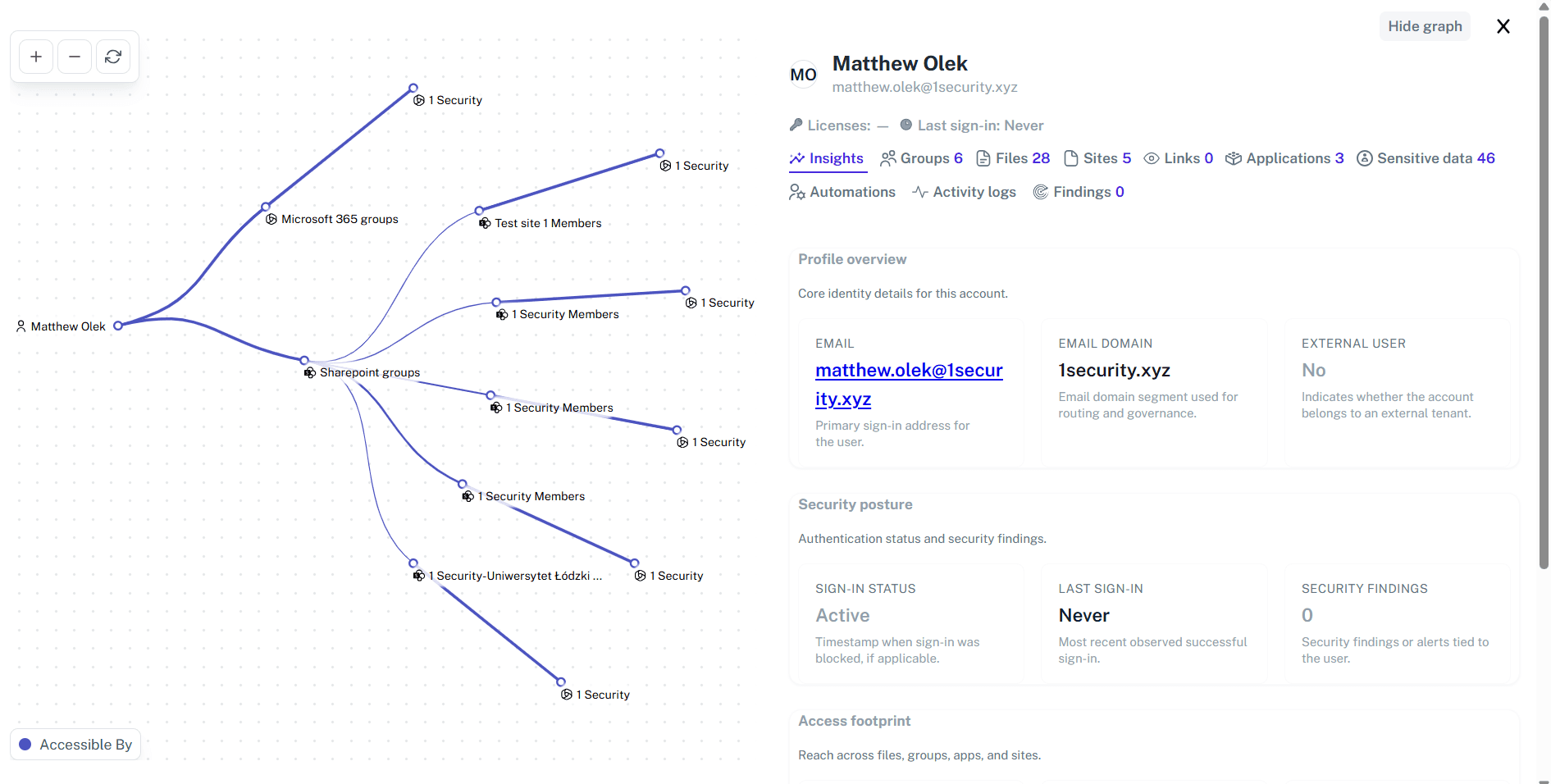
Retention-friendly evidence
Keep a consistent history of key user actions and admin changes so you can answer who did what and when, even months later, without rebuilding timelines.
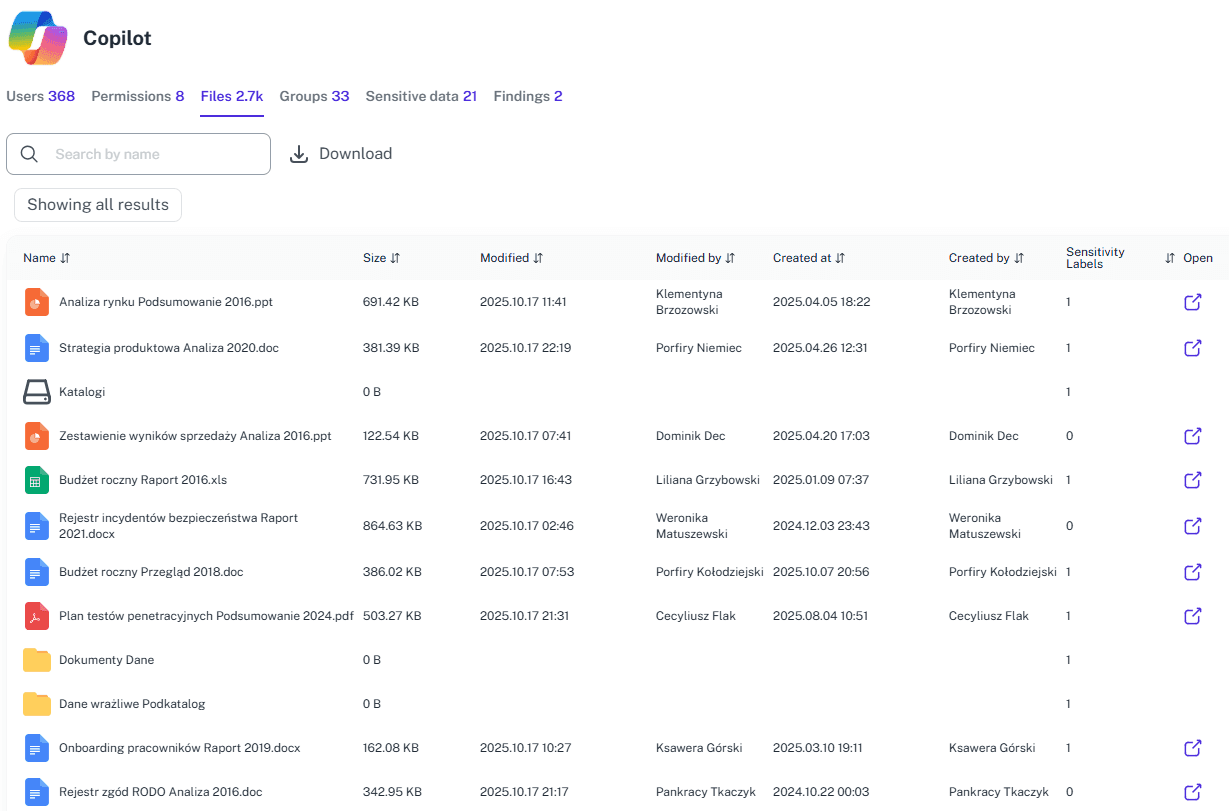
Copilot readiness checks
Validate what Copilot and other AI assistants could surface by auditing overshared content and risky access paths tied to real user behavior before rollout.
Solving It with Other Methods
Most teams assume that because they have logs, they have answers. In reality, native tools give you millions of isolated data points but zero narrative. This “DIY” approach creates a dangerous false sense of security.
Why OneDrive Monitoring Matters?
Turn "I Think We're Safe" into "I Know We're Safe." Office 365 user monitoring isn’t just about compliance; it’s about protecting your competitive edge.
"We finally saw exactly which users were downloading and sharing sensitive files. Audit prep went from days to hours."
Head of IT, European Consulting Firm"Office 365 user monitoring used to mean stitching together portals and CSVs. 1Security gave us one timeline we could trust during an incident review."
Security Manager, Regional Bank"We caught a compromised account forwarding mail externally within minutes. 1Security made the investigation straightforward for both security and compliance."
CISO, Research UniversityWho Benefits Most?
1Security supports organizations of all sizes — from highly regulated industries to fast-growing mid-size firms.
Works seamlessly with your ecosystem
1Security connects natively with the tools you already use — giving you full visibility and control without adding complexity.










Frequently asked questions
Everything you need to know about the product.
Do you support ISO 27001, SOC 2, HIPAA, and GDPR work?
Yes. 1Security maps findings and evidence to common control frameworks, helping organizations demonstrate compliance more efficiently.
Can non-technical stakeholders use it?
Yes. Plain-language reports and read-only views make it easy for compliance, legal, and business stakeholders to see the evidence behind findings without needing admin rights.
Is this only for large enterprises?
No. While designed for complex environments, 1Security is equally valuable for mid-sized organizations running Microsoft 365 or Office 365 that need strong visibility into access, activity, and compliance.
Will it reduce manual reporting for audits?
Yes. 1Security prepares ready-made reports that tie user activity to controls, reducing CSV exports, ad hoc scripting, and repeated evidence requests.
Does this help with insider risk and data leakage?
Yes. It highlights patterns such as bulk downloads, unusual sharing, or mailbox forwarding rules, so you can detect and respond to risky behavior sooner.
How fast can we investigate a suspicious sign-in?
You can filter by user, IP, device, or location and review the related actions in one view, so investigation time drops from days to minutes.
Can I monitor guest users and external sharing?
Yes. 1Security shows guest invitations, link creation, and external opens, so you can confirm exactly what was shared, with whom, and how those links are used.
What does Office 365 user monitoring cover?
It tracks sign-ins, mail actions, file access, sharing events, and key admin changes, all tied to specific users so you can see how accounts are used over time.
Gain visibility. Ensure compliance. Boost productivity.
Stop guessing who has access to your sensitive data. With 1Security, you gain the visibility, automation, and confidence needed to protect your Microsoft 365 environment.