The first question in an identity incident is whether it's an attack. The second one arrives about ninety seconds later, usually from someone more senior, and it's always the same.
What could they get to?
It sounds like a report. Somebody should be able to run it. In most organisations the honest answer that comes back is a version of "their team's SharePoint sites, their OneDrive, their mailbox, and, well, anything shared with them." Which is a guess wearing the clothes of an answer, and everyone in the room knows it.
The guess is not laziness. The question is genuinely hard, for a reason worth understanding, because it explains why so much of the incident response that follows is aimed at the wrong things.
Access arrives through five paths
In Microsoft 365, a person can have access to a file for five different reasons. Any one of them is sufficient on its own.
A direct grant. Someone gave this specific person access to this specific item.
A sharing link. A link exists that grants access to whoever holds it. Depending on scope, that might be anyone, anyone in the organisation, or specific people. The link is a grant that lives on the item and doesn't necessarily name the person using it.
Group membership. The person is in a group, and the group has access. The group may contain other groups. The access may have been granted to the group years before this person joined it.
Site membership. The person is a member or owner of a site, and the item lives in that site.
Inheritance. The item sits under a parent that carries permissions, and it inherits them. Nobody granted anything at the item level at all.
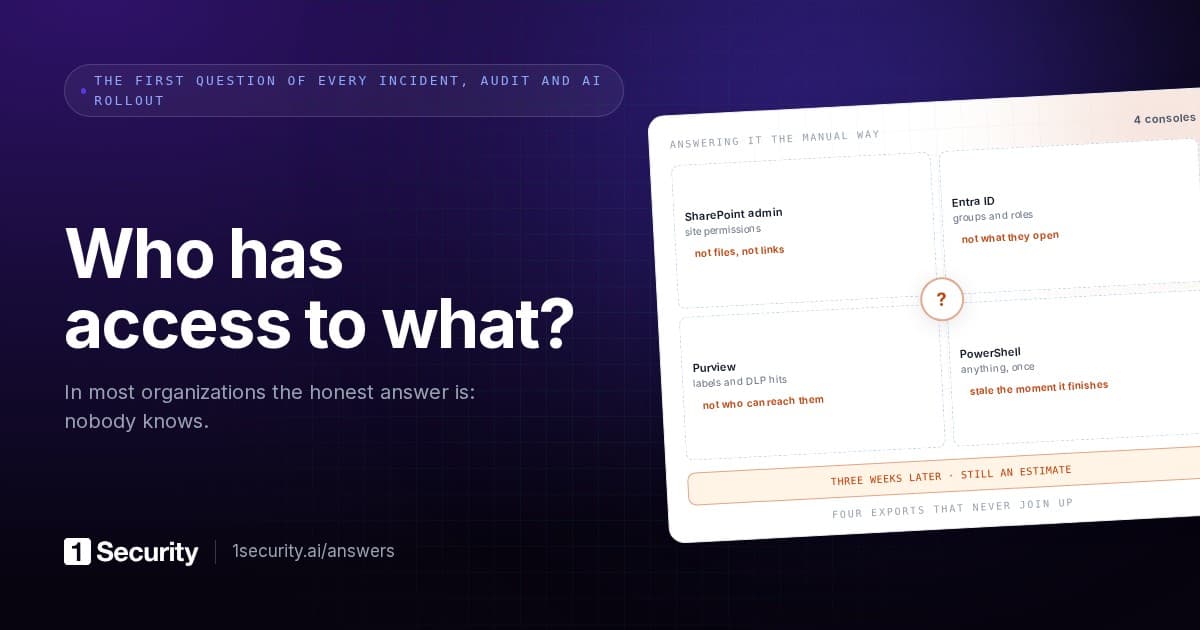
Each path is stored differently, queried differently, and administered by different people at different times. There is no single table anywhere that says "here is everything this person can open."
That's the whole difficulty in one sentence. Effective access is a computation, not a record.
Why partial answers are worse than none
Here's where blast radius assessments go wrong in practice, and it's a failure mode with real consequences.
Someone runs the query they can run. Usually that's direct grants, because direct grants are the easiest to enumerate. They produce a list. The list is real. The list is also a fraction of the answer, and nothing on it is labelled "incomplete".
The response then gets scoped to that list. Files get reviewed, owners get notified, a containment decision gets made. And the four other paths remain entirely unexamined, which matters most for the two that carry the largest volume: group membership and inheritance. Those are exactly the paths that grant access at scale, because they were designed to.
A partial answer produces confident, wrong scoping. No answer at least produces caution.
The same failure shows up in remediation, which is why "we removed their access" so often turns out to be untrue. Remove a direct grant and the person still reaches the file through the group. Remove them from the group and they still reach it through the site. Each removal is verifiable, each report says success, and the access persists.
What a complete answer contains
If you're scoping an identity incident properly, the blast radius has five components. The first is the one everyone thinks of. The other four are where the decisions actually get made.
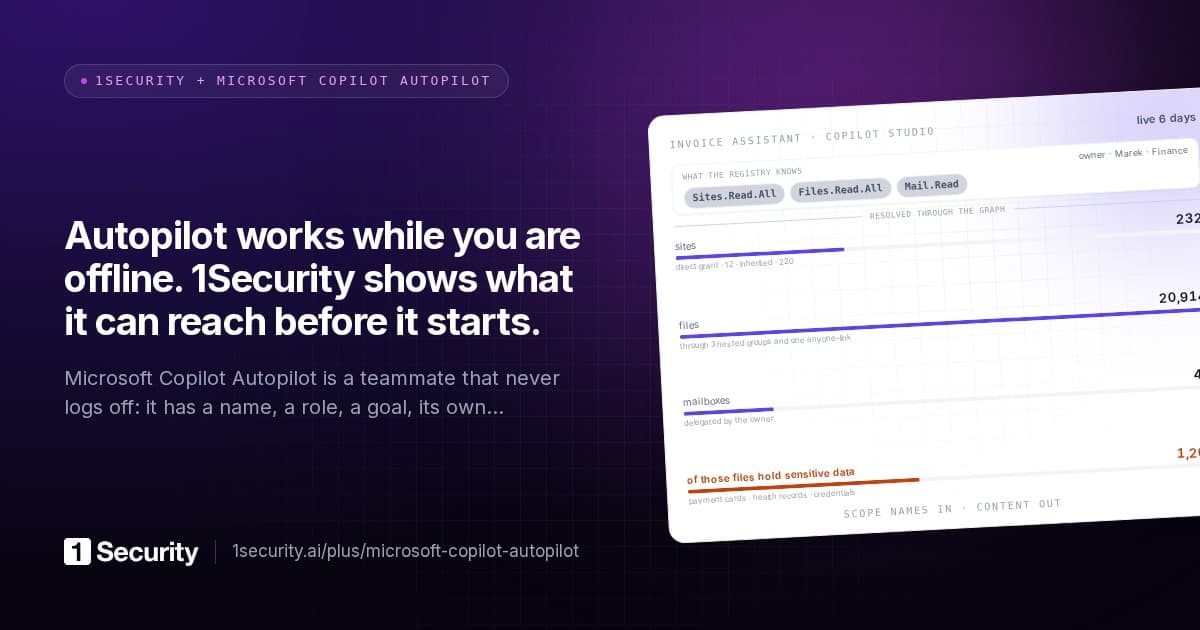
1. The reachable set. Every file, site, mailbox and list this identity could open, resolved through all five paths, deduplicated. A count first, then the list.
2. The sensitive subset. Of that set, what carries regulated or sensitive content: payment card data, health records, credentials, contracts, whatever your classifications are. This is the number that determines whether this is an IT incident or a notifiable one, and it's the number a regulator will eventually ask about.
3. What was actually touched. Reachable is potential. Touched is fact. During the suspected compromise window, which of those items did the account actually read, download, modify, share or delete? The gap between the two numbers is usually enormous, and it's the difference between disclosing a breach of everything the account could see and disclosing a breach of what it took.
4. What outlives containment. This is the part most commonly missed, and it's the part that keeps causing damage after the incident is declared closed. Sharing links created during the session keep working after the account is disabled, because a link is a grant on the item rather than a permission held by the account. Same for forwarding rules, delegate access, and OAuth grants to applications. Disabling the account does not touch any of them.
5. The lateral surface. Which other identities this one could affect. Groups it owns, sites it administers, other users' items it holds elevated rights over. This is what turns one compromised account into a second incident a week later.
Number four is the one worth over-emphasising internally. A great many "contained" identity incidents were contained at the account level while the artefacts the session created continued to function.
Why this can't be computed on demand
There's a reasonable question here: if the paths are known, why not just compute the answer when it's needed?
Scale. A large Microsoft 365 tenant holds tens of millions of files. Junction tables linking users to files run into the tens of millions of rows, and the edges between entities can reach into the hundreds of millions. Resolving five access paths across that, live, during an incident, is not a query that returns while somebody waits. It's a batch job, and batch jobs are how you get to a twelve-hour verdict.
Which means the answer has to be precomputed and maintained incrementally, so that when the question is asked it's a lookup rather than a traversal. That in turn means the system holding it has to know when something changed, which means it has to be watching activity continuously rather than scanning periodically. A nightly rebuild gives you last night's blast radius, and last night's is usually fine, right up until the incident involves permissions that changed this morning.
This is the real reason blast radius is a product rather than a script. Not the graph traversal, which is textbook. The maintenance of it, at that size, continuously.
The version of this you can run before the incident
Blast radius is usually framed as an incident question. It's more valuable as a routine one, because knowing it in advance changes what you'd do.
The exercise is simple. Pick your ten highest-risk identities. Not the most senior, though there's overlap. The ones whose compromise would be worst: finance approvers, HR, IT administrators, anyone with delegated mailbox access, and the service accounts and AI agents that nobody thinks of as identities at all.
For each one, get the two numbers: how many items can it reach, and how many of those carry sensitive content.
Two things usually happen. First, at least one of the numbers is much larger than anyone expected, and the reason is almost always a group whose membership grew for unrelated reasons or a site with inheritance nobody reviewed. Second, the conversation immediately becomes about reducing standing access rather than about detection, which is the right conversation, because a smaller blast radius makes every future incident smaller regardless of how well you detect it.
There's a useful statistic to hold alongside this: the large majority of granted permissions are never exercised. Which means most of what an attacker would inherit from a compromised account is access nobody needed and nobody would miss if it were removed. Unused access is the safest thing in security to take away, because by definition nothing depends on it.
How 1Security does it
The permission graph is resolved in advance and maintained incrementally, so blast radius is a lookup rather than a traversal. All five paths are included: direct grants, sharing links, group membership, site membership and inheritance, deduplicated into one reachable set per identity.
Each identity's drawer carries the reachable set broken down by files, sites, users and emails, with the sensitive information types inside that reach listed by type, so the "is this notifiable" question has a number rather than an adjective. The user access graph shows the whole thing as one diagram, with every branch labelled by the sensitive types it reaches and every node clickable through to the filtered list behind it, so "how do they reach this" is a click rather than a theory.
Activity sits on the same timeline, which is what separates reachable from touched. Three years of activity memory back it, without a SIEM contract, so a compromise window that turns out to be longer than anyone assumed still has evidence behind it.
Remediation understands the same structure. Revoking a user's access to a set of files resolves every path the access arrives through, removes what can be removed automatically, and asks before touching paths whose removal would affect other people, with the blast radius shown per source. That's the part that stops "we removed their access" from being a sentence nobody can verify.
Frequently asked questions
Can't I get this from the SharePoint admin centre? You can get pieces. Site-level permissions, some sharing reports, per-item permission views. What you can't get is one identity's complete reachable set across all five paths at tenant scale, because the platform stores the paths separately and never joins them for you.
How different are the reachable and touched numbers usually? Orders of magnitude. Reachable answers the regulatory worst case. Touched answers what happened. You need both, and confusing them either overstates a breach or understates it, both of which are expensive in different ways.
What about links created before the incident? They count, and they're often the more dangerous set, because they've had longer to circulate. Any link with a scope of "anyone" is a standing grant to whoever holds the URL, which is why link inventory belongs in the reachable set rather than in a separate report.
Where do most surprises come from? Group membership and inheritance, consistently. Both grant at scale, both change for reasons unrelated to the access they carry, and neither notifies anyone about the size of what was just granted.