The most common question about Microsoft 365 Copilot is whether it leaks data.
It doesn't, in the sense people mean. It honours the existing permission model. It won't return a document to a user who has no access to that document. On the specific fear people arrive with, the answer is genuinely reassuring.
The reassurance is also where the conversation usually stops, which is unfortunate, because the actual risk is one step past it and is considerably larger.
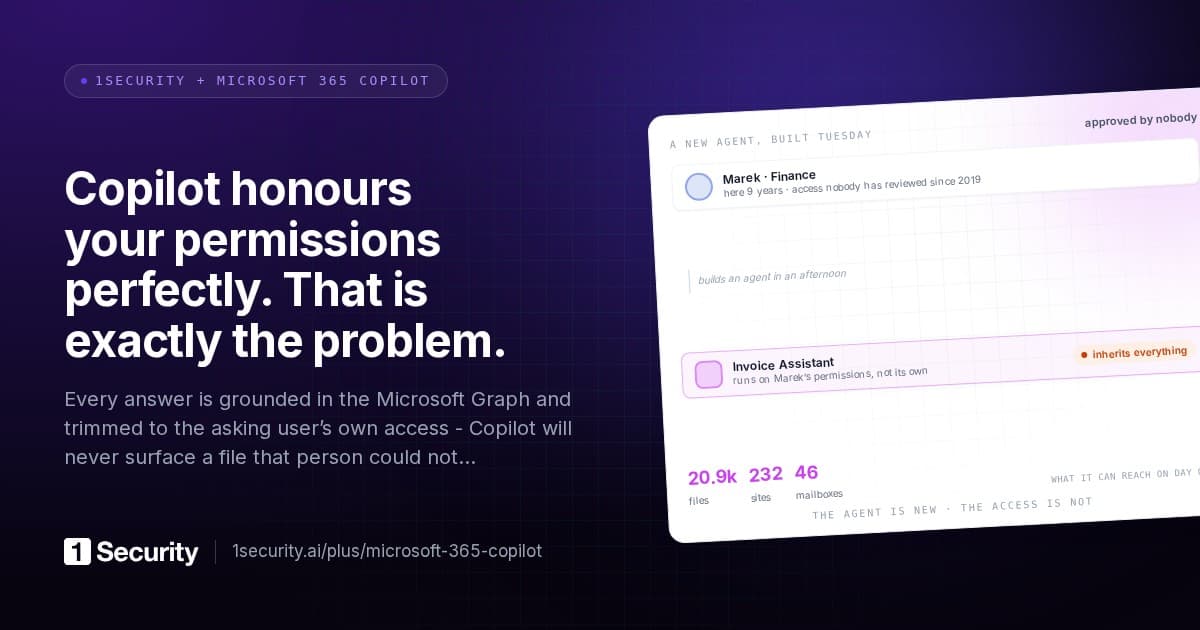
Copilot reads everything the employee is allowed to read. Not everything they normally read. Everything they may read. In most tenants those two sets have almost nothing to do with each other.
Obscurity was doing more work than permissions
Think about how a large SharePoint estate actually behaves.
An organisation has thousands of sites, accumulated over a decade. A site was created for a project in 2019 and the project ended. A folder got shared with the whole organisation so one person could review a document, and the share was never removed. A migration copied a departmental drive into a library with inherited permissions nobody checked. A group's membership grew for reasons unrelated to the access it carries.
None of this is unusual. It's what a tenant looks like after ten years of people doing reasonable things under time pressure.
Here's the part that matters: a typical employee has technical read access to a great deal of that, and until recently it made almost no difference. Not because the permissions were correct, but because nobody could find any of it. Traditional search needs the right keywords, in the right library, with the right filename. The 2019 project site was theoretically readable and practically invisible.
Obscurity was the control. It was never written down as a control, nobody designed it, and it worked.
Semantic search removes it. Ask a question in natural language and the assistant searches across everything reachable and returns what's relevant, whether or not you knew it existed, whether or not you'd have thought to look, and whether or not you can name the site it lives in.
The permissions didn't change. The reachability did. Every configuration audit in the world reports the tenant as unchanged, because in configuration terms it is.
The demonstration that ends the debate
There's an exercise that settles this in about a minute, and it's worth running before any rollout discussion rather than after.
Take an ordinary employee account. Not an administrator, not an executive. Someone in marketing or operations, mid-level, uncontroversial.
Ask it questions an employee might plausibly ask. Not adversarial ones. Questions of the form "what do we pay for X", "what's in the plan for the reorganisation", "summarise our commercial terms with our largest supplier".
What comes back tends to end the meeting. Salary information from a spreadsheet left in a departmental library. Draft commercial terms from a site created for a deal that closed. Board material from a folder shared organisation-wide in 2021 for one review.
The instructive part is the reaction, which is almost always the same: how does it have access to that? And the answer is always the same too. It has access because that employee has access, and that employee has access because somebody shared something years ago in a way nobody has looked at since.
Nothing failed. Everything worked as configured. The configuration was the problem, and it was invisible until something made it legible.
What a readiness assessment should measure
Most Copilot readiness work measures the wrong things: licences, training plans, adoption champions, a governance document. Useful for adoption, irrelevant to this risk.
The measurements that matter are four, and they're all about reach.
Organisation-wide sharing on content that carries sensitive data. "Anyone in the organisation" links and permissions on files containing regulated information. This is the largest and most common source of surprise, because it's the mechanism people use when they want something to be easy rather than when they want it to be public.
Sites that are both sensitive and externally reachable. The intersection is what matters. A sensitive internal site is a normal thing. A sensitive site with external sharing enabled is a different risk, and Copilot indexing it makes it discoverable to everyone inside as well.
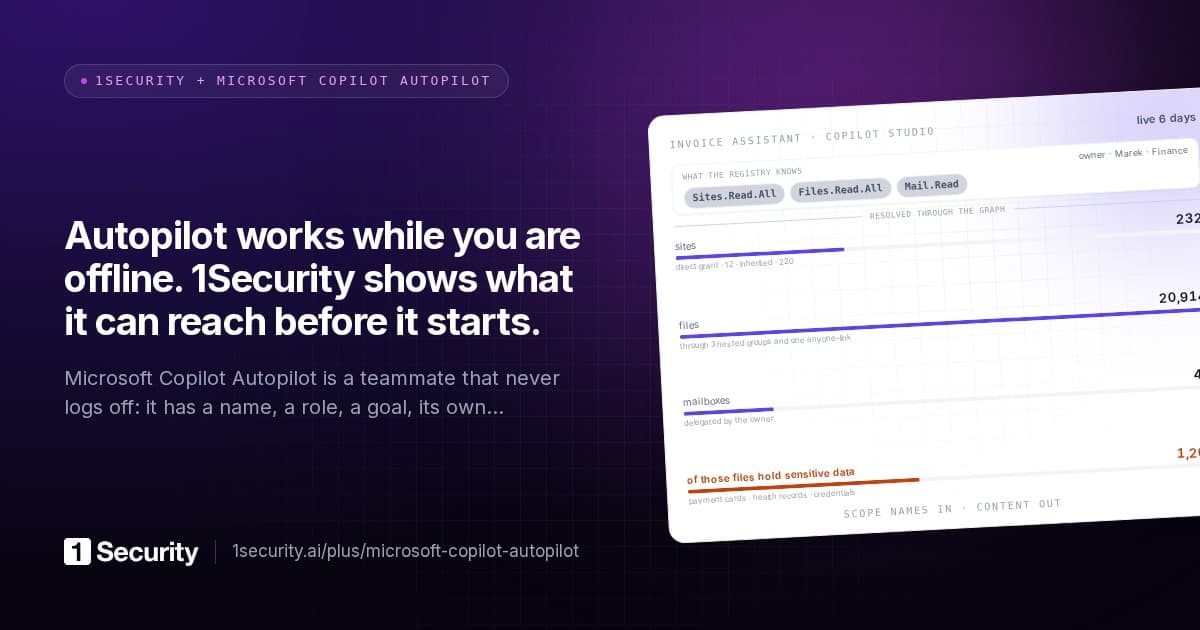
Effective reach per user, not per site. The question that predicts what a rollout will surface is "how many items, and how many sensitive items, can a typical employee actually reach?" Answering it requires resolving access through all five paths: direct grants, sharing links, group membership, site membership and inheritance. A site-by-site review will not produce this number, because access accumulates across sites in ways no site knows about.
Dormant content with live permissions. Sites and libraries nobody has touched in years, still reachable, now searchable. Age used to correlate with safety. It no longer does.
If a readiness assessment doesn't produce those four numbers, it hasn't measured the risk. It has measured the plan.
The fastest control you have
Fixing the underlying oversharing is the right long-term answer and it takes months, because it means reviewing permissions accumulated over a decade across thousands of sites.
There's a much faster control that buys the time to do it properly: remove a site from Copilot's organisation-wide reach.
It's a native setting, it's reversible, and applied by rule rather than by hand it can cover exactly the sites that are both sensitive and externally reachable, plus the orphaned and inactive ones, before a rollout starts.
Two honest caveats, because this gets oversold.
It constrains discovery, not permission. Someone with direct access to a file still has direct access to that file. What changes is that it stops surfacing in organisation-wide semantic search to everyone else who technically may read it, which is where the surprises come from.
And it's a holding action, not a fix. The oversharing is still there. You've stopped amplifying it while you work through it. That's a legitimate goal and it should be stated as one, rather than sold as remediation.
The right shape for a rollout is to apply it to the computed set of qualifying sites, with a review window in front so site owners can object before anything changes, and then work the permission backlog underneath at a sustainable pace.
The order that works
For an organisation about to roll Copilot out, the sequence that avoids the difficult meeting.
- Measure effective reach for a representative employee. One number, and it usually reframes the whole discussion.
- Find the intersection sets. Sensitive plus organisation-wide links. Sensitive plus externally reachable. These are short lists and they're where the worst outcomes live.
- Block Copilot indexing on the qualifying sites, with a review window, before the rollout rather than after.
- Start the permission cleanup, prioritised by reachability rather than by age or by site. A dormant site nobody can reach is not urgent. A live library one group membership away from everyone is.
- Then roll out, with per-agent and per-user activity baselines in place, so a change in how much the AI layer is reading shows up as a deviation from its own normal rather than as an unexamined number.
The mistake almost everyone makes is doing step five first and steps one to four in response to an incident.
How 1Security does it
The permission graph is resolved in advance across all five access paths, so effective reach per user is a number rather than a project, with the sensitive information types inside that reach listed by type. That's the readiness measurement that actually predicts what a rollout surfaces.
The intersection sets are policies rather than manual queries: sites containing sensitive information and shared externally, files with organisation-wide links and sensitive content, orphaned and inactive sites. Each carries a live count of what it matches in your tenant right now, evaluated continuously against the live graph, so the size of each problem is visible before anything is enabled.
Blocking Copilot organisation-wide search on qualifying sites is one of the suggested automations in the AI safety group. It executes as the site's own native restricted-search setting, so it's visible and reversible in the Microsoft admin centres, and it stages proposals behind a review window, seventy-two hours by default, so site owners can object before anything changes.
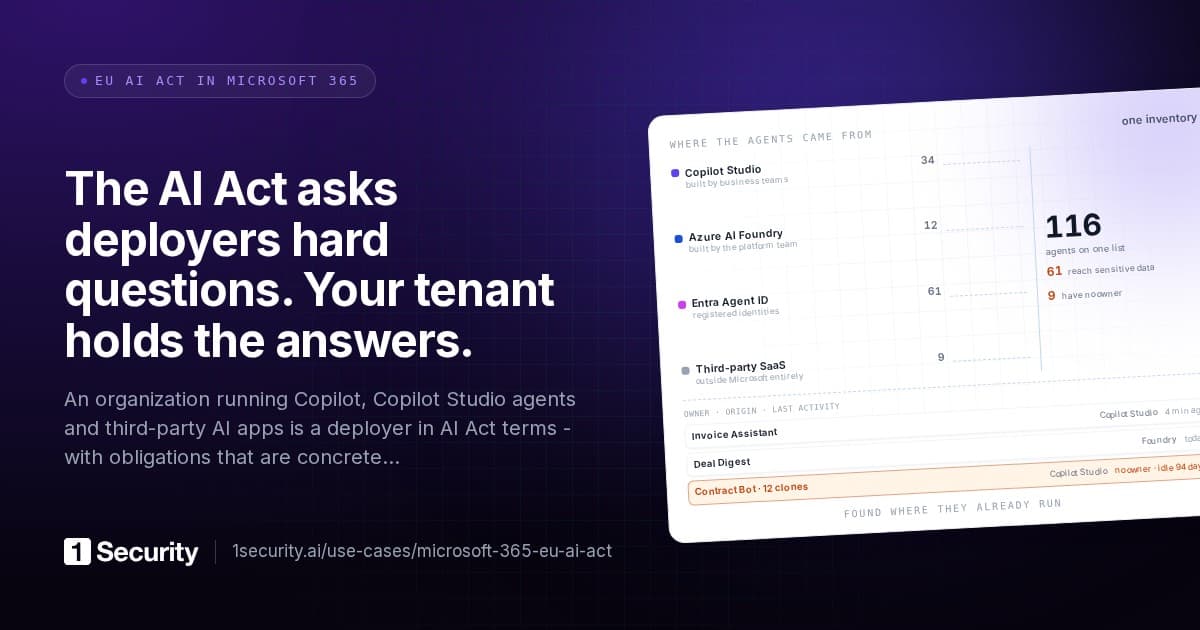
After rollout, the AI layer gets watched like any other identity. Agents carry per-entity activity baselines, their reach is quantified in files, sites, users and emails, and their knowledge sources are resolved to the content actually behind them rather than left as a pointer.
Frequently asked questions
So Copilot is safe? Copilot behaves correctly. Whether your tenant is safe with it depends entirely on whether your permissions describe what you'd want an employee to find, and in most tenants they describe ten years of accumulated convenience.
Is this just a SharePoint permissions problem? Yes, and that's the point. The novelty isn't a new vulnerability, it's that a decade-old problem became legible. Which is why config-scanning tools report nothing changed while the actual risk changed a great deal.
Do sensitivity labels solve it? They help, particularly where they drive encryption or restrict access. They don't retroactively fix a folder shared organisation-wide in 2021, and label coverage in most tenants is partial, so labels are one input to the reachability picture rather than the answer to it.
How long does the cleanup take? Months, on a real tenant, which is why blocking indexing on the qualifying sites first is worth doing. It converts an urgent problem into an important one, and those are much easier to work through properly.