Somebody in your organisation is asking this question right now, probably with a licence quote open in the next tab. It deserves a straight answer, and the straight answer has two halves.
The product itself is well engineered. Your prompts and your documents are not used to train the underlying models, the data stays inside the Microsoft 365 service boundary your contract already covers, and every retrieval is permission-trimmed: Copilot will not hand a user a document that user couldn't open themselves. Those are the three fears most evaluations start with, and all three have good answers.
Whether Copilot is safe in your tenant is a different question, and it's the one that decides how the rollout goes. The risk doesn't come from Copilot misbehaving. It comes from Copilot doing exactly what it's told, on top of ten years of accumulated permissions nobody has ever reviewed, and from a class of attack that arrives not through a firewall but inside an ordinary-looking document.
Here's the fact worth knowing before the rest of the article: prompt injection planted in files and mail is no longer theoretical. Payloads hidden in shared documents and inbound messages, written to steer an AI assistant that later reads them, are now common enough that security scanners flag content injection as its own incident class. That changed quietly over the last year, and it reframes what "safe" has to mean.
What Microsoft got right
Credit where it's due, because the engineering answers matter and they're solid.
Your data doesn't train the model. Prompts, responses and the content Copilot retrieves stay out of foundation-model training. This is a contractual commitment for commercial tenants, not a settings toggle someone can forget.
The data stays where your data already is. Copilot operates within the Microsoft 365 service boundary, inherits your tenant's residency commitments, and its interactions are subject to the same compliance tooling as mail and files. For EU customers that includes the EU Data Boundary.
Retrieval is permission-trimmed. When Copilot searches your tenant to ground an answer, it searches as the user. No access, no retrieval, no answer. The permission model is enforced consistently, and in several years of enterprise deployment nobody has demonstrated a systemic bypass of it.
If your security review stops at those three points, Copilot passes. Most reviews stop there. That's the problem.
The permission trim enforces your permissions. It doesn't judge them.
The guarantee is precise: Copilot returns only what the user is allowed to read. It says nothing about whether the allowed set is sane.
In a typical tenant it isn't. Microsoft's own research puts the share of granted permissions that are never actually needed at around 98 percent. A decade of project sites, migration leftovers, "share with everyone so Dave can review it" links and inherited folder permissions adds up to an allowed set vastly larger than anyone's mental model of it. Before Copilot, that gap was hidden by friction: the files were technically reachable but practically unfindable.
Copilot removes the friction. Every employee gets a natural-language search engine over everything they can technically reach, which means the first weeks of a rollout function as an involuntary permissions audit, run by your least careful users, with results delivered in chat.
We wrote up the mechanics of this, and the rollout sequence that avoids the difficult meeting, in Copilot doesn't leak. It finds. The short version: measure what a representative employee can actually reach before enabling anything, find the sites that are both sensitive and widely shared, and use the native restricted-search setting as a reversible holding action while the underlying cleanup runs. The cleanup takes months. The holding action takes a day.
The attack that arrives as content
The newer risk is stranger, and most Copilot evaluations written before 2026 don't mention it at all.
An AI assistant grounded in your tenant reads whatever its retrieval surfaces: files, mail, meeting notes, pages. An attacker who can get text into that surface can get instructions in front of the model. A shared document with hidden white-on-white text. An inbound email whose footer politely tells any assistant summarising it to fetch a link or exfiltrate the thread. A guest-contributed page in a site the assistant indexes.
This is prompt injection, and the delivery mechanism is the interesting part: it needs no malware, no exploit and no compromised account. It rides the same sharing and mail flows your business runs on, and it targets the assistant rather than the human. The person who shared the file may be entirely innocent; a document can pick up a payload anywhere along its life.
Defence looks like content inspection, not configuration review. The injected instruction is an artifact sitting in a file or a message, which means a scanner that reads content can find it before an assistant does. That's exactly what's now happening in practice: modern detection treats content injection in files and mail as an incident, the always-alert kind, distinct from behavioural anomalies that merely look unusual. If your current tooling can't tell you whether any document in Copilot's reach contains instructions addressed to an AI, you have a blind spot that didn't exist in your threat model three years ago.
It also sharpens the oversharing point. Every needlessly reachable file is not just a disclosure risk any more. It's also a place an instruction can sit and wait to be retrieved.
Copilot is no longer one assistant
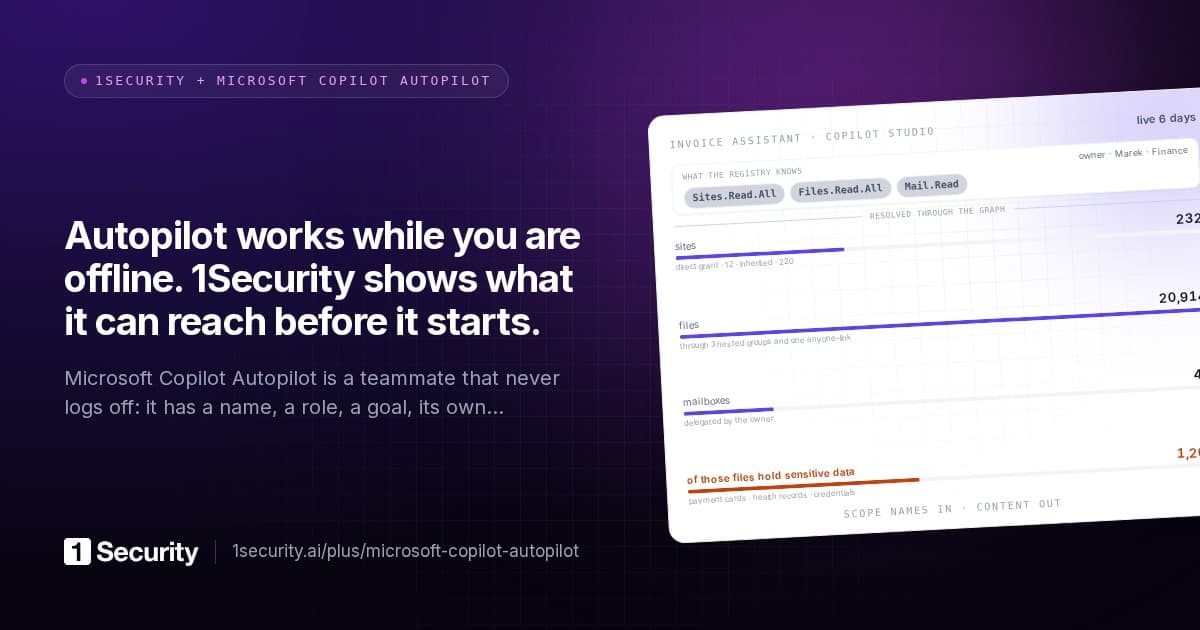
The question "is Copilot safe" quietly became "are our agents safe" somewhere in 2025, because the licence you're evaluating ships a construction kit.
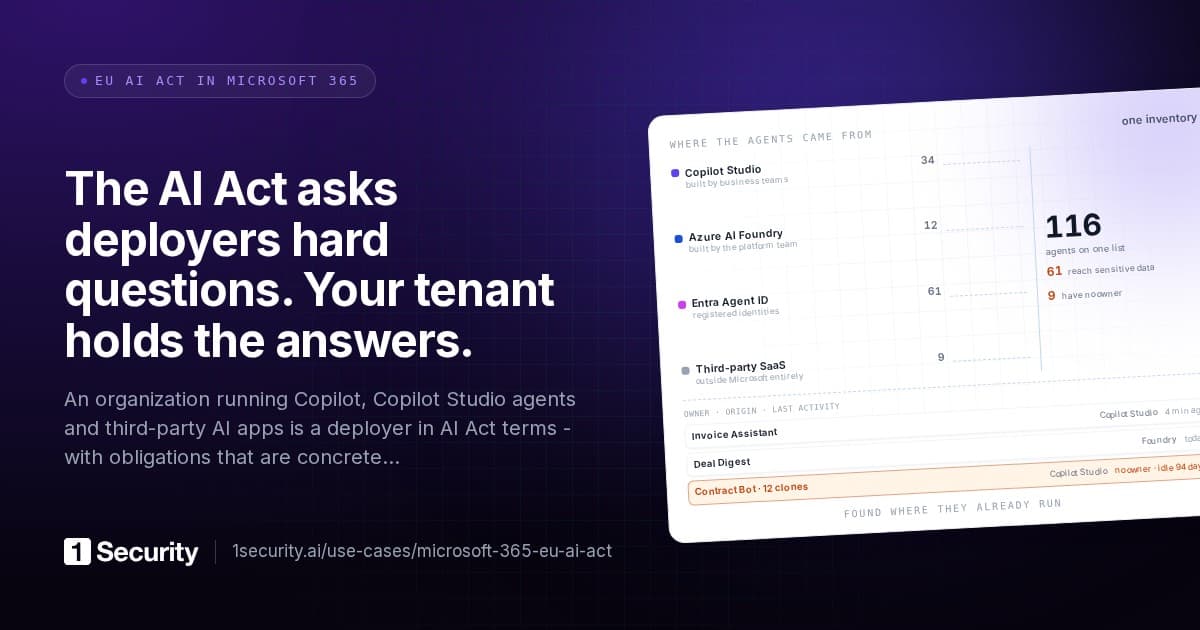
Anyone with access to Copilot Studio or Agent Builder can produce an agent: a policy finder wired to a SharePoint library, a Teams extension, an autonomous process with its own identity acting on a schedule. Third-party SaaS products embed Copilot behind their own branding. Microsoft's own stack registers these across three separate surfaces - the Copilot agent catalog, Entra's agent identities, and ordinary enterprise app registrations - each with its own portal, which is why most tenants cannot produce a complete list of their agents on request.
Each agent carries the risks above in concentrated form. Its knowledge sources are pointers to live content, so whatever lands in that SharePoint library tomorrow speaks through the agent's answers. Its permissions outlive its purpose. And when the employee who built it leaves, the agent doesn't: it keeps its access and keeps answering, ownerless. We covered that lifecycle gap in a separate post on agent offboarding; the one-line summary is that most joiner-mover-leaver processes were written for humans and agents fall straight through them.
One licensing note, because it surprises people: governing the Copilot agent catalog programmatically requires Microsoft's Agent 365 product, and a single licence on one admin account is enough to unlock catalog visibility for the whole tenant. You do not need the expensive full-suite bundle for this, and the admin center's free registry export covers the manual path meanwhile.
"Safe" now has a regulator attached
Until recently, Copilot governance was an internal-standards question. The EU AI Act made it a compliance question, and organisations deploying AI assistants and agents sit squarely in the deployer role the Act regulates.
In practice, the asks converge on a short list regardless of framework: an inventory of the AI systems actually in use, a named accountable owner for each, a usage policy people have seen, an impact assessment for anything touching personal data, and logs that can show what the AI layer did. ISO 42001 and the AI-governance clauses appearing in customer contracts ask for roughly the same evidence.
Notice that none of that is about the model. It's about the tenant: what exists, who answers for it, what it can reach, what it did. Which means Copilot safety and Copilot compliance have collapsed into the same work stream, and a tenant that can't list its agents can't do either.
What a defensible deployment looks like
Not a maturity model. A short list of things that are either true of your tenant or not.
- You've measured effective reach. Someone can state how many files, and how many sensitive files, a typical employee can actually reach through all access paths combined. This number predicts what a rollout will surface.
- The worst intersections are handled. Sites that are sensitive and org-wide reachable, or sensitive and externally shared, are either cleaned up or excluded from organisation-wide Copilot search while they wait.
- Content in the AI's reach is inspected, and instructions addressed to assistants raise an incident, not a shrug.
- Every agent has an inventory row and an owner, across all three of Microsoft's agent surfaces, with its knowledge sources resolved to actual content rather than a pointer nobody has opened.
- The AI layer is watched like an identity. Agents and assistants have activity baselines the way users do, so a change in what the AI layer reads shows up as a deviation rather than going unnoticed.
An organisation with those five in place can answer both the CISO's question and the regulator's, and can say yes to Copilot without the yes being a hope.
Frequently asked questions
Does Microsoft train AI models on our business data? No. For commercial Microsoft 365 Copilot, prompts, responses and retrieved content are excluded from foundation-model training as a contractual commitment.
Can Copilot show a user something they don't have permission to see? No demonstrated systemic bypass exists. The realistic failure is the opposite one: it shows users what they do have permission to see, and in most tenants that set is far larger than intended.
Is prompt injection actually happening or is it a conference talk? It's happening. Injection payloads in shared documents and inbound mail are common enough that content-injection detection on files and mail now ships as a standard incident class in monitoring products. Treat any content an assistant can read as an input channel.
Do we need E5 before rolling out Copilot? No. Copilot has its own licence and doesn't require E5. The one adjacent purchase worth knowing about is Agent 365 for programmatic agent-catalog governance, where a single admin licence unlocks tenant-wide visibility.
Is Copilot EU AI Act compliant? That's not quite how the Act works. Microsoft carries provider obligations for the model; your organisation carries deployer obligations for how it's used - inventory, accountable owners, policy, impact assessment, oversight. Copilot can be part of a compliant deployment, but the deployment evidence is yours to produce.