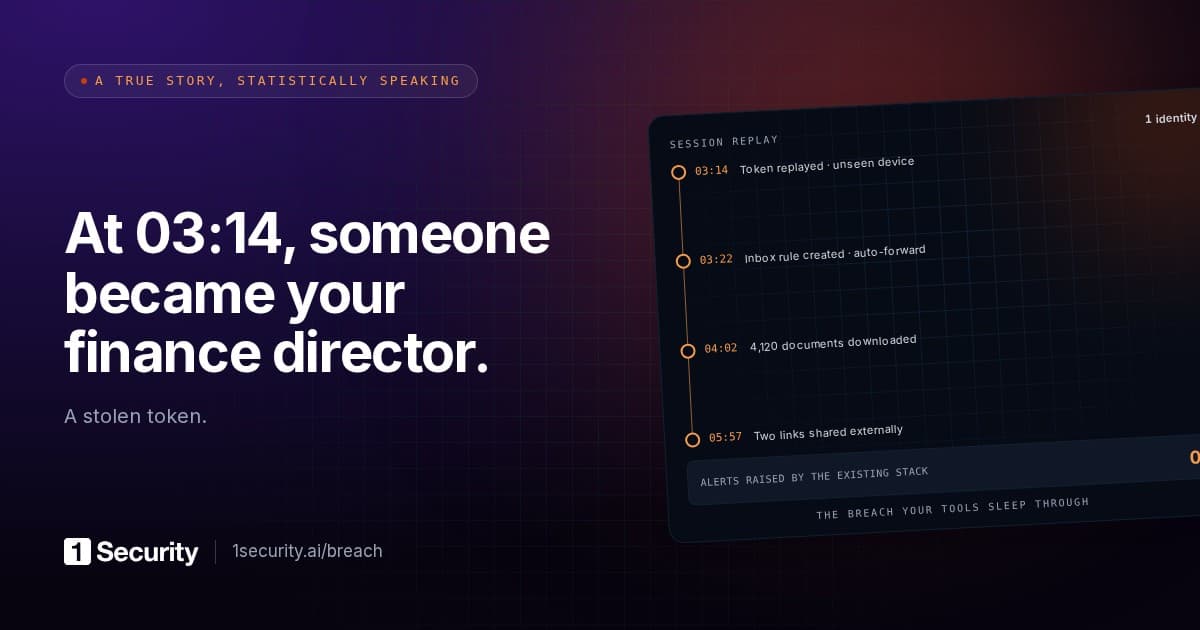
The helpdesk ticket reads: suspicious sign-in from a hosting provider, user confirms it wasn't them, password reset, MFA re-prompted, user back at work by lunch. Status: resolved.
Two weeks later finance asks why the external accountant never answered the question about the payroll change. The accountant did answer. The reply was moved to Conversation History and marked read before anyone saw it, and the question itself went out from the user's account. Nobody in the company wrote it.
A password reset removes the one credential the attacker probably no longer needs. What they planted in the first hour after getting in lives in four other places in Entra ID and Exchange Online, and a reset touches none of them.
Start with what the revoke step actually does. Microsoft's revokeSignInSessions call, the thing most runbooks mean by "kick the attacker out", invalidates the user's refresh tokens and browser session cookies by resetting one timestamp on the user object. That's what the documentation says it does, and that's all it does. Access tokens already issued keep working until they expire. The directory still lists every device the attacker registered, every authentication method they added still answers MFA prompts, every inbox rule still fires, and every app the user consented to still holds its grant. Microsoft's own compromised-account guidance lists devices, MFA methods, consented applications, admin roles and mail forwarding as separate steps after the revoke. Most tickets stop at step one.
How they got in without a password
Huntress published its analysis of a session-token campaign in late October 2026. Between 14 July and 22 September it recorded 497 successful Microsoft 365 sign-ins across 79 organisations, all from replayed tokens, none from a password. The tokens came from adversary-in-the-middle pages that relayed the genuine Microsoft login and MFA prompt and kept the token issued at the end, from device-code phishing, and from social engineering during a legitimate login.
Device-code phishing deserves a paragraph, because it defeats the advice most users have had. The OAuth 2.0 device authorization grant exists so a TV or a printer can sign in: the device asks Microsoft for a code, the user types it into Microsoft's device-login page on their own phone or laptop, and the device that asked gets the access token and refresh token. In the phishing version the attacker's script is the device. The victim visits the real Microsoft page and enters a short code. No fake domain, a genuine sign-in with a genuine MFA prompt, and fifteen minutes to complete it. Microsoft's Conditional Access documentation calls device code flow "a high-risk authentication method that can be part of a phishing attack" and recommends blocking it wherever possible. The block is an authentication-flows condition in Conditional Access, so it needs Entra ID P1; our Conditional Access notes cover what a tenant's policies actually gate.
What happened after sign-in is the part that matters for recovery. Huntress found at least 48 fake devices registered in victim directories, named like ordinary Windows workstations; a registered device, in its words, gives the attacker "a more durable way to request tokens than the stolen session alone". In 19 organisations the victim's MFA methods were wiped and a new one registered within three hours of the first malicious sign-in. Inbox rules named . or s moved mail out of sight: one hid anything mentioning payroll, direct deposit, bank or bonus while the attacker emailed the company's external accountant from the mailbox, and a second buried the accountant's replies in Conversation History, marked read.
Every one of those outlives a password reset. Huntress says so in a single line: a password reset alone does not remove attacker-registered devices or MFA methods. For what a replayed session can open once it's in, see the sister post on what a stolen Microsoft 365 session reaches. This one is about the cleanup.
The recovery order, and the object each step touches
Order matters because each step closes a door the attacker could use while you work on the next. Microsoft's compromised-account guidance and the Huntress remediation list agree on the sequence; this is the practitioner version, with the object named so you can script it.
1. Revoke sessions, then reset the password. Object: the user's signInSessionsValidFromDateTime. Revoke-MgUserSignInSession, or POST /users/{id}/revokeSignInSessions in Graph, sets it to now, which invalidates refresh tokens and browser cookies for every application on every device. Remember that access tokens already in hand stay valid until expiry; the device-code example in Microsoft's docs hands out one good for 3,599 seconds. Disabling the account during the investigation is Microsoft's preferred move, with a reset as the fallback. Don't send the new password to the mailbox you're cleaning.
2. Registered devices, with their join dates. Object: device in the directory, reachable through the user's registered devices. Two properties do the work. registrationDateTime is the date and time the device was registered; trustType of Workplace means a registered personal device, the kind a script can create. Anything registered between the first suspicious sign-in and now, with a generic name, is a candidate. Confirm with the user before deleting; their genuine new laptop looks identical in the list. A device object stays in the directory until someone removes it.
3. Authentication methods, and when each was added. Object: the user's authentication/methods collection. The Authenticator entry carries displayName (the phone it's installed on) and a createdDateTime; phone and email methods show the number or address and little else. The pattern Huntress saw was methods removed and one new one added within minutes of each other, and both operations land in the Entra audit log. Remove what the user doesn't recognise, then re-register with them on a phone call, never through the mailbox.
4. Inbox rules, including the hidden ones. Object: the mailbox's rules table in Exchange Online. Run Get-InboxRule -Mailbox <user> -IncludeHidden. Microsoft's response guidance uses that switch because a rule can be hidden from Outlook while still running: a rule created through MAPI with its name and provider properties blanked (researchers demonstrated it in 2018) vanishes from Outlook and from the plain cmdlet output, and keeps processing mail. Look for one-character names, rules that move mail to RSS Subscriptions, Conversation History, Notes or Junk, rules that mark as read, and conditions keyed on payroll, invoice, bank or your finance contacts. Check Get-Mailbox | Format-List Forwarding*Address,DeliverTo* too; SMTP forwarding isn't a rule and shows in neither list.
5. OAuth consents the user granted. Object: oAuth2PermissionGrant rows with consentType of Principal and principalId equal to the user, plus any application the user was made an owner of. A grant is a standing authorisation for an application to act on the user's behalf. It isn't a session, so neither a revoke nor a reset touches it, and an attacker who consented a mail-reading app from the stolen session is still reading after steps one to four. Huntress's list ends with hunting for newly added enterprise applications and considering switching off user consent; the OAuth app audit walks through what to look for.
6. What the account could reach. Runbooks skip this step because it isn't a cleanup action. It's the damage estimate. The identity had read access to every SharePoint site, OneDrive share and Teams channel it was ever added to, plus every organisation-wide link anyone ever created. Pull its effective access and the audit log for the compromise window, then decide what was exposed. The 72-hour clock below depends on this answer.
Done properly, the six steps take an hour or so per account. Done as "reset, re-prompt, close", they take five minutes and leave the attacker three ways back in.
The assistant inherits the hijacked identity
Barracuda's threat spotlight of 7 October 2026 describes phishing written for two readers. The human sees a routine internal message with a password-protected attachment, password in the body. The assistant that summarises the mailbox sees the same message plus text the human never does: instructions in HTML comments, text at zero font size or white on white, Base64 strings that decode to prose, zero-width Unicode characters layered into ordinary words. The hidden text tells the summariser to call the message legitimate or urgent, or, in Barracuda's invoice example, to add a "priority action" changing a vendor's payment details.
In Microsoft 365, Copilot runs with the signed-in user's permissions: whatever the person can open, the assistant can read and summarise. Put the two together. The attacker holds a replayed session and has parked a hidden rule on the finance contact's mail. A planted message carries hidden instructions. The user asks Copilot what's urgent this morning. Nothing in that chain needs the attacker to be present any more.
Barracuda recommends sanitising inputs so hidden elements never reach the model, human approval for payments and vendor changes, and sandboxing to "limit what an AI assistant can access or do", under the principle that external content is always data, never instructions. The third collapses into something you already own, because the assistant's reach is the user's reach. The shared mailbox with full access for the whole department, the SharePoint library open to everyone in the organisation, the anyone-with-the-link file from 2022: each is also the blast radius of a poisoned summary. Permissions hygiene was AI safety work before anyone called it that.
Where MFA stops by design
One more honest limit. MFA applies to interactive sign-ins by people. Service principals, managed identities, the agent registered as its own identity: none of them presents a second factor, because there's nothing to prompt. They authenticate with a secret or a certificate and act within whatever consent they hold. "MFA everywhere" is a true statement about your users and says nothing about the non-human identities beside them; Conditional Access for workload identities is a separate, separately licensed control.
What the regulators actually ask for
NIS2 Article 21(2)(b) names incident handling as a required risk-management measure, and Article 6(8) defines it as the actions aiming to prevent, detect, analyse and contain an incident, or to respond to and recover from it. Containing and recovering are inside the definition; a reset that leaves attacker devices in the directory has contained nothing. Poland carries the same duty as incident management in the KSC act, art. 8 ust. 1 pkt 4. GDPR Article 33(1) starts the 72-hour notification clock when the controller becomes aware of a personal data breach. Step six is how you find out whether you have one, and an incomplete recovery that lets the attacker back in a week later doesn't restart that clock; it adds a second breach with a worse story about the first. 1Security's compliance screen reads Article 21(2)(b) and Article 33(1) from activity monitoring and the incident procedure record, in practice from whether the six steps left a trace.
Frequently asked questions
The user re-registered MFA after the reset. Doesn't that clear the old methods? No. Re-registration adds a method and leaves the others in place. Delete the attacker's entries explicitly, then read the remaining list back to the user. The same goes for revoking sessions: it signs the user out everywhere, on every device, and that's the point.
How do I know the identity is clean? When you can list, with dates, every device, authentication method, inbox rule and app consent attached to it, and account for each one. If the runbook can't produce that list, the ticket closed on hope.