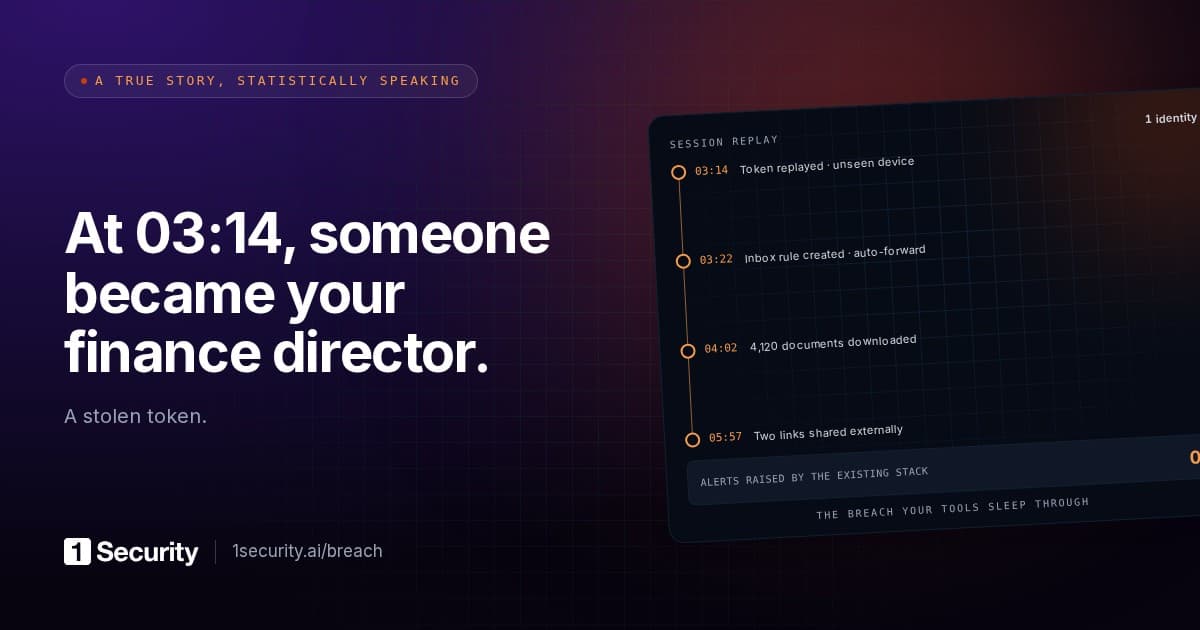
On 15 October, between 06:13 and 08:34 UTC, one application identity signed in to Microsoft 365 tenants from a single hosting-provider IP address and collected Microsoft Graph access tokens in each. It worked through the tenants in sorted GUID order, a few seconds apart. The identity belonged to ConnectWise Cloud Backup, formerly SkyKick, a product many MSPs and their clients use to back up Exchange, SharePoint and OneDrive. Every one of those sign-ins was technically legitimate: the right application ID, the permissions it had always held, a valid credential, and no user anywhere in the chain.
Huntress published its write-up on 16 October. By 19:00 UTC that day it had confirmed unauthorised sign-ins in 162 tenants. In one of them, the ConnectWise Cloud Management app for Microsoft Teams added itself to the Global Administrator role at 03:44 UTC, then made nine changes to two other applications; six succeeded. The new secrets it planted were set to expire in 2028.
Here's the detail worth forwarding to whoever owns your tenant. The compromised credential was an API secret for the vendor's own app registration, so it lived in ConnectWise's tenant, never in yours. There was nothing in your environment to steal and nothing that looked wrong until the sign-in happened. The second detail is the one that decides whether the cleanup actually works. Huntress is blunt about it: disabling the abused apps "will not remove credentials that were already added". If a stolen vendor identity dropped a secret on one of your own applications, that secret keeps working after the vendor app is switched off, after the vendor resets its keys and after your ticket is closed. It works until 2028, or until somebody finds it.
An application acted inside the permissions it already had
A backup product can't ask a user to sign in every night. It runs on application permissions: Graph roles like reading all mailboxes and all sites, granted once by an administrator through admin consent, exercised with a client secret or certificate and no human present. Delegated permissions, the other kind, run as whoever is signed in and are capped by what that person can reach. The backup app had the first kind, which is why the token request looked like any other Tuesday night.
That shape is also why the usual controls were silent. MFA is a user control; there was no user. Conditional Access policies written for people don't evaluate a client-credentials sign-in unless you've built a separate policy for workload identities, and almost nobody has. Password resets, session revocation, the whole post-phishing playbook, none of it touches an identity that authenticates with a secret held by a company you've never met. The attacker didn't bypass anything. They borrowed an identity your tenant had been told to trust, and the tenant did what it was told.
The directory role escalation follows the same logic. The ConnectWise management apps had enough directory permission to change role membership, so in roughly 50 of the tenants Huntress monitors they assigned themselves directory roles from 01:58 UTC onward. In the one tenant Huntress walked through in detail, the Teams management app went straight to Global Administrator and started adding credentials to other applications, including Huntress's own. One of those attempts failed on a certificate thumbprint mismatch. The other six did not.
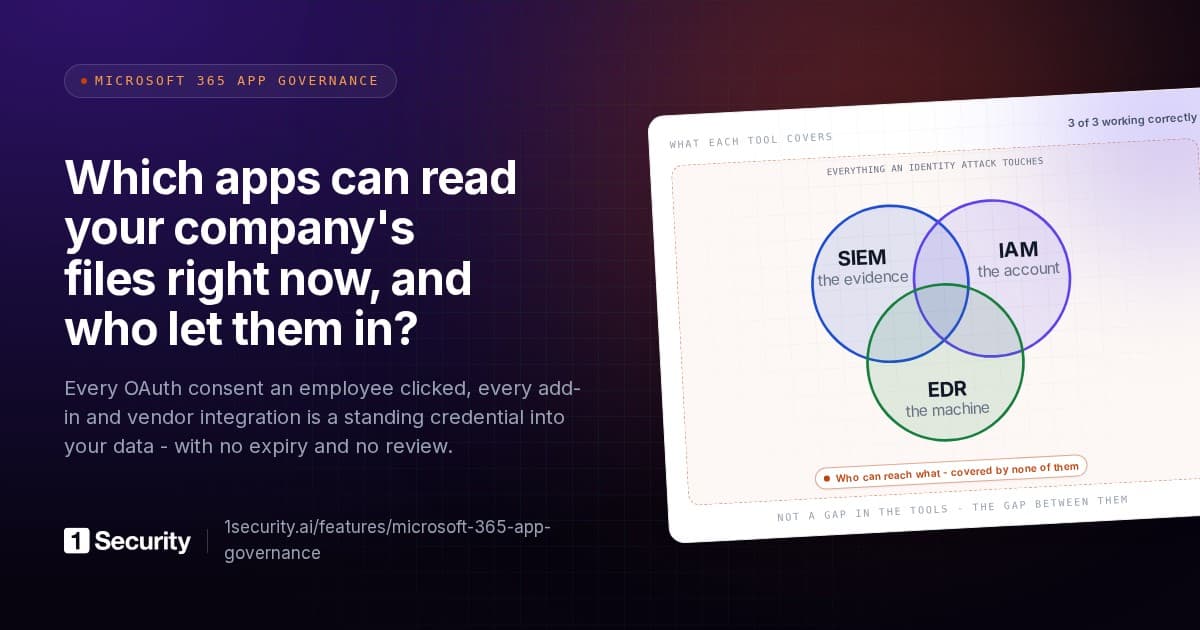
Most organisations review their people: joiners and leavers, MFA registration, guest accounts, occasionally the sharing links. The application side gets none of that. A consent granted by one administrator four years ago has no owner, no expiry and no review date, and it carries more standing access than any single employee. "Assume breach" means being able to say, for any identity, what it could reach and what it did. Hardly anyone can say that for a service principal, and here the service principal was the one that moved.
One limit to be honest about. In the single tenant audit log Huntress reviewed in detail, the actor showed no mail or file access. Reassuring, until you remember that Graph directory reads leave no audit trail at all. "We saw nothing" only covers what the log records.
The three questions
Keep them short, because you'll be asking them again next quarter.
Which third-party applications hold consents in our tenant, and what kind? Not a list of names. For each one: application or delegated permissions, which Graph scopes, who consented and when.
Which of them hold directory roles? A backup tool with Exchange Administrator is a design decision someone should be able to defend. A backup tool with Global Administrator is a finding.
Which received a new secret or certificate this week? On the app registrations you own, on the service principals in your tenant, and, where it's your tenant, on the vendor's registrations too. New credentials you didn't create are the persistence mechanism in this incident, and they outlive every other remediation step.
A fourth sits behind all three: when did a named person last review any of this. "At consent time" means never.
Answering them in Microsoft 365
Enterprise applications versus App registrations. Entra ID shows you two lists and they aren't the same thing. App registrations are the applications your tenant owns: the registration object, its credentials, its requested permissions. Enterprise applications are the service principals present in your tenant, which includes every multi-tenant vendor app whose registration lives somewhere else. The ConnectWise apps show up only in Enterprise applications, because the registration is in ConnectWise's tenant. Your own tools, and anything an attacker could add a secret to, are in App registrations. A review that opens one list and not the other misses half the problem by construction.
Application versus delegated permissions. Open an enterprise application and the Permissions tab separates admin consent from user consent, and application-type grants from delegated ones. Anything under application permissions with a broad Graph role (all mail, all files, all sites, directory write) is an identity that works without a human and deserves the scrutiny you'd give a shared admin account. For the full consent-review procedure, including the Graph queries behind it, see the OAuth app audit walkthrough; the mechanics there apply unchanged here.
Directory roles held by service principals. Under Roles and administrators, open each privileged role and look at the assignments for principals that aren't people. Global Administrator, Privileged Role Administrator, Application Administrator and Cloud Application Administrator come first, because each can grant more access or add credentials to other apps; Exchange Administrator next, since that's where the vendor apps mostly ended up in Huntress's data.
Credential changes in the audit log. The Entra audit log records credential activity under the ApplicationManagement category. The activities to filter on are "Update application - Certificates and secrets management" for app registrations, "Add service principal credentials" for service principals, and "Add member to role" under RoleManagement for the role assignments. Huntress noticed one useful tell: ConnectWise's own apps call Graph as kiota-dotnet, while the changes in victim tenants came from a Python script reporting Python-urllib/3.12. That string is common, so it's a filter for your review rather than proof on its own.
Service principal sign-ins. The Sign-in logs blade has a separate tab for service principal sign-ins, and this incident was found there, by IP address. Retention is short, so what you don't export, you lose.
Why the review covers every app registration, not the incident app
The instinct after a vendor incident is to find the vendor's app, disable it and move on. Huntress's guidance is wider, and for a reason the timeline makes obvious: the management app with Global Administrator added credentials to applications that had nothing to do with ConnectWise. One was an MSP management tool. One was Huntress's own application, which Huntress cleaned up on 16 October after the planted credential had been used seven times in quick succession. The attacker's persistence is wherever they chose to put it, and they chose apps with the most reach.
So the scope is every client secret and certificate on every Enterprise application and App registration in the tenant, management and security tooling first, looking for anything added since 13 October that you didn't create. For the role and credential changes themselves, Huntress's suggested audit window runs from about 01:00 UTC on 15 October to 02:00 UTC on 16 October.
Two more points from the same guidance. Disable the vendor apps, don't delete them: deleting removes the consent and you'll have to re-consent to restore service, while disabling pauses the backups without touching what the vendor has already stored. And don't re-enable until the vendor confirms every credential has been reset, in writing, with a date.
Assume this happens again with a different logo. Every backup, migration, archiving, signature, CRM sync and security product in your tenant is an identity with standing access and a credential you don't control.
What the regulations ask of you here
Supply-chain and third-party clauses are usually read as contract obligations. In this case they land on a concrete tenant question: do you know what your suppliers' identities can do inside Microsoft 365, and do you check.
- NIS2, Article 21(2)(d) asks for supply chain security measures covering the relationship between your organisation and its direct suppliers and service providers. A backup vendor holding application permissions to all mailboxes is exactly that relationship.
- NIS2, Article 21(3) says those measures must take into account the vulnerabilities specific to each direct supplier and service provider, and the overall quality of their products and cybersecurity practices. A stolen vendor secret is a supplier-specific vulnerability by definition.
- Poland's KSC act, art. 8 ust. 1 pkt 2 lit. e and art. 8 ust. 2 carries the same duty into Polish law: security and continuity of the supply chain for ICT products, services and processes.
- DORA, Article 28(1) requires financial entities to manage ICT third-party risk as an integral component of ICT risk, proportionate to the nature, scale and importance of the dependency. An app that can read every mailbox is a dependency of considerable importance.
- DORA, Article 9(4)(c) asks that logical access to information assets and ICT assets be limited to legitimate and approved functions, with access rights soundly administered. A backup app in Global Administrator fails both halves.
- GDPR, Article 28(1) permits controllers to use only processors providing sufficient guarantees of appropriate technical and organisational measures. A backup provider is a processor; a review of what its identity can reach is part of the evidence for that guarantee.
For what it's worth, the compliance screen in 1Security reads each of these articles from the same measurement: third-party application reach, meaning which apps hold which permissions and roles over which data. The clauses differ; the fact underneath them is one fact.
Frequently asked questions
Our vendor says the credentials have been reset. Are we done? Only if nothing was added to your tenant during the window. The vendor's reset covers the vendor's secret. Any credential planted on your own applications is yours to find and remove, and the vendor can't see it.
Should we remove application permissions from our backup tool? It can't work without them. What you can do is know exactly which it holds, confirm it has no directory role it doesn't need, alert on credential changes to the apps it touches, and put a review date on the consent.